
You know the feeling. It’s Friday afternoon, you’re finally heading home after a long week of installs, and a client texts you: “Hey, can you send over those photos of the wiring behind the drywall before the mudder gets here tomorrow?”
Suddenly, your heart sinks. You spent all day in the attic. You took at least twenty photos, but they’re buried in your phone’s camera roll somewhere between pictures of your kid’s soccer game and a screenshot of a funny meme your buddy sent you. You start scrolling. And scrolling. And scrolling.
Ten minutes later, you find them. Now you have to select them all, hit send, and hope the text thread doesn't compress them into blurry thumbnails. Or worse, you realize you forgot to take the "before" shot, and now the "after" has no context.
This is the reality for most electricians, plumbers, and HVAC techs. We’re great at the trade, but the "photo management" part of the job feels like a second, unpaid shift.
But what if you could create a professional, organized job photo timeline in under five minutes? And what if you could do it without ever opening a messy group text or a bloated project management app?
Why "The Old Way" is Killing Your Productivity
Most contractors rely on one of three things for photo documentation:
- The Camera Roll Abyss: Photos live on your phone, unorganized, until you need them (and can't find them).
- The Group Text Thread: You text photos to the office or the client. They get lost, buried under "On my way" and "Where’s the lunch spot?" messages.
- Bloated Construction Software: You try to use a massive project management suite, but it takes ten minutes just to log in and find the right project folder.
If you’re a small service shop, you don’t need a digital filing cabinet that requires a PhD to operate. You need a contractor photo app that works as fast as you do.

The 5-Minute Professional Timeline: How to Do It Right
The goal isn't just to "have photos." The goal is to have a photo timeline. A timeline tells a story. It proves the work was done correctly, documents what’s behind the walls, and gives the customer peace of mind.
Here is how you can build a professional timeline without the headache.
1. Capture as You Go (Don't Wait Until the End)
The biggest mistake is waiting until the job is done to take photos. A true before and after photo app experience starts the moment you step out of the truck.
- The "Before": Show the leak, the old panel, or the messy attic. This justifies your quote.
- The "During": Show the craftsmanship. The clean wire runs, the proper insulation, the brand-new copper. This is your "insurance" against future liability.
- The "After": The final, polished result. This is your marketing gold.
2. Ditch the "App Download" Requirement
One of the biggest hurdles in construction photo documentation is getting everyone on the same page. If you have to ask your tech to download a new app, or ask a homeowner to create an account just to see their project photos, you’ve already lost.
At JobLuma, we believe in the "no-app-download" philosophy. Your customers should be able to see their job timeline via a simple link. It should feel like opening a webpage, not installing a piece of software.

3. Organize by Job, Not by Date
Your phone organizes photos by the date you took them. But in the field, you might be jumping between three different jobs in one day. You need a contractor job app that lets you tag photos to a specific project instantly.
When you organize by job, creating a timeline is automatic. You aren't "building" a timeline; you’re just looking at the project folder.
The Benefits of Simple Photo Documentation
Why bother? Because "good enough" isn't good enough anymore. In 2026, homeowners expect a digital experience. They want to see what they are paying for.
Getting Paid Faster
Ever had a client hold up a final payment because they "weren't sure" if a certain part of the job was completed? A professional photo timeline shuts that conversation down immediately. When you send over a clean, chronological gallery of the work, it’s hard for anyone to argue that the job isn't done to spec.
The Liability Shield
Let’s say you’re an electrician. You finish a rough-in, the drywall goes up, and three weeks later, a screw hits a wire. The homeowner blames you. If you have a photo timeline showing exactly where those wires were run before the walls were closed, you’re off the hook. Without it? It’s your word against theirs.
Better Marketing (Before and Afters)
Marketing for contractors doesn't have to be complicated. The best marketing is simply showing that you do what you say you’re going to do. A before and after photo app allows you to export these timelines into social media posts or website galleries with a few taps.
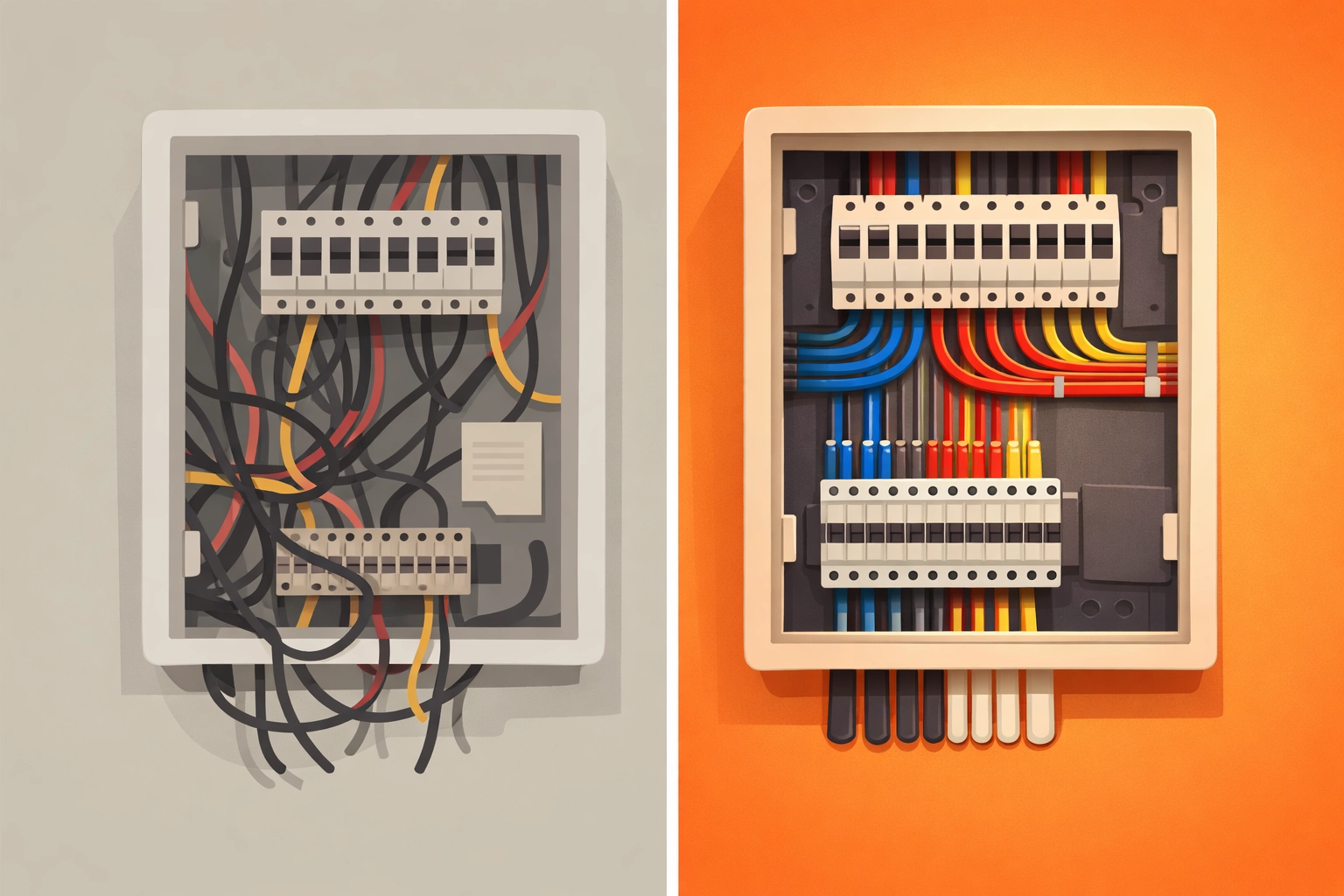
Why Bloated Software is the Enemy of Small Contractors
You’ve probably seen the ads for the "all-in-one" construction management tools. They promise to handle your estimating, scheduling, payroll, drone flyovers, and grocery shopping.
But for a small team or a solo operator, those tools are often too much. They are:
- Too Expensive: You’re paying for a hundred features you’ll never use. Check our pricing to see how simple it should be.
- Too Slow: They take forever to load on a job site with spotty 5G.
- Too Complex: You spend more time "managing the software" than you do fixing the HVAC.
JobLuma was built to be the opposite. It’s a photo timeline app designed for the person with work gloves on. It’s mobile-first, simple, and gets out of your way.
How JobLuma Makes This Easy
If you’re tired of the "messy text thread" lifestyle, here is how JobLuma changes the game:
- Instant Job Creation: Create a job in seconds. No complex setup.
- Mobile-First Uploads: Take a photo, and it’s instantly synced to that job’s timeline.
- Shareable Links: Send a link to your client. They don’t need to sign up for anything. They just click and see their professional construction photo documentation.
- Clear Records: Everything is stored in the cloud, so if you lose your phone, you don’t lose your proof of work.

Steps to Your First 5-Minute Timeline
Ready to try it? You don't need a fancy camera or a marketing degree.
- Stop the Texts: Tell your team (and yourself) that photos no longer go into the group chat.
- Open JobLuma: Head to JobLuma.com and start a new project.
- Snap the "Before": Before you even take your tools out of the bag, snap three photos of the current state of the job.
- Snap the "Hidden" Work: Taking a photo of a pipe before it’s buried or a wire before it’s covered is the most valuable 10 seconds of your day.
- Share the Link: Once the job is done, send the JobLuma link to the client with your final invoice.
It’s that simple. You’ll look more professional, you’ll protect your business from liability, and you’ll stop wasting your Friday evenings scrolling through your phone looking for that one elusive photo.
Conclusion
At the end of the day, your work speaks for itself: but only if people can see it. Moving away from messy text threads and unorganized camera rolls is the easiest way to level up your business this year.
Don't let your hard work get lost in the digital shuffle. Use a tool that’s built for the field. If you’re ready to see how easy contractor software can actually be, signup for JobLuma today and create your first professional timeline in minutes.
Need help getting started? Check out our help section or contact us directly. We’re here to help you get out of the "messy thread" and back to the work that matters.
Leave a Reply