
You just finished a massive HVAC install or a complete bathroom tile job. The results look incredible. You take a quick "after" photo, wipe the sweat off your forehead, and head to the next job site. But when you get home at 7:00 PM, you realize that "before" photo you took three days ago is buried under 400 memes in your group chat and 20 photos of your kid’s soccer game.
Sound familiar?
For most contractors: electricians, plumbers, roofers, and landscapers: photo documentation is the single most important marketing tool you have. It’s the proof of your hard work. It’s what builds trust with the next customer. Yet, for most of us, creating a professional before and after photo timeline feels like another chore on an already long to-do list.
The good news? It doesn’t have to take hours of editing or require a degree in graphic design. You don't even need to download a bulky project management app that tracks your every move. You can create a professional timeline in under five minutes.
Here is how to do it without the headache.
Why Before and After Photos Are Your Best Salesman
Before we dive into the "how," let’s talk about the "why." In the world of field services, your reputation is everything. But a homeowner who has never met you doesn't know your reputation yet. They only know what they see.
A contractor photo app isn't just for your own records; it’s a sales tool. When you show a prospect a side-by-side comparison of a cluttered, outdated electrical panel transformed into a clean, labeled masterpiece, you aren't just showing them a job: you’re showing them peace of mind.
Professional photo documentation:
- Builds Instant Trust: It shows you have a process and care about the details.
- Protects You from Liability: If a customer claims you damaged something, your "before" photos are your best defense.
- Boosts Social Media Engagement: People love a good transformation. These photos are gold for Facebook and Instagram.
- Speeds Up Payments: When a customer sees the visual proof of the work completed, they are much more likely to hit that "pay" button without questioning the invoice.
The Traditional Way (The Headache Method)
If you ask most guys on the job site how they handle photos, they’ll tell you they just use their phone’s camera roll. While that’s "free," it’s actually costing you time and money.
Searching for photos, trying to remember which job was which, and attempting to put them into a Word doc or a generic photo editor is a nightmare. Some guys try using complex contractor software that costs $100 a month and takes three hours to set up. You don't need a bloated system that manages your payroll and tracks your truck’s fuel consumption just to show a customer a new sink installation.

How to Create Your Timeline in 5 Minutes (The JobLuma Way)
We built JobLuma because we were tired of "bloated" software. We wanted something simple, mobile-first, and incredibly fast. Here is the 5-minute workflow to get professional results.
Step 1: Snap the "Before" Photo (60 Seconds)
The second you walk onto a job site, open your browser and hit your JobLuma link. You don't need to go to an app store or wait for an update to download. Take a photo of the current state of the project.
Pro-tip: Try to find a fixed point in the room (like a window frame or a door) to align your shot. This makes the final "after" photo look much more professional because the perspective stays the same.
Step 2: Log the Progress (Variable)
If it’s a multi-day job, snap a few photos of the "hidden" work: the wiring behind the drywall or the plumbing under the slab. This is crucial for construction photo documentation. Customers love seeing what they are actually paying for behind the scenes.
Step 3: Snap the "After" Photo (60 Seconds)
Once the tools are packed and the site is clean, take your final shot from the exact same spot you took the "before" photo. Because JobLuma is a photo timeline app, it automatically organizes these by job, so you aren't hunting for them later.
Step 4: Generate the Timeline (30 Seconds)
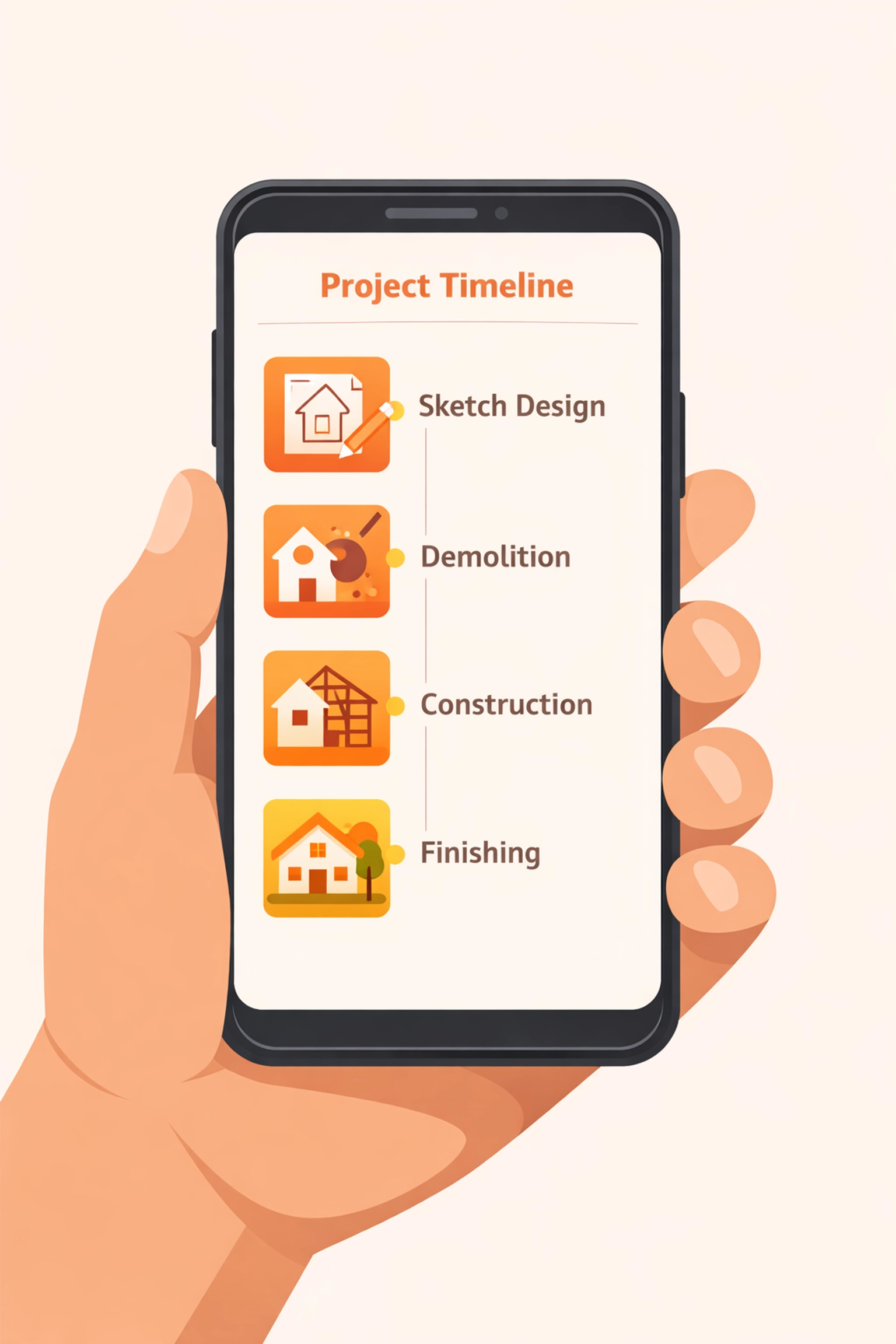
In JobLuma, your photos are already organized into a timeline. You don't have to "create" it; it’s already there. You can add quick notes to explain what was done, which adds that extra layer of professionalism.
Step 5: Share with the Customer (30 Seconds)
This is where the magic happens. Instead of emailing a zip file or a bunch of blurry attachments, you send the customer a simple link. They click it, and they see a beautiful, branded timeline of the project.
Why "No-App-Download" is a Game Changer
One of the biggest hurdles with most contractor job apps is that they require everyone to download something. You have to download it, your crew has to download it, and sometimes even the customer has to download it to see the files.
We think that’s crazy.
JobLuma is a mobile-first web experience. You just log in through your phone’s browser. This means:
- No storage space taken up on your phone.
- No "Update Required" screens when you're in a basement with 1 bar of service.
- Instant access for your customers.
When you send a project link to a customer, they can view their "Before and After" gallery instantly on their phone. It makes you look like a tech-savvy pro without you having to be a computer whiz.
Pro-Tips for Better Construction Photos
You don't need a $2,000 camera, but a few simple tricks will make your before and after photo app results look ten times better:
- Clean the Lens: Seriously. Construction sites are dusty. A quick wipe with your shirt tail will remove the "haze" from your photos.
- Lighting is Everything: If you're working in a dark crawlspace or a bathroom with the power off, use a work light. Don't just rely on the phone's flash, which can create harsh shadows.
- Horizontal vs. Vertical: Pick one and stick to it for the whole project. If your "before" is vertical and your "after" is horizontal, the side-by-side comparison won't look right on a website or social media.
- Remove the Trash: Before taking the "after" photo, move your tools, coffee cups, and trash bags out of the frame. You want the customer to focus on the craftsmanship, not the clutter.

Avoiding the "Feature Creep" Trap
A lot of contractor software tries to do everything. They want to be your CRM, your accounting software, your GPS tracker, and your social media manager. For a small service shop or a solo contractor, that’s just noise.
You need a tool that does one thing exceptionally well: document your work.
By using a dedicated contractor photo app like JobLuma, you keep your business lean. You don’t need to spend hours in "onboarding calls" or watching tutorials. You sign up, you take photos, and you show off your work. It’s that simple.
Check out our features page to see how we’ve stripped away the fluff to focus on what actually helps you get paid.
The Marketing Goldmine
Once you have your timeline, don't let it just sit there. These 5-minute timelines are perfect for:
- Google Business Profile: Upload your before and afters to your Google listing to boost your local SEO.
- Facebook Groups: When someone asks for a "good plumber," reply with a link to one of your JobLuma project timelines. It’s much more powerful than just saying "I can do it."
- Your Website: Use these photos to build a portfolio that actually converts visitors into leads.
Final Thoughts
You’re a pro at your trade. You shouldn't have to be a pro at photo editing too. By using a simple, mobile-first tool, you can turn a messy job site into a professional marketing asset in the time it takes to drink a cup of coffee.
Stop losing your best work to the depths of your camera roll. Start building a library of success that helps you win more jobs and protect your business.
Ready to see how simple it can be? Sign up for JobLuma today and create your first timeline in minutes. If you have questions, our help center is always open, or you can contact us directly.
No bloat. No complex setups. Just your work, documented perfectly.
Leave a Reply