Let’s be honest: you didn’t get into the trades because you loved filing digital paperwork or spending your evenings organizing folders on a laptop. You’re an electrician, a plumber, an HVAC tech, or a general contractor because you like building things, fixing problems, and seeing a job well done.
But here’s the reality of the business in 2026: if you didn’t take a photo of it, it didn’t happen.
Whether you’re trying to prove to a skeptical homeowner that the wiring behind the drywall was done to code, or you're trying to show a commercial client why a simple repair turned into a major overhaul, photos are your best friend. The problem is that most contractor software is just too much. It’s bulky, it’s expensive, and it requires you and your customers to download massive apps that eat up phone storage.
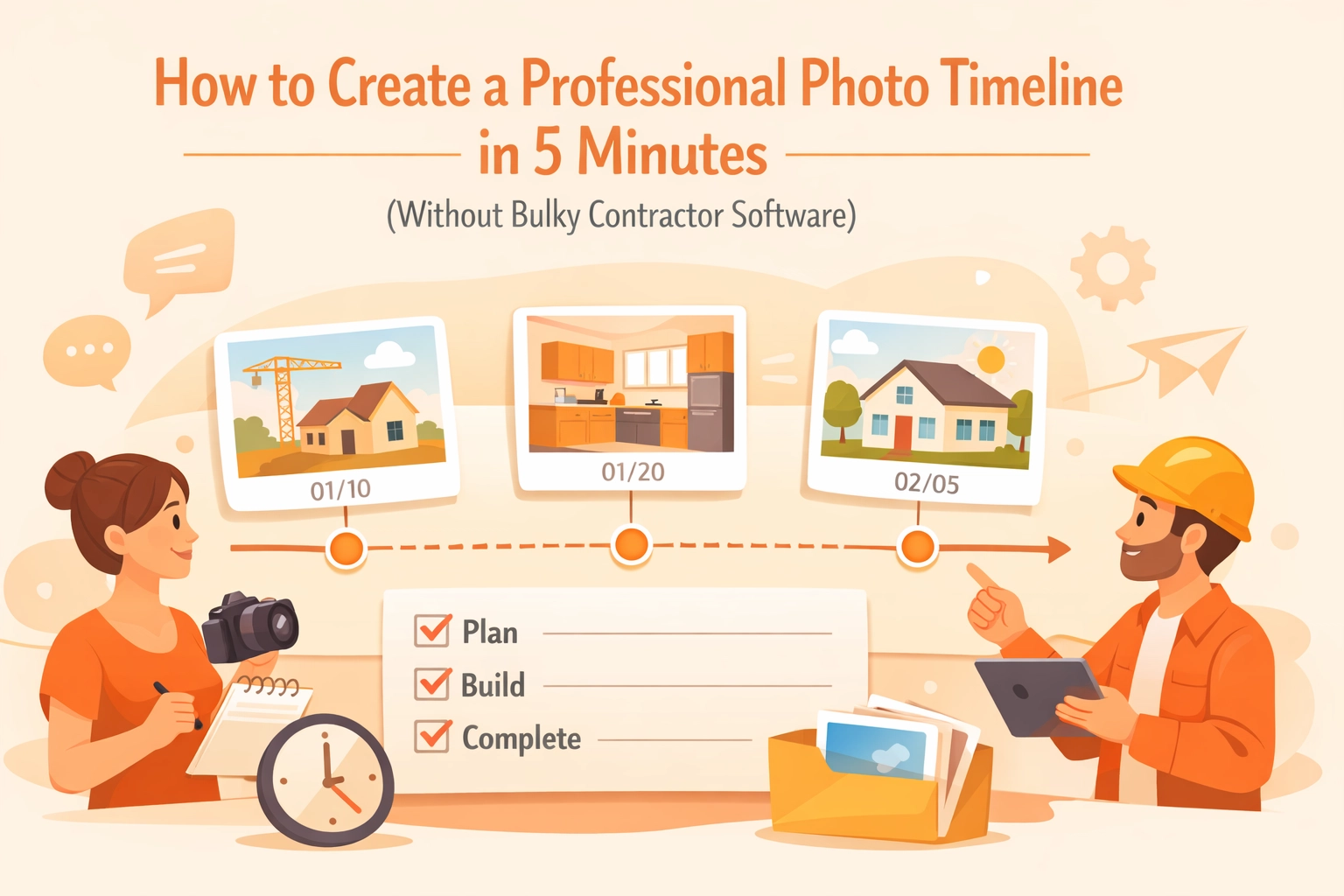
What if you could create a professional photo timeline of your project in under five minutes? No bloat. No training manuals. Just a clean, professional record of your hard work.
The "Folder Fumble": Why Your Current System is Failing You
We’ve all been there. You’re standing in a client's driveway, trying to find that one "before" photo of the rusted-out water heater. You’re scrolling through your phone’s camera roll, swiping past photos of your kids’ soccer game, your dog, and yesterday’s lunch.
By the time you find the photo, the client has already checked their watch three times, and you look like you don’t have your act together.
Storing photos in your phone’s generic gallery is a recipe for disaster. It’s not just about organization; it’s about liability and sales. When your photos are scattered, you lose the ability to tell a story. A photo timeline app should help you tell that story instantly.

Why "Big" Construction Software Isn’t the Answer for Small Shops
If you search for "construction photo documentation," you’ll find giant platforms designed for skyscraper projects and thousand-person crews. They have features for everything from structural engineering schematics to complex payroll integration.
But for a small service contractor, these "all-in-one" solutions are usually "all-in-the-way."
- The Learning Curve: You don't have time to take a three-week onboarding course just to learn how to upload a picture.
- The Price Tag: Why pay $300 a month for features you’ll never touch?
- The "App" Fatigue: Your customers don't want to create an account or download an app just to see the progress on their kitchen remodel.
At JobLuma, we believe in keeping it simple. You need a contractor job app that works as hard as you do, without the fluff. You can check out our features to see exactly how we stripped away the nonsense.
The 5-Minute Workflow: Creating Your Timeline
So, how do you actually build a professional timeline without losing your mind? It comes down to a simple, repeatable process.
1. The "Before" Snap (30 Seconds)
Before you even pick up a wrench, take three photos. One wide shot of the work area, one medium shot of the specific unit or problem, and one close-up of the serial number or specific damage.
2. The "During" Documentation (1 Minute)
When you find something unexpected: like mold behind a wall or a frayed wire: stop and take a photo. This is your "CYA" (Cover Your Assets) moment. If the scope of work changes, you have instant visual proof of why.
3. The "After" Glory Shot (30 Seconds)
Clean up the site and take your final photos from the same angles as your "before" shots. This creates a satisfying visual "click" for the customer.
4. The Sync (1 Minute)
Using a before and after photo app like JobLuma, these photos are automatically organized by job. You don’t have to drag and drop files into folders. They are already where they belong.
5. The Share (1 Minute)
Send a link to your client. They click it, and they see a professional, branded timeline of the work. No downloads required.

The Power of the "No-Download" Experience
One of the biggest hurdles in construction photo documentation is getting the client to actually look at the photos. If you send a zip file, it stays in their "Downloads" folder forever. If you ask them to join a portal, they’ll forget the password.
JobLuma was built with a mobile-first, browser-based design. When you share a job timeline, the customer gets a simple link. It opens in their phone’s browser, looks beautiful, and makes you look like a tech-savvy pro. This "no-app-download" approach is a game-changer for customer satisfaction.
Benefits Beyond Just "Looking Cool"
Creating a photo timeline isn't just about showing off; it's about protecting and growing your business.
Protection Against "He Said, She Said"
We’ve all had that one client who claims you scratched their floor or broke a vase that was already in pieces. A dated, timestamped photo timeline is your best defense. When you have a clear record of the site condition before you started, those "damages" claims disappear.
Winning More Bids
When you provide a quote, show the prospect a link to a previous project timeline (with the previous client's permission, of course). Showing them a photo timeline app in action proves that you are organized, transparent, and professional. It justifies a higher price point because you’re providing a higher level of service.
Faster Payments
It’s a psychological fact: people pay faster when they feel good about the work. Sending a stunning before-and-after gallery along with your invoice reminds the customer exactly what they are paying for. It turns an "expense" into a "solution" in their eyes.
Key Features to Look for in a Contractor Photo App
If you're shopping around for a contractor photo app, don't get distracted by bells and whistles. Look for these three essentials:
- Speed: Can you go from "pocket" to "photo" in under three seconds?
- Organization: Does it automatically tag photos by job site and date?
- Accessibility: Can you access your photos from your phone, tablet, and office computer without syncing issues?
JobLuma handles all of this. We designed it specifically for the person who is wearing work boots, not a suit. You can learn more about our philosophy on our about page.
Tips for Better Job Site Photos
You don't need a high-end DSLR to make your photo timelines look professional. Your smartphone is more than enough if you follow a few simple rules:
- Wipe the Lens: You work in dusty environments. A quick rub of your lens against your shirt will fix 90% of "blurry" photo issues.
- Turn on the Lights: If you’re in a crawlspace or an attic, use a work light. Phone flashes are okay, but a steady light source makes the "after" photos look much more impressive.
- Use a Reference Object: If you're photographing a small crack or a specific measurement, put your pen or a coin next to it so the viewer understands the scale.
- Keep it Consistent: Try to take the "after" photo from the exact same spot as the "before" photo. This makes the transition in your before and after photo app look seamless.

Stop Managing Files, Start Managing Jobs
At the end of the day, your time is your most valuable asset. Every minute you spend resizing images or trying to remember which job a photo belongs to is a minute you aren't making money.
The transition to professional construction photo documentation doesn't have to be a headache. You don't need "enterprise" software that costs a fortune and takes a month to learn. You just need a simple tool that fits into your existing workflow.
Ready to see how easy it can be? You can get started with JobLuma today. We’ve kept our pricing simple because we know you have better things to do than calculate complex subscription tiers.
Conclusion: The Professional Edge
In a crowded market, the "small things" are what set you apart. Providing a professional photo timeline isn't just a courtesy: it's a signature of quality. It shows that you care about the details, you respect the client's property, and you're proud of your craft.
Stop letting your best work get buried in your phone’s camera roll. Spend five minutes, create a timeline, and watch how it transforms your business relationships.
If you have questions or need help getting set up, our help center is always available, or you can contact us directly. We’re here to help you get back to what you do best: the real work.

Want more tips on running a leaner, meaner contracting business? Check out our blog for more insights on service industry tech and growth.
Leave a Reply