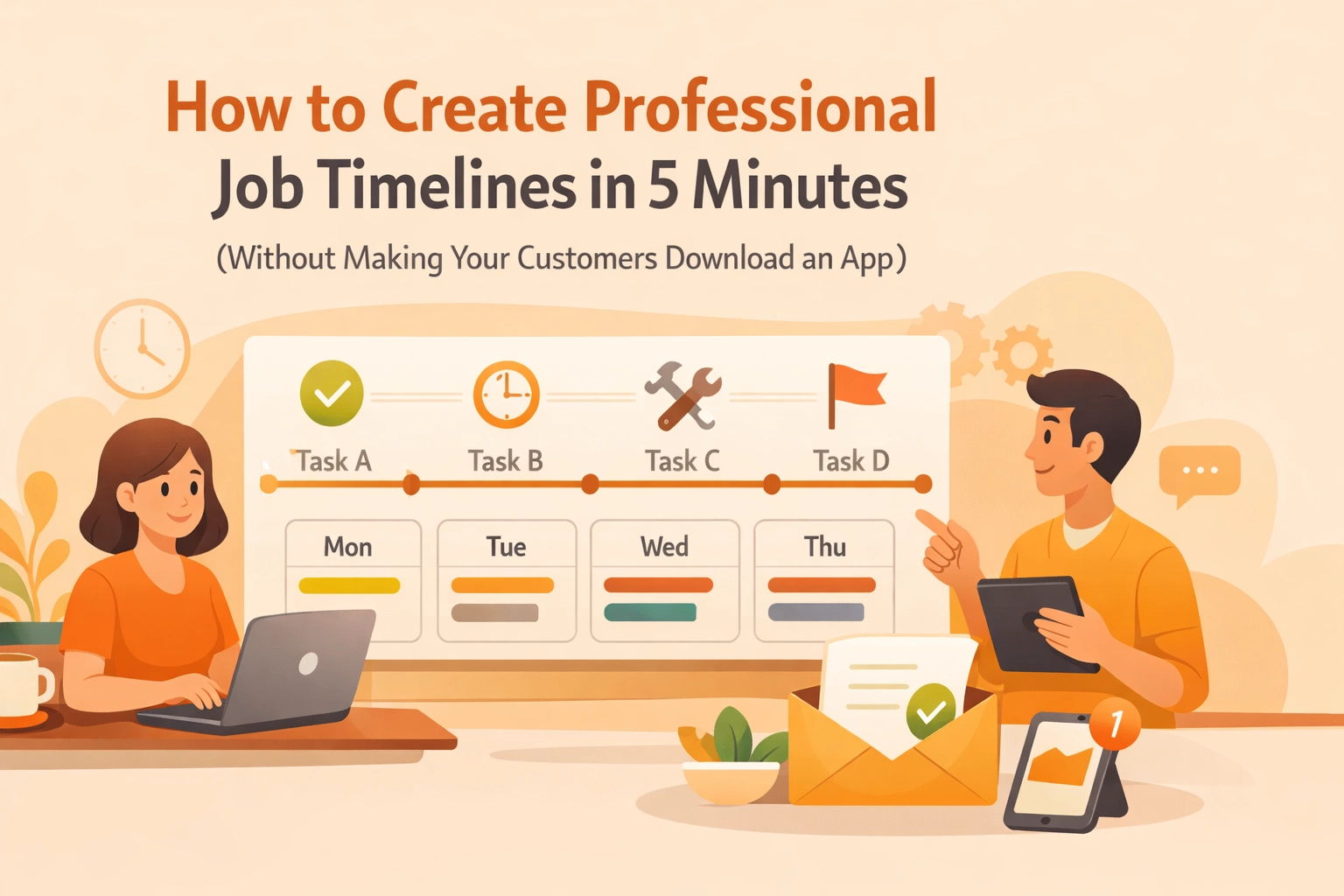
Let’s be honest: most "contractor software" was designed by people who have never spent a Tuesday afternoon knee-deep in a crawlspace or troubleshooting a blown circuit. They love their complex dashboards, their twenty-step onboarding processes, and their endless "feature" lists that you’ll never actually use.
But for the average electrician, plumber, or HVAC tech, time is literally money. You don't need a PhD in software engineering to show a customer that you fixed their leaky pipe. You just need a way to prove you did the work, show how good it looks, and get paid.
The biggest hurdle? Friction. We’ve all been there, you try to use a "professional" project management tool, only to realize that for your customer to see the progress, they have to download an app, create a password, verify their email, and learn a new interface.
Spoiler alert: They won't do it. They’ll just ask you to text them the photos, and suddenly your professional workflow is back to a cluttered camera roll and a messy group text.
At JobLuma, we think that’s broken. Here is how you can create professional job timelines in under five minutes without ever making your customers download a single thing.
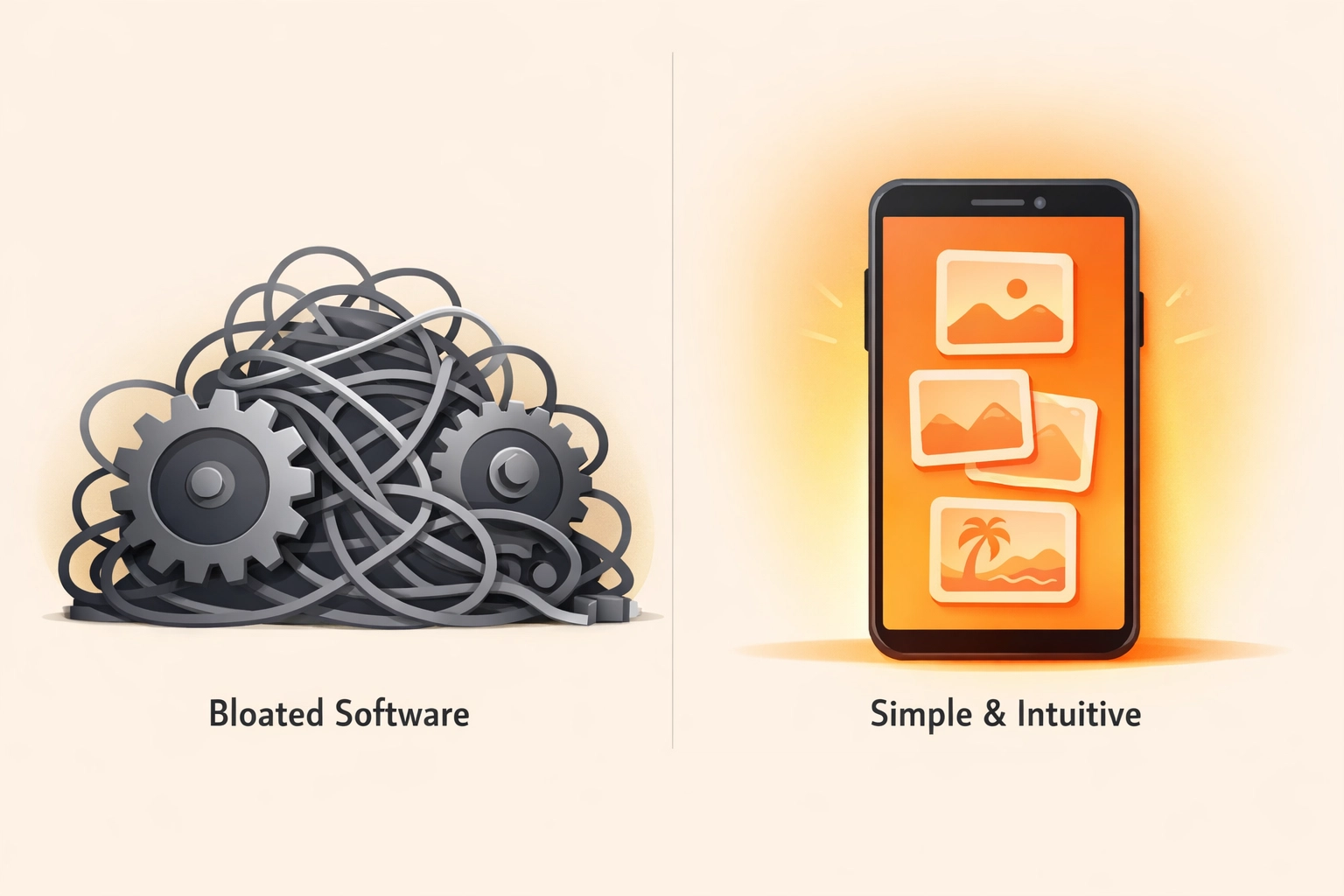
The Problem with "Bloated" Contractor Software
If you search for "contractor job app" on the App Store, you’ll find hundreds of options. Most of them are trying to be everything to everyone. They want to handle your accounting, your GPS tracking, your payroll, and your inventory.
While that sounds great in a sales pitch, in reality, it often leads to:
- Complexity: It takes longer to log the job than it did to do the work.
- High Costs: You’re paying for a massive suite of tools when you really just need a before and after photo app.
- Customer Friction: Your clients are busy. They don't want another icon on their phone screen.
The goal should be to provide a "wow" experience for the customer while keeping your internal process as lean as possible. That’s where simple construction photo documentation comes in.
Why a Visual Timeline is Your Secret Sales Weapon
People don't just buy your technical skills; they buy peace of mind. This is especially true in field services where much of your work is hidden behind drywall, under floors, or inside mechanical units.
A professional photo timeline does three things for your business:
1. It Builds Instant Trust
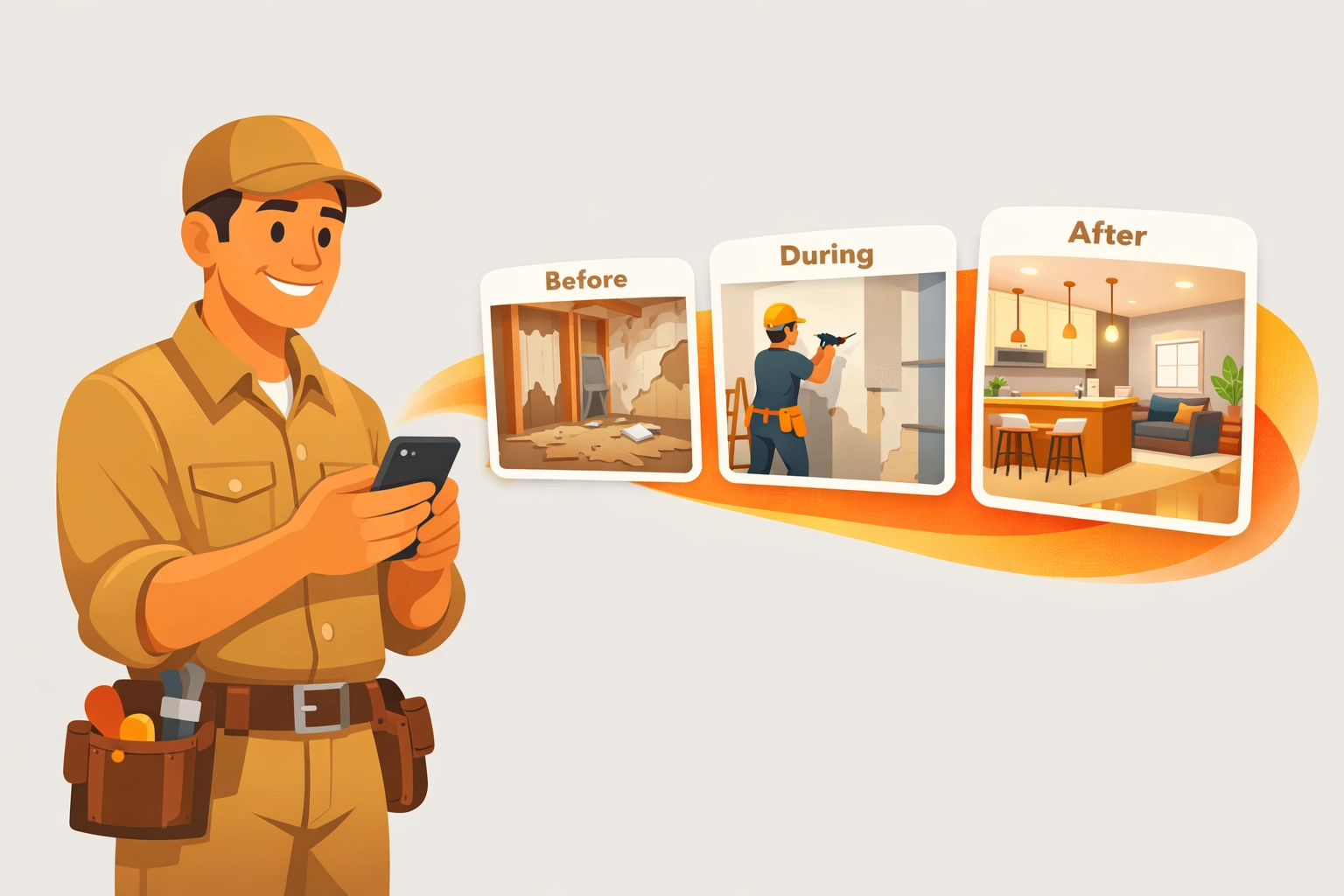
When a customer can see the "before" (the mess, the leak, the old wiring) and the "after" (your clean, professional install), the value of your invoice becomes undeniable. It moves the conversation from "Why did this cost $500?" to "Wow, look at the difference!"
2. It Protects Your Back
Liability is real. Having a time-stamped, organized record of the job site before you started and after you finished is the best insurance policy you can have. If a customer claims you scratched their floor or left a mess, you have the visual proof to settle the debate instantly.
3. It Makes Referrals Easy
When you send a slick, web-based timeline to a customer, they are much more likely to show it off to their neighbor or post it on social media. A text message with 12 loose photos gets lost. A professional link to a JobLuma gallery gets shared.
How to Build a Professional Timeline in 5 Minutes
You don't need a dedicated marketing team to look professional. You just need a system. Here is the fastest workflow to document your jobs using a simple contractor photo app approach.
Step 1: The "Before" Snap (1 Minute)
As soon as you walk onto the site, take three photos. One wide shot of the work area, and two close-ups of the specific issue. Don't worry about lighting or being a photographer: just capture the "problem" state.
Step 2: The "In-Progress" Documentation (2 Minutes)
This is the part most contractors skip, but it’s the most valuable for showing high-quality craftsmanship. Snap a photo of the new wiring before the walls go up, or the new pipe layout before it’s buried. This shows the customer the "hidden" value they are paying for.
Step 3: The "After" Hero Shots (2 Minutes)
Once the job is done and the area is cleaned up (don't forget to clean up!), take your final photos. These are your marketing assets.
Step 4: Share the Link
Instead of emailing a zip file or sending a barrage of texts, you use a tool like JobLuma to generate a single, professional link. You send that link via text or email. The customer clicks it, and boom: they see a beautiful, branded timeline of the work. No login. No app download. Just results.
Why "No Download" is the Future of Customer Experience
We live in the age of "App Fatigue." People are tired of being forced to download an application for every single service they interact with. Think about the last time a restaurant made you download an app just to see the menu. It was annoying, right?
Your customers feel the same way about their plumber or electrician.
By using a web-based contractor job app experience, you are removing the friction. Your customer can view the project timeline on their phone, tablet, or desktop instantly. This "low-barrier" approach makes you look tech-savvy and modern without being a burden on your client’s storage space.
Comparison: JobLuma vs. Generic Design Tools
In our research, we've seen some contractors use tools like Adobe Express or Canva to build project updates. While these are great for making things look pretty, they aren't built for the field.
- Adobe/Canva: You have to manually upload photos, drag them into templates, type in descriptions, and then export a file. It’s a "desk" task.
- JobLuma: It’s a mobile-first experience. You take the photo inside the app, it’s automatically organized by job, and the timeline builds itself. It’s a "field" task.
For a small service contractor, you don't want to spend your evenings at a computer designing PDFs. You want to finish the job, send the link, and go home to your family.

Pro Tips for Better Photo Documentation
If you want your timelines to really stand out, keep these simple tips in mind:
- Consistency is Key: Try to take the "after" photo from the exact same angle as the "before" photo. This creates a powerful visual transition that tells a clear story.
- Clean the Lens: It sounds stupid, but a quick wipe of your phone camera lens with your shirt will remove the "pocket grease" that makes photos look blurry and unprofessional.
- Let There Be Light: If you’re in a dark basement or attic, use a work light. High-quality photo timeline app entries look much better when the customer can actually see the detail of your work.
- Use Captions Sparingly: A picture is worth a thousand words, but a five-word caption like "New 200-amp panel installed" adds that extra layer of professionalism.
Getting Started with Simple Contractor Software
The jump from "guy with a truck" to "professional service business" often comes down to the tools you use and the image you project. You don't need to spend thousands of dollars on enterprise-level software to get there.
You can start small. Focus on your photo documentation. Start showing your customers exactly what they are paying for in a way that is easy for them to digest.
If you’re tired of losing photos in your text threads or struggling with software that’s too complicated for your daily needs, it might be time to try a simpler approach.
Check out our features to see how we’ve stripped away the junk to focus on what actually matters: documenting your work and impressing your customers.

Final Thoughts
Creating professional job timelines doesn't have to be a chore. In fact, it should be the easiest part of your day. By focusing on a "mobile-first, no-download" strategy, you’re not just documenting a job: you’re building a brand.
Ready to stop the app-download madness and start showing off your hard work? Sign up for JobLuma today and see how easy it is to create your first timeline in under five minutes.
Your customers will thank you (mostly because they didn't have to download another app).
Want to learn more about how to streamline your contracting business? Check out our pricing or read more tips on our blog.
Leave a Reply