Let’s be honest: you didn't get into the trades because you wanted to spend your afternoons playing around with graphic design software or organizing folders on a computer. Whether you’re an electrician, a plumber, or an HVAC tech, your office is the field. Your tools are your wrenches, meters, and drills, not a complex project management suite that takes a PhD to navigate.
But here’s the reality of the modern service industry: customers want to see what they’re paying for. They want transparency. And more importantly, you need protection.
Ever had a client claim you damaged something that was already broken? Ever struggled to get a final payment because the homeowner couldn’t "see" the value of the work hidden behind a wall? This is where a professional photo timeline becomes your best friend.
The good news? You don’t need to be a tech genius to create one. In fact, you can do it in under five minutes. Let’s dive into how to build a world-class before and after photo app workflow without the technical headache.
The Camera Roll Trap: Why Your Phone is a Mess
We’ve all been there. You finish a job, and your phone's gallery is a chaotic mix of blurry photos of serial numbers, pictures of your lunch, a few shots of a leaky pipe, and maybe a photo of your dog.
When it comes time to send a report to a customer or a contractor, you’re stuck scrolling, squinting, and trying to remember which "grey pipe photo" belongs to which job.
Using your standard phone gallery for construction photo documentation is a recipe for disaster.
- Zero Organization: Photos from three different jobs get lumped together.
- Hard to Share: Emailing 20 high-res photos often fails because the files are too big.
- Lack of Context: A photo of a wire doesn’t mean much without a caption or a date stamp.
You need a system that organizes itself while you work.

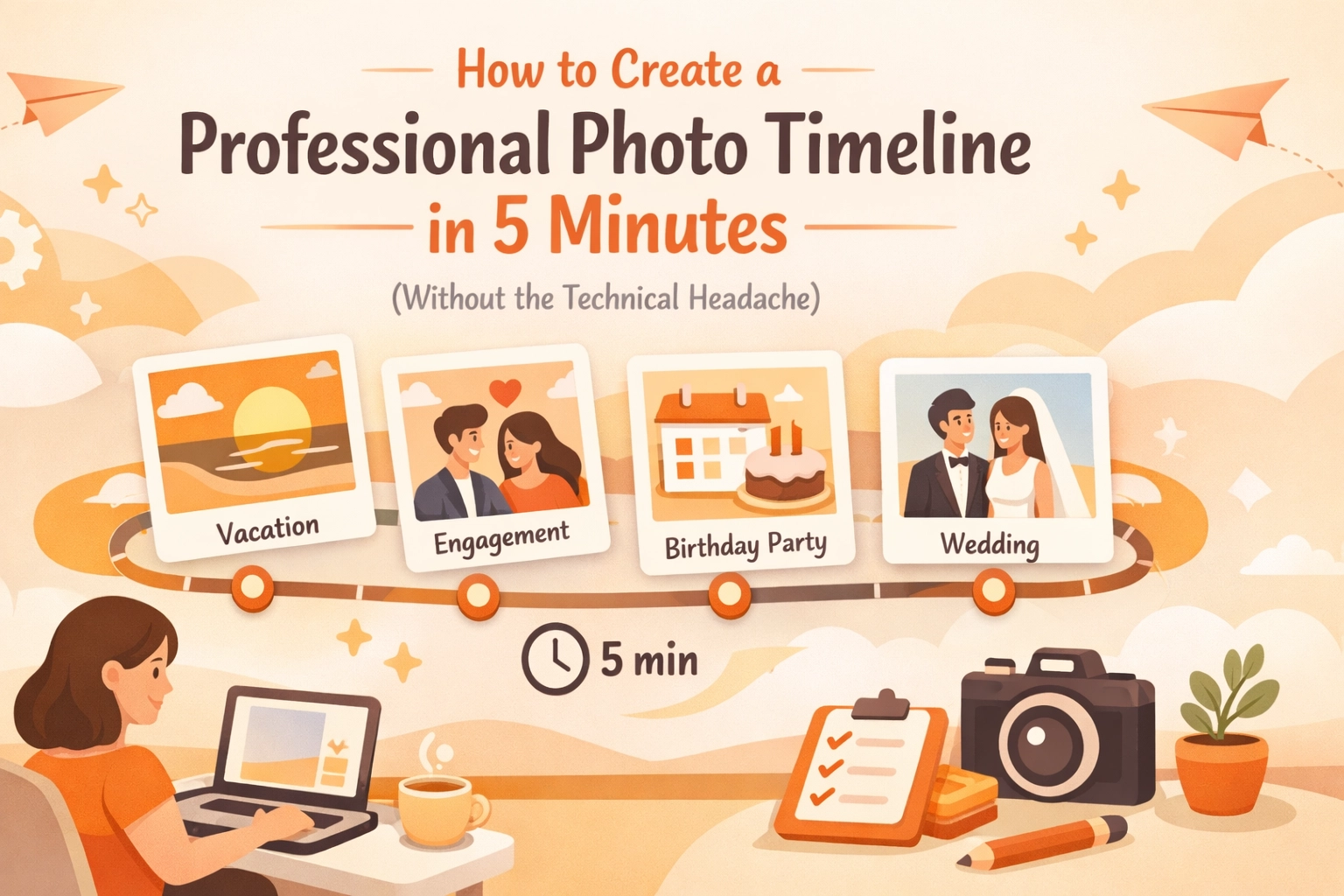
The 5-Minute Workflow for a Professional Timeline
If you want to look like a pro without spending hours on paperwork, you need a repeatable process. Here is the simplest way to build a timeline that will wow your clients.
1. The "Before" Shot (1 Minute)
Before you even touch a tool, take two photos. One "wide" shot to show the entire workspace and one "tight" shot of the specific problem. This sets the stage. In any contractor photo app, this is your baseline. It proves the condition of the site when you arrived.
2. The "During" Progress (2 Minutes)
This is the part most guys skip, but it’s the most important for getting paid. If you’re installing a complex wiring system or a new HVAC unit, take a quick snap of the components before the walls go back up or the unit is sealed. It shows the quality of your craftsmanship that will eventually be invisible.
3. The "After" Money Shot (1 Minute)
Clean up the workspace and take your final hero shot. This is what the customer sees. A clean, finished project presented in a clear timeline makes you look 10x more professional than the guy who just sends a text saying "Job's done."
4. The Summary (1 Minute)
Add a quick note to the timeline. "Replaced corroded copper piping with PEX, tested for leaks, site cleared." Done.
Why Traditional "Contractor Software" Fails Small Biz
If you search for "construction management software," you’ll find massive platforms that promise to do everything from payroll to drone mapping. For a small service contractor, these are usually a nightmare.
- The Learning Curve: You don't have time for a three-week training course.
- The Price Tag: You shouldn't have to pay $200 a month just to organize photos.
- The "App Fatigue": Your customers don't want to download a clunky app, create an account, and remember a password just to see photos of their new water heater.
This is exactly why we built JobLuma. We saw too many electricians and plumbers struggling with "bloated" software that actually made their lives harder.
The JobLuma Difference: Simplicity is the Ultimate Sophistication
When we designed our contractor job app, we had one goal: keep it simple. We wanted to create a tool that felt like an extension of your existing workflow, not a new chore.
No App Download for Customers
This is the game-changer. When you use JobLuma to share a photo timeline, your customer gets a simple link. They click it, and they see a beautiful, professional gallery of your work. No logins, no "forgot password" emails, no friction. It makes you look like a tech-forward company while keeping things incredibly easy for the client.
Mobile-First Design
We know you’re using your phone with gloves on, in tight crawlspaces, or on top of ladders. Our interface is designed for the field. Large buttons, fast uploads, and a layout that makes sense on a small screen. You can check out our features page to see how we prioritize speed.

How Professional Documentation Wins You More Work
You might think, "I'm a good plumber, my work speaks for itself." And while that’s true, in 2026, the experience you provide is just as important as the repair you make.
Building Instant Trust
When a customer receives a professional timeline, they feel in control. They see the "before" and the "after," and they understand exactly where their money went. This transparency leads to better reviews and more referrals.
Eliminating Liability
"That crack wasn't there before you started!" Every contractor has heard some version of this. Having a time-stamped, organized photo timeline is your best insurance policy. It’s hard to argue with a high-resolution photo taken at 9:02 AM on the day the job started.
Faster Payments
Invoices get paid faster when there's no confusion. By attaching your photo timeline to your bill, you’re providing the "proof of work" immediately. No more "I'll pay you once I get home and check it out." They’ve already seen the evidence.

Stop Fighting Your Technology
The "technical headache" of photo documentation usually comes from trying to use tools that weren't meant for you. You don't need a template from a design site where you have to manually drag and drop boxes and align text. You need a system where you take a photo, and the software does the "design" work for you.
With a dedicated photo timeline app, the organization happens in the background. You focus on the pipe, the wire, or the furnace. We focus on making sure that photo is stored, categorized, and ready to be shared in a professional format.
Ready to Level Up Your Professionalism?
If you’re tired of the camera roll mess and want a way to impress your clients without adding an hour to your workday, it’s time to change your approach.
Creating a professional photo timeline shouldn't be a chore. It should be the easiest part of your job. By following the 5-minute workflow and using a tool designed specifically for field services, you can protect your business and grow your brand at the same time.
Don't let the technical headache hold you back. Keep it simple, keep it mobile, and keep it professional.
Want to see how easy it can be?
Check out our pricing to find a plan that fits your crew, or sign up today to start your first timeline. If you have questions about how JobLuma can fit into your specific trade, feel free to visit our help center or contact us directly. We’re here to help you get back to the work that matters.
Leave a Reply