If you’re a solo electrician, plumber, or HVAC tech, your phone’s camera roll probably looks like a chaotic crime scene. Between photos of your kids and that weird sandwich you ate for lunch, there are hundreds of shots of junction boxes, rusted pipes, and half-finished drywall.
You know you need those photos. They’re your proof of work, your protection against "he-said-she-said" disputes, and your best sales tool for the next customer. But let’s be honest: managing them is a nightmare. And asking a customer to download some bloated "project management portal" just to see a progress update? That’s a great way to make sure they never look at your updates at all.
In the world of service trades, simplicity wins. You need a contractor photo app that works as hard as you do, without the digital overhead.
Why Photo Documentation is Your Best Insurance Policy
As a solo contractor, you are the CEO, the technician, and the legal department all rolled into one. When a customer claims you nicked a wire or didn't install the right insulation behind a wall that's now sealed up, "take my word for it" doesn't hold much weight.
Photo documentation provides an objective, time-stamped visual record. It’s the ultimate "CYA" (Cover Your Assets) tool.
1. Proof of Site Conditions
Ever show up to a job and notice the flooring is already scratched, but you’re worried the homeowner will blame your tool bag? A quick "before" photo with a time stamp settles that before it ever becomes a fight.
2. The "Hidden Work" Problem
For plumbers and electricians, the most important work is often the stuff people can’t see. Once the drywall goes up, your craftsmanship is buried. Detailed construction photo documentation of rough-ins proves that everything was up to code before the walls were closed.
3. Faster Payments
It’s a psychological fact: people pay faster when they see progress. Sending a photo timeline app link showing the daily evolution of a project keeps the "warm and fuzzies" going with the client, making that final invoice much easier for them to hit "pay" on.

The Trap of Bloated Contractor Software
There are plenty of "enterprise" solutions out there. You’ve seen the ads for software that costs $200 a month and promises to manage your leads, your taxes, your fleet, and probably your coffee intake.
For a solo trade, that’s overkill. You don't need a cockpit for a 747 when you’re riding a motorcycle.
Most "big" contractor software platforms suffer from three major flaws:
- The Learning Curve: You don't have time to watch twelve hours of YouTube tutorials to learn how to upload a photo.
- The Price Tag: Paying for features you'll never use is just burning money.
- The "App" Barrier: This is the biggest one. These platforms usually require your customer to create an account, choose a password, and download an app just to see their project.
Let’s be real: your customers have "app fatigue." They don't want another icon on their home screen for a three-day bathroom remodel. They want a link they can click in a text message.
What to Document (The Solo Pro Checklist)
To make your documentation actually useful, you need a system. Taking random photos isn't enough; you need a before and after photo app approach that tells a story.
Phase 1: Pre-Construction
- The "Existing Damage" Shot: Document any cracks, stains, or breaks already present.
- Access Routes: Show the path your equipment will take to prove you didn't damage the yard or hallway.
Phase 2: The "Guts" (Rough-In)
- Mechanicals: Capture every pipe, wire, and duct before the insulation goes in.
- Scale: Place a tape measure in the shot if you're documenting something that needs to be located later (like the exact distance of a pipe from a stud).
- Connections: Close-ups of welds, joints, and terminations.
Phase 3: The Completion
- The Hero Shot: The final, clean, working product. This is what goes on your website or social media.
- The Site Clear: A photo showing you cleaned up and left the place better than you found it.
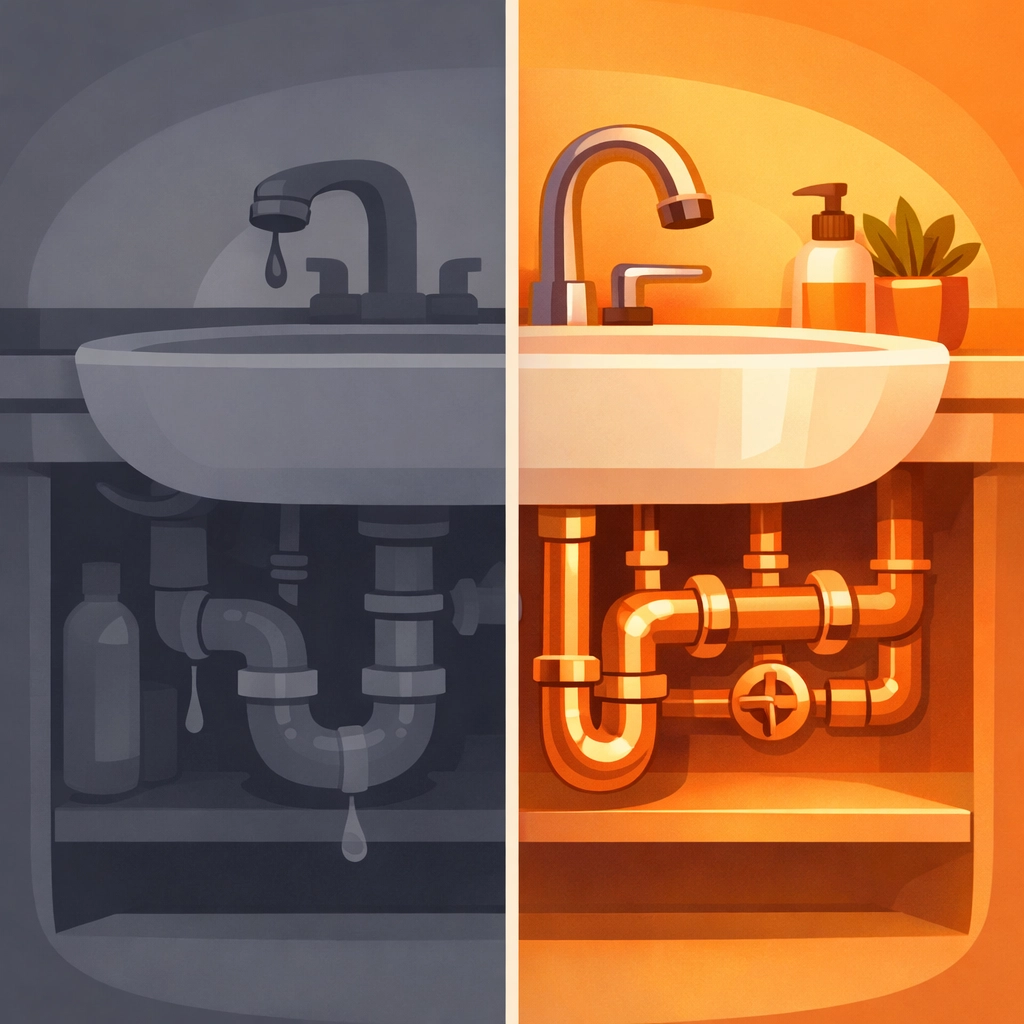 A split-screen before and after of a kitchen plumbing renovation, showcasing the dramatic transformation.
How JobLuma Changes the Game
This is where JobLuma fits in. We built this specifically for the contractor who wants to get in, do the work, document it, and get out.
No Downloads Required
With JobLuma, you aren't forcing your clients into a digital chore. You can share a professional, branded project timeline via a simple web link. They click it, they see the photos, they’re happy. No passwords, no App Store, no friction.
Mobile-First Design
We know you aren't sitting at a desk. You're on a ladder or under a sink. Our contractor job app experience is designed to be used with one thumb while your other hand is holding a flashlight. It’s fast, it’s simple, and it stays out of your way.
Professionalism Without the Effort
Using a dedicated contractor photo app makes you look like a million bucks. Instead of texting a string of 15 disjointed photos that get lost in a message thread, you’re providing an organized, chronological timeline of their project. It screams "pro."
Best Practices for Organized Photos
If you want your documentation to hold up in a dispute or impress a high-end client, keep these tips in mind:
- Wide vs. Tight: Always take one "context" shot (the whole room) before taking a "detail" shot (the specific wire). Without the context, a photo of a wire could be anywhere.
- Lighting Matters: Invest in a small LED work light. Dark, grainy photos don't prove much of anything.
- Consistency: Try to take your progress shots from the same angle each day. This creates a "time-lapse" effect in your timeline that looks incredible.
- Tagging: Use a system that allows you to tag photos by job or date automatically. This is why using your phone’s default gallery is a losing battle: searching for "that one leak photo from three months ago" is a nightmare.
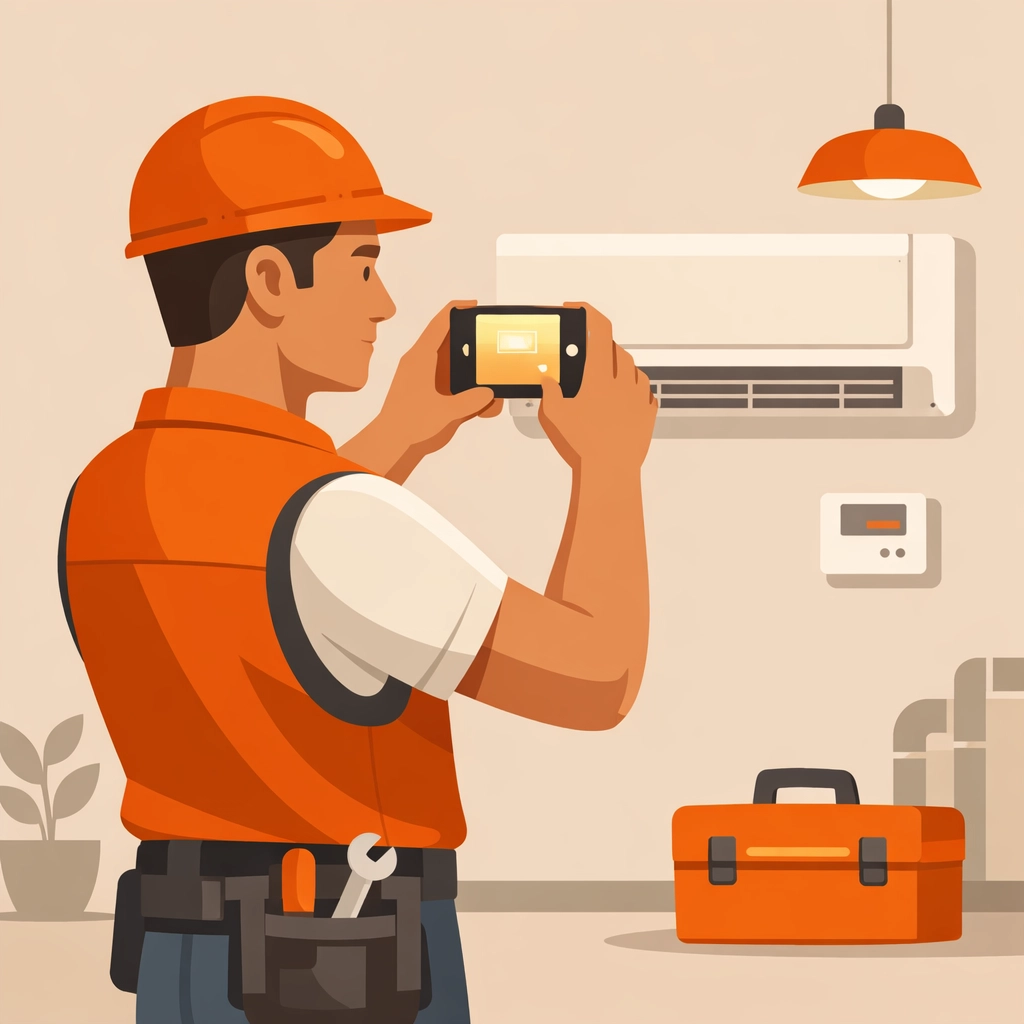 A contractor using a smartphone to quickly snap a photo of a HVAC installation in a well-lit mechanical room.
Protecting Your Business and Your Time
At the end of the day, photo documentation is about peace of mind. It’s about knowing that if a sub-contractor messes up your work after you leave, you have the proof that it was perfect when you walked away. It’s about knowing that if a customer forgets they approved a change, you can show them the photo of the mid-point check-in.
But you shouldn't have to spend your evenings organizing files on a computer. Your construction photo documentation should happen in real-time, on-site, with zero extra effort.
Stop losing your best work in your camera roll. Stop annoying your customers with "portal" invites. It’s time to switch to a photo timeline app that actually understands how tradespeople work.
Ready to simplify your workflow? Check out our features to see how we make documentation a breeze, or jump right in and signup to start your first project timeline today.
Conclusion
Being a solo trade professional is hard enough. You’re the talent, the labor, and the management. By using a simple, effective tool like JobLuma, you take the "management" headache off your plate. You protect your business, impress your clients, and keep your camera roll for the things that actually matter: like that sandwich.
Experience the simplicity of a contractor photo app designed for the field, not the office. Your business (and your sanity) will thank you.
If you have questions about how to get started, feel free to visit our help center or contact us directly. We’re here to help you get back to the real work.
Leave a Reply