
Let’s be honest: you didn't get into the trades because you loved paperwork. Whether you’re an electrician, a plumber, or an HVAC tech, your best work happens with your hands, not behind a computer screen. But in 2026, the "pen and paper" method, or the "I’ll just text you the photos" method, isn't quite cutting it anymore.
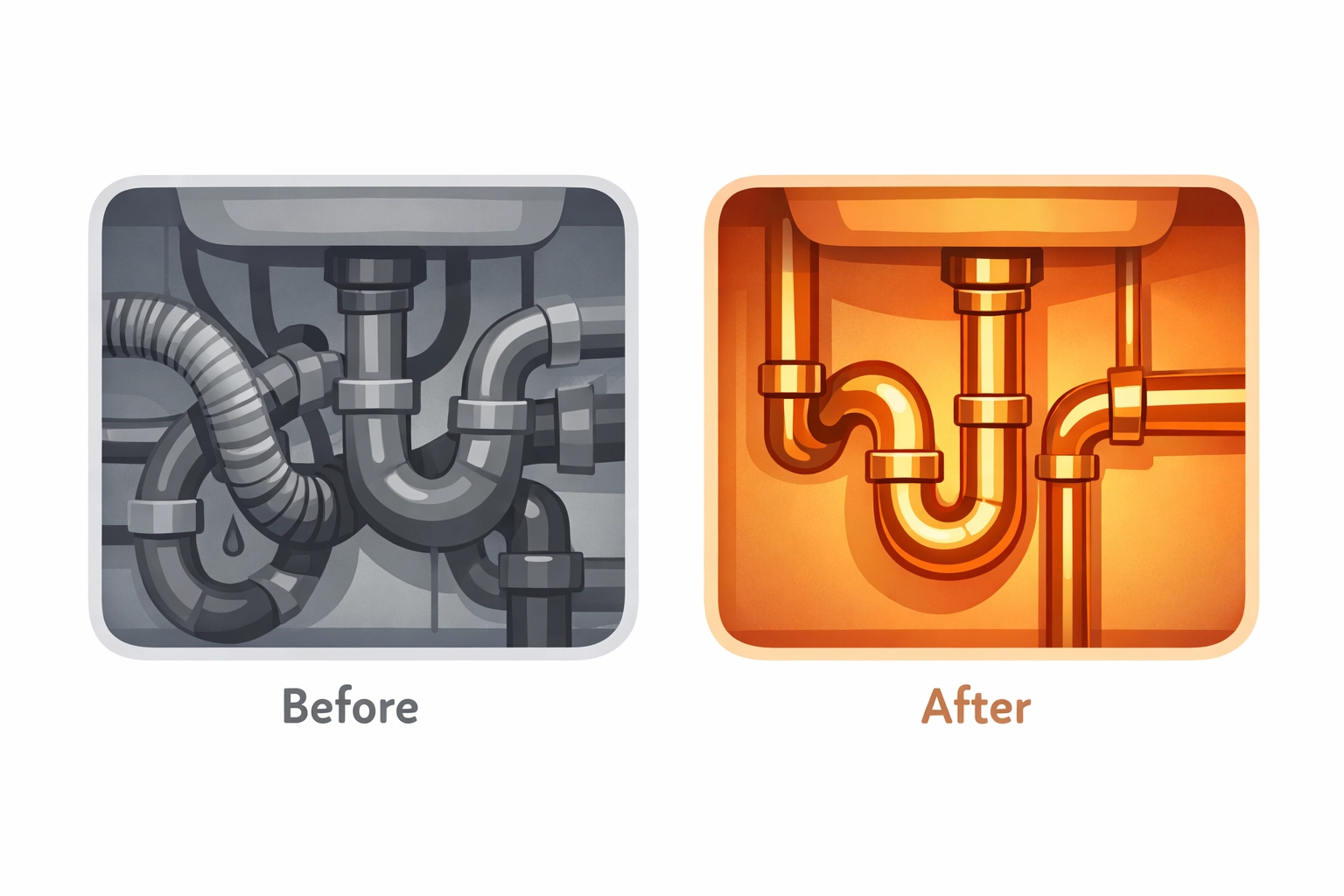
Customers want to see what they’re paying for. They want to see the progress, the "before," and the "after." And you? You want a way to document your work so you don’t get blamed for a leak that was already there or a wire that you didn't touch.
The problem is that most contractor software is… well, a mess. It’s bloated, it’s expensive, and it takes three days of training just to figure out how to upload a photo. You need a contractor job app that works as hard as you do, without the tech headache.
In this post, we’re going to show you how to create professional job timelines in under five minutes. No degree in computer science required.
The Problem with "Big" Project Management Software
If you’ve ever tried one of those massive construction management platforms, you know the drill. They promise to manage your entire life, but they end up just adding more items to your to-do list. You have to create an account, set up a project, assign team members, and navigate ten different menus just to log a single photo.
For a small service contractor, that’s not just overkill: it’s a time-waster. You’re on the move. You’re jumping from one job site to the next. You need a mobile-first design that lets you snap, log, and move on.
The reality is that "bloated" software often fails because:
- It's too slow: You don't have 20 minutes to sit in your truck and type out a report.
- It's too expensive: Why pay $200 a month for features you’ll never use?
- It’s annoying for customers: Nobody wants to download an app just to see a picture of their new water heater.

Why Photo Documentation is Your Best Friend
Before we get into the "how," let’s talk about the "why." Why should you care about construction photo documentation?
1. Proof of Quality
A picture is worth a thousand words, but a before and after photo app sequence is worth a thousand referrals. When you can show a customer exactly how messy the wiring was before you arrived and how clean it is now, you’re not just a guy with a toolbox: you’re a professional.
2. Liability Protection
We’ve all been there. A week after you leave a job, the homeowner calls saying you scratched the floor or broke a tile. If you have a timestamped photo timeline showing the state of the room before you started, that headache disappears instantly.
3. Faster Payments
When customers can see the progress in real-time, they feel more comfortable. Transparency leads to trust, and trust leads to getting paid on time.
How to Build a Timeline in 5 Minutes
You might have heard that the "fastest" way to make a timeline is with a marker and paper or a Word document. While those might be fast to start, they are a nightmare to share and even harder to store.
Here is how you do it the smart way using a dedicated contractor photo app like JobLuma.
Step 1: Snap the "Before"
As soon as you walk onto the site, open your phone. Don't worry about folders or file names. Just take a few photos of the current situation. With JobLuma’s simple features, these are automatically organized by the job you're working on.
Step 2: Log the Progress
As you hit milestones: say, the rough-in is done or the old unit is out: snap another couple of shots. It takes five seconds. This creates a natural photo timeline app experience that tells the story of the job.
Step 3: The "After" Shot
This is the money shot. Clean up the site, get the lighting right, and take a photo of your finished masterpiece.
Step 4: Share with One Click
This is where most software fails, but JobLuma shines. Instead of making your customer download an app or log into a portal, you just send them a link. They click it, and they see a professional, branded timeline of the work. It’s the "no-app-download" customer experience that people actually appreciate.
The "No-App" Revolution
One of the biggest complaints homeowners have is being asked to download another app. They have enough icons on their home screen.
When you use JobLuma, you’re giving them a high-tech experience without the high-tech friction. You get the benefits of a contractor job app on your end, and they get a simple web link that looks great on their phone.
This mobile-first approach is designed for the field. It’s built for the guy with gloves on who just needs to get the job documented so he can get to the next call.
Keep It Simple, Keep It Profitable
At JobLuma, our philosophy is simple: Simple is better.
We know that if a tool is hard to use, you won't use it. If it takes too long, it’s costing you money. That’s why we stripped away the fluff. You won't find complex Gantt charts or multi-level resource scheduling here. What you will find is the easiest way to document your jobs and impress your clients.

Whether you’re a one-man show or you have a small crew, having a consistent way to track your work is a game-changer. It makes your business look bigger and more professional than it actually is (we won't tell!).
Choosing the Right Tool for the Job
If you're still using your phone's default photo gallery, you're missing out. Your work photos get mixed in with your kids' birthday pictures and shots of your lunch. Finding that one "before" photo from three months ago becomes an impossible task.
A dedicated photo timeline app keeps your business life separate from your personal life. Everything is organized, searchable, and ready to be turned into a marketing piece or a legal defense at a moment's notice.
If you’re ready to stop the tech headaches and start building professional timelines, check out our pricing page to see how affordable it is to get started. Spoiler alert: it’s a lot cheaper than a single disputed invoice.

Practical Tips for Great Job Photos
To make your 5-minute timeline really pop, follow these quick tips:
- Lighting is everything: If you’re in a dark crawlspace or attic, use a work light. Grainy photos look unprofessional.
- The "Same Angle" Trick: Try to take the "after" photo from the exact same spot as the "before" photo. It makes the transformation look much more dramatic.
- Include the Details: Don't just take wide shots. Take a close-up of a clean weld or a perfectly labeled breaker box. It shows you care about the details.
- Be Consistent: Make it a habit. Every job, every time. Once it becomes a habit, it won't even feel like work.
Wrapping Up
Building a professional brand doesn't have to be a full-time job. By using a contractor software solution that prioritizes simplicity and mobile use, you can document your work, protect your business, and wow your customers in less time than it takes to drink a cup of coffee.
Stop struggling with bloated software or messy paper trails. Focus on what you do best, and let JobLuma handle the rest.
Ready to see it in action? Sign up today and start your first timeline. If you have questions, our help center is always open, or you can contact us directly.
Documentation shouldn't be a chore. With the right contractor photo app, it’s just another part of a job well done. See you out in the field!
Leave a Reply