
If you’re a plumber, electrician, or HVAC tech, you know the drill. You show up to a job, crawl into a tight space, swap out a rusted valve or a fried circuit board, and leave the place better than you found it. But once you drive away, the only proof of your hard work is a line item on an invoice.
For the modern contractor, "doing the work" is only half the battle. The other half? Proving you did it right.
In the world of field services, a before and after photo app isn't just a "nice to have" tool: it’s your best marketing asset, your primary defense against liability, and your ticket to getting paid faster. But here’s the problem: most contractor software is built for massive construction firms with hundreds of employees. If you’re a small trade or a one-man shop, you don't need a bloated project management suite that takes three days to learn. You need something that works as fast as you do.
Why Photo Documentation is Non-Negotiable
Let’s be honest: homeowners don't always understand what they're paying for. They see a bill for $400 and think, "He was only here for an hour." They don't see the corroded pipe you replaced behind the vanity or the birds' nest of wires you untangled in the crawlspace.
Construction photo documentation bridges that gap. It transforms an invisible service into a tangible product. When a customer can see a clear photo timeline app showing the "disaster" you started with and the "masterpiece" you finished with, the value of your work becomes undeniable.
Beyond marketing, photos are your insurance. We’ve all dealt with that one customer who claims you scratched their flooring or broke a tile three rooms away from where you were working. Having a "before" photo of the workspace protects your reputation and your wallet.

The Problem with Traditional Contractor Software
Many small trades avoid using a contractor job app because they’ve tried the "big names" in the industry and hated them. You know the ones: the apps that require you to fill out fifteen fields just to log a single photo, or the ones that cost $200 a month for features you’ll never use.
Bloated software is the enemy of the small contractor. You’re on a ladder, your hands are dirty, and you’ve got three more calls to get to before the sun goes down. You don't have time to navigate a complex desktop-first interface that was clearly designed by someone who has never set foot on a job site.
This is where JobLuma changes the game. We believe in simplicity. Our approach is mobile-first because that’s where you work. You shouldn't need a degree in software engineering to document a water heater install.
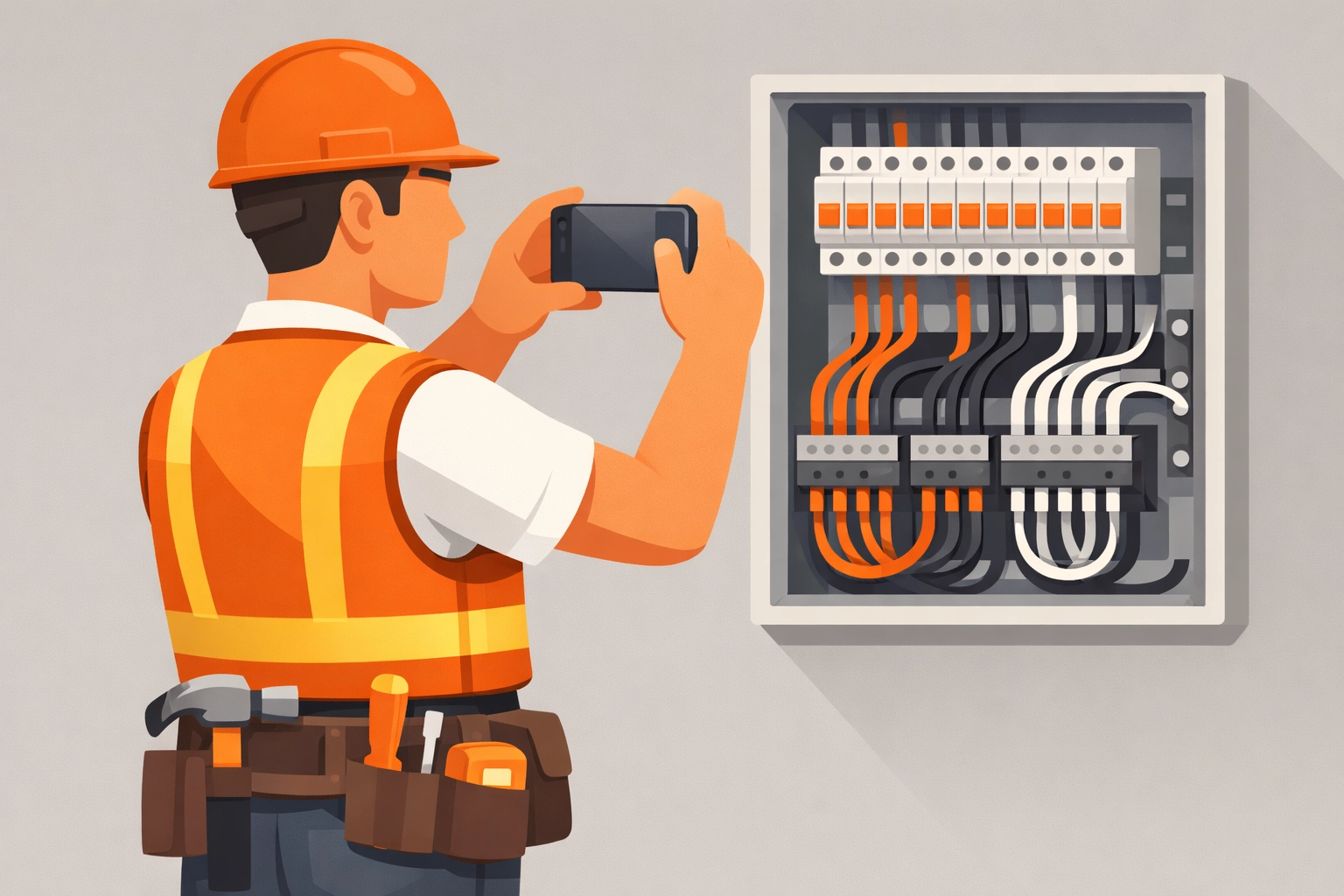
Caption: A contractor using a mobile-first app to quickly snap a photo of a completed electrical panel.
How to Master Your Before and After Photos
It’s not just about taking a picture; it’s about taking the right picture. If you want to use a contractor photo app to its full potential, follow these simple steps:
1. Consistency is Key
For a "before and after" to be impactful, the angles need to match. If your "before" photo is a close-up of a leaky pipe and your "after" photo is taken from the doorway, the comparison loses its punch. Try to find a landmark: like a specific stud or a piece of trim: to line up your shot both times.
2. Lighting Matters
Job sites are notoriously dark. Basements, attics, and closets don't usually have great lighting. Use a headlamp or a portable work light to illuminate the area before you snap the photo. A grainy, dark photo looks unprofessional and can actually hide the quality of your work.
3. Show the Process, Not Just the Result
Sometimes the "after" photo looks so clean that the customer forgets how much work went into it. Don't be afraid to take mid-process photos. If you had to re-route an entire drainage line, show the "during" phase. This builds a narrative of hard work that justifies your pricing.
4. Use a Dedicated App
Stop mixing your work photos with your personal camera roll. There is nothing worse than trying to show a client a photo of a finished bathroom only to have to scroll past pictures of your kid’s birthday party or your lunch. A dedicated before and after photo app keeps your business organized and professional.
Why JobLuma is Different
At JobLuma, we built our platform specifically for the needs of small service contractors. We stripped away the fluff and focused on what actually helps you win more jobs and save more time.
No-App-Download Experience
This is our "secret sauce." Most contractor software requires your customers to download an app, create a login, and verify their email just to see their project photos. Let’s be real: no customer wants to do that.
With JobLuma, you can share a live link with your customer. They click it, and they instantly see the photo timeline app for their project. It’s seamless, it’s professional, and it makes you look like a tech-forward pro without inconveniencing the client. Explore more about how this works on our features page.
Mobile-First Design
We didn't take a desktop website and try to shrink it down to a phone screen. JobLuma was built for the phone in your pocket. It’s fast, lightweight, and works even when you’re in a basement with spotty service.
Simplicity in Pricing
We don't believe in "enterprise" pricing for small businesses. We keep things simple and transparent, so you know exactly what you’re paying for without any hidden fees or long-term contracts.
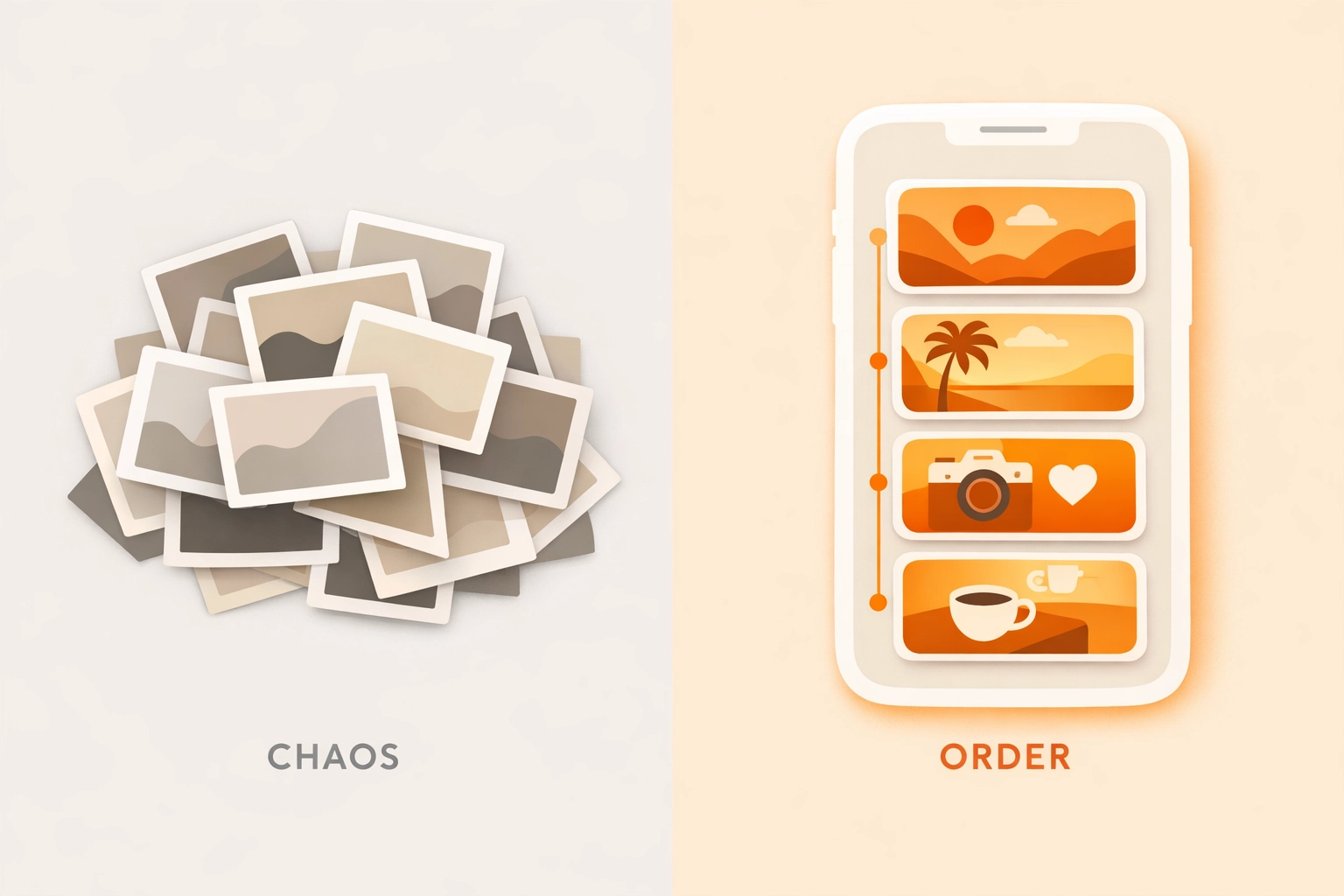
Caption: Comparing a messy camera roll to an organized JobLuma project timeline.
Turning Photos into Referrals
A great "before and after" is a referral machine. When you finish a job and send that JobLuma link to a homeowner, they aren't just looking at the photos: they’re sharing them. They’re texting the link to their neighbor who needs a plumber or posting the comparison on their local Facebook group.
When you provide a high-end digital experience, you’re not just a "guy with a wrench." You’re a professional service provider. That distinction allows you to charge more and stay busier than the competition.
Avoiding the "He Said, She Said" Nightmare
Every contractor has that one story: the job that turned into a legal or financial headache because of a misunderstanding.
"You didn't tell me you were going to have to cut into that wall."
"That crack in the foundation wasn't there before you started."
Comprehensive construction photo documentation is your "receipt." By documenting the state of the job site before you even pick up a tool, you create a baseline of reality. If a dispute arises, you don't have to argue. You just point to the timestamped photo in your contractor job app.

Caption: A happy homeowner viewing a project timeline on their phone without needing to download an app.
Getting Started is Easier Than You Think
You don't need to spend a weekend "onboarding" or watching hours of tutorial videos. The best way to master a before and after photo app is to just start using it.
- Snap the Before: As soon as you walk onto the site, take three photos from different angles.
- Snap the During: If you find something unexpected, take a photo. It helps explain change orders.
- Snap the After: Once the area is cleaned up, take the same three shots you took at the start.
- Share the Link: Send the JobLuma timeline to the client before you even leave the driveway.
That’s it. No paperwork, no complicated uploads, no forgotten details.
Conclusion
The trades are changing. The "old way" of doing things: scribbled notes on the back of an envelope and a camera roll full of unorganized photos: is holding small businesses back. To compete today, you need to be fast, you need to be transparent, and you need to look professional.
A simple photo timeline app like JobLuma gives you all the power of big-company software without any of the headaches. It’s about doing better work, protecting your business, and giving your customers an experience they’ll want to tell their friends about.
Ready to see how simple your job documentation can be? Sign up for JobLuma today and start building your first project timeline in seconds. If you have questions about how we can fit into your specific trade, feel free to contact us or check out our blog for more tips on running a leaner, meaner service business.
Leave a Reply