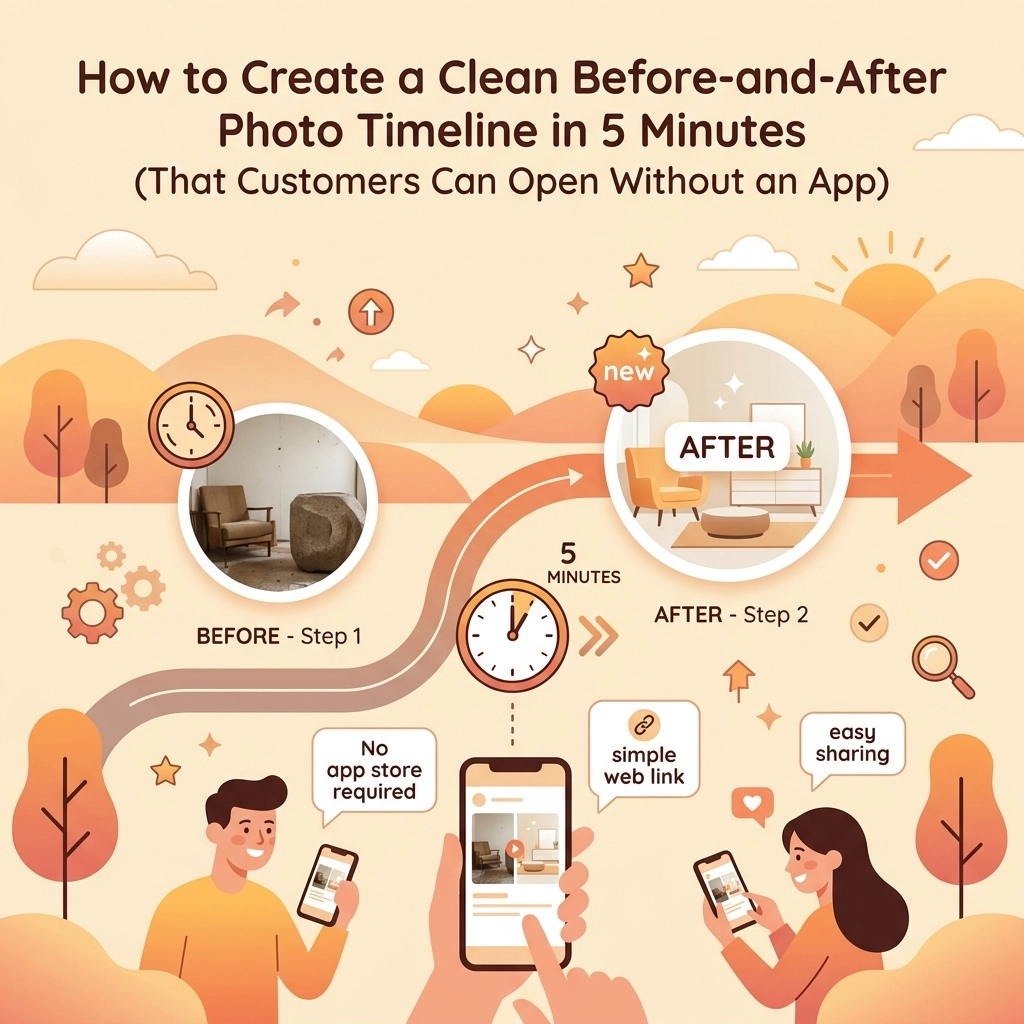
You just finished a grueling eight-hour day. You’ve replaced a rusted-out water heater with a shiny new tankless system, or maybe you’ve completely rewired a century-old panel that looked like a bird’s nest of copper. You’re proud of the work. You take a photo of the finished product, wipe the sweat off your brow, and head home.
But here’s the problem: that photo is now buried in your phone’s camera roll between a picture of your grocery list and a screenshot of a funny meme. When it comes time to invoice the customer: or worse, when they ask for proof of what you actually did behind that wall: you’re scrolling for ten minutes just to find the "before" shot.
Even if you find it, how do you send it? Emailing five giant attachments? Texting a string of photos that gets jumbled up in their messages?
We know you’re busy. You don’t have time to be a graphic designer or a tech support specialist for your clients. You need a contractor photo app that works as hard as you do. In this guide, we’re going to show you how to create a professional before-and-after photo timeline in under five minutes: and why making sure your customer doesn’t have to download an app is the secret to getting more 5-star reviews.
Why Before-and-After Photos are Your Best Salesperson
Before we get into the "how," let’s talk about the "why." For a service contractor, photos aren’t just pictures; they are your reputation.
- Trust and Transparency: Most customers have no idea what a properly installed HVAC duct or a well-soldered pipe looks like. When you show them a clean side-by-side comparison, you’re proving your value.
- Liability Protection: "It was like that when I got here" only works if you have a photo of it. A photo timeline app acts as your digital paper trail.
- Marketing Gold: That transformation of a dirty, dangerous electrical panel into a neat, labeled masterpiece is the best marketing you’ll ever have.
But if the process of organizing these photos is a headache, you won't do it. That’s where the right contractor software comes in.
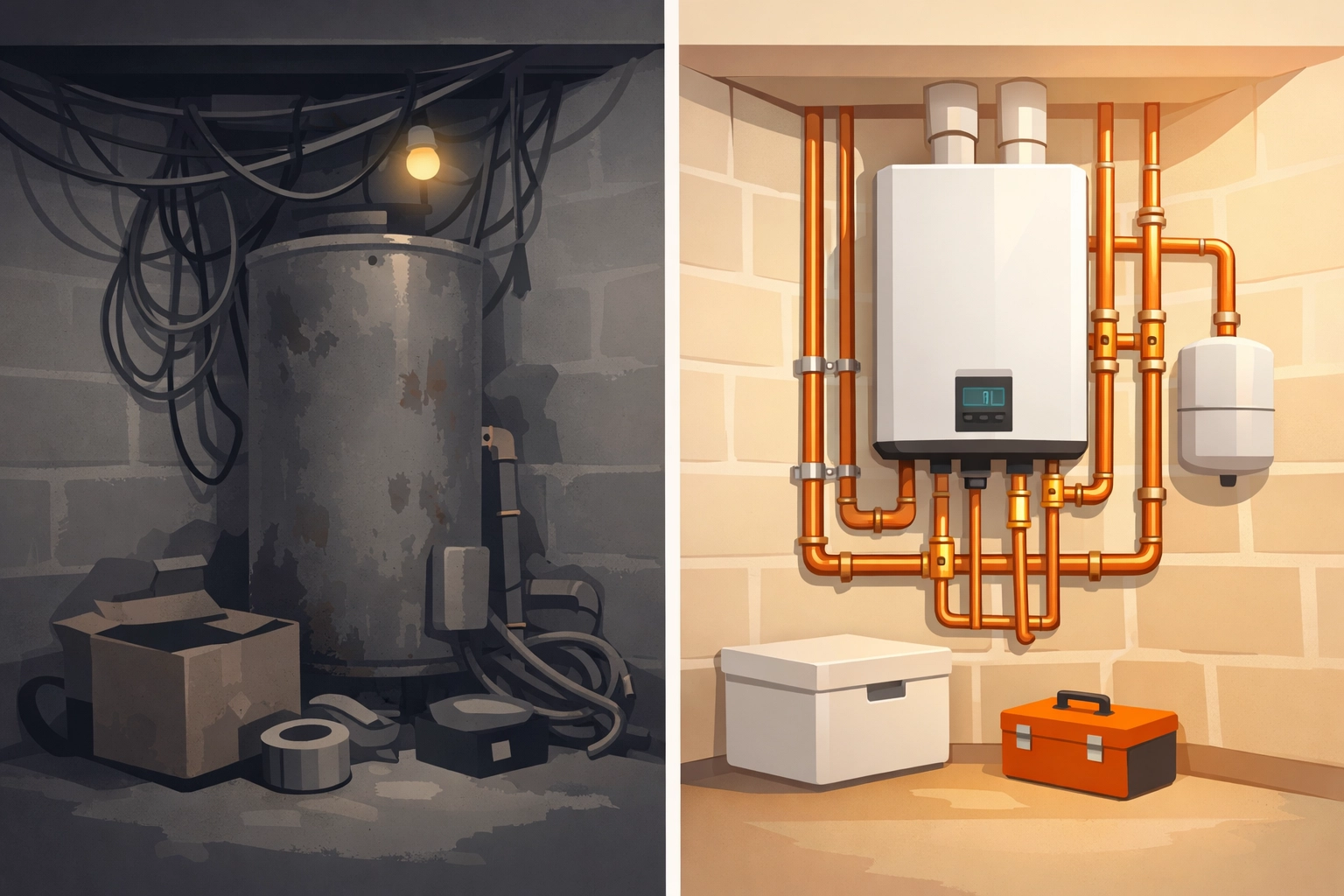
The Old Way vs. The New Way
In the past, if you wanted a "clean" look, you had two choices:
The Manual Way: You’d use a tool like Canva. Research shows that many contractors use Canva’s pre-made templates to drag and drop photos. It looks great, but it takes time. You have to move photos from your phone to your computer, align them, download the file, and then send it. It’s okay for a weekend project, but when you’re doing four jobs a day? It’s a bottleneck.
The "Bloated" Way: You buy an expensive, "all-in-one" project management suite. These are built for massive construction firms. They require you to set up complex project structures, invite your customer to a "client portal," and force them to create a password just to see a photo of their new sink.
The JobLuma Way: You take the photo on your phone. It’s automatically tagged to the job. When you’re done, you send a link. The customer clicks it, and their browser opens a clean, professional timeline. No password. No app download. Just your work, front and center.
How to Create Your Timeline in 5 Minutes (Step-by-Step)
If you want a professional look without the manual labor, here is the fastest workflow using a dedicated contractor job app.
Step 1: Document as You Go
Don't wait until the end of the job. As soon as you walk onto the site, open your JobLuma app and snap the "Before" photos. The key to a great timeline is taking the photos from the same angle. If you’re replacing a vanity, stand in the doorway for both shots. This creates a "sliding" effect that really wows the customer.
Step 2: Live-Logging During the Job
For larger projects, like a full bathroom remodel or a multi-day electrical overhaul, take "During" photos. This is great for construction photo documentation. It shows the customer the parts of the job they can't see once the drywall is up: the quality of the wiring, the insulation, or the plumbing layout.
Step 3: The "After" Hero Shot
This is the money shot. Clean up the site, move your tools out of the way, and take the final photo from that same angle you used in Step 1.
Step 4: Generate the Link
Inside JobLuma, you don't need to "build" the timeline. The app does it for you. Because your photos are logged to a specific job, they are already organized chronologically.
Step 5: Send the "Magic Link"
Instead of sending a 20MB email that bounces back, you send a simple text or email with a link.

The "No-App" Experience: Why It’s a Game Changer
We’ve all been there. You want to see a menu at a restaurant, and they force you to download an app just to see the price of a burger. It’s frustrating, right?
Your customers feel the same way. When they hire an electrician or a plumber, they want the problem fixed and they want clear communication. They do not want to manage another app on their phone.
By using a photo timeline app that generates a web-based view, you remove all friction.
- Instant Access: They click the link in their text messages and the timeline opens instantly in Safari or Chrome.
- Shareability: They can easily forward that link to their spouse or post it on Facebook to brag about the great job you did.
- Professionalism: A web-link looks like it came from a modern, tech-savvy company. It makes you look like the biggest pro in town, even if you’re a one-man shop.
Check out our features page to see how we prioritize this friction-free experience.
Avoiding the "Bloat" of Traditional Software
Many contractors shy away from contractor software because it feels like a second job. If the software takes 20 minutes to set up every morning, you're losing money.
The beauty of a "simple" brand tone: and a simple tool: is that it stays out of your way. You shouldn't need a PhD to organize your photos. You need a tool that understands you’re likely wearing gloves, standing on a ladder, or working in a crawl space.
JobLuma is designed to be mobile-first. We don't care about complex Gantt charts or enterprise-level accounting integrations that you’ll never use. We care about making sure your photos are safe, organized, and ready to show off.

Pro-Tips for Better Before-and-Afters
If you want your timeline to look truly elite, keep these three tips in mind:
- Lighting is Everything: If you're in a dark basement, use a work light. Grainy, dark photos make your work look messy, even if it’s perfect.
- The "Sweep" Rule: Always take a photo of the area once it’s been swept and cleaned. A "Before" shot of a messy room and an "After" shot of a clean room with a new appliance makes the transformation feel even bigger.
- Captions Matter: In JobLuma, you can add quick notes to photos. "Found corroded wire here" or "Upgraded to 200-amp service." These small notes turn a photo album into a professional report.
Protection for Your Business
Beyond making the customer happy, having a clean photo timeline is your best defense against "he-said, she-said" disputes. If a customer claims you scratched their floor, you can pull up your "Before" photos from the timeline and show that the scratch was already there.
Because JobLuma is a cloud-based contractor photo app, those photos aren't just on your phone: they are backed up. If you drop your phone in a bucket of PVC glue (it happens), your documentation is still safe.
You can learn more about how we handle your data on our privacy page, but the bottom line is: your photos are your proof.
Ready to Level Up Your Professionalism?
Creating a before-and-after timeline shouldn't be a chore. It should be the victory lap at the end of a job well done.
If you're tired of scrolling through your camera roll and want a way to impress your customers without forcing them to download another annoying app, it's time to try something simpler.
Stop fighting with bloated software and start using a tool built for the field. You can check out our pricing to find a plan that fits your business size, or just sign up today to start your first timeline.
It takes five minutes to set up, but the impression it leaves on your customers will last a lot longer.
Want more tips on running a leaner, more profitable trade business? Check out the rest of our blog for advice on everything from customer communication to field tech efficiency.
Leave a Reply