If you’re an electrician, plumber, or HVAC tech, you know the drill. You finish a long day on-site, your boots are caked in mud, and your brain is fried. The last thing you want to do is sit down at a laptop and spend an hour wrestling with complicated contractor software just to show a client what you actually did all day.
But here’s the reality: in 2026, clients don’t just want the job done; they want to see the journey. They want to know that the pipes behind the wall are brand new and that the wiring is up to code before the drywall goes back up. They want transparency, and they want it delivered in a way that doesn’t require them to sign up for a new account or download a bulky app.
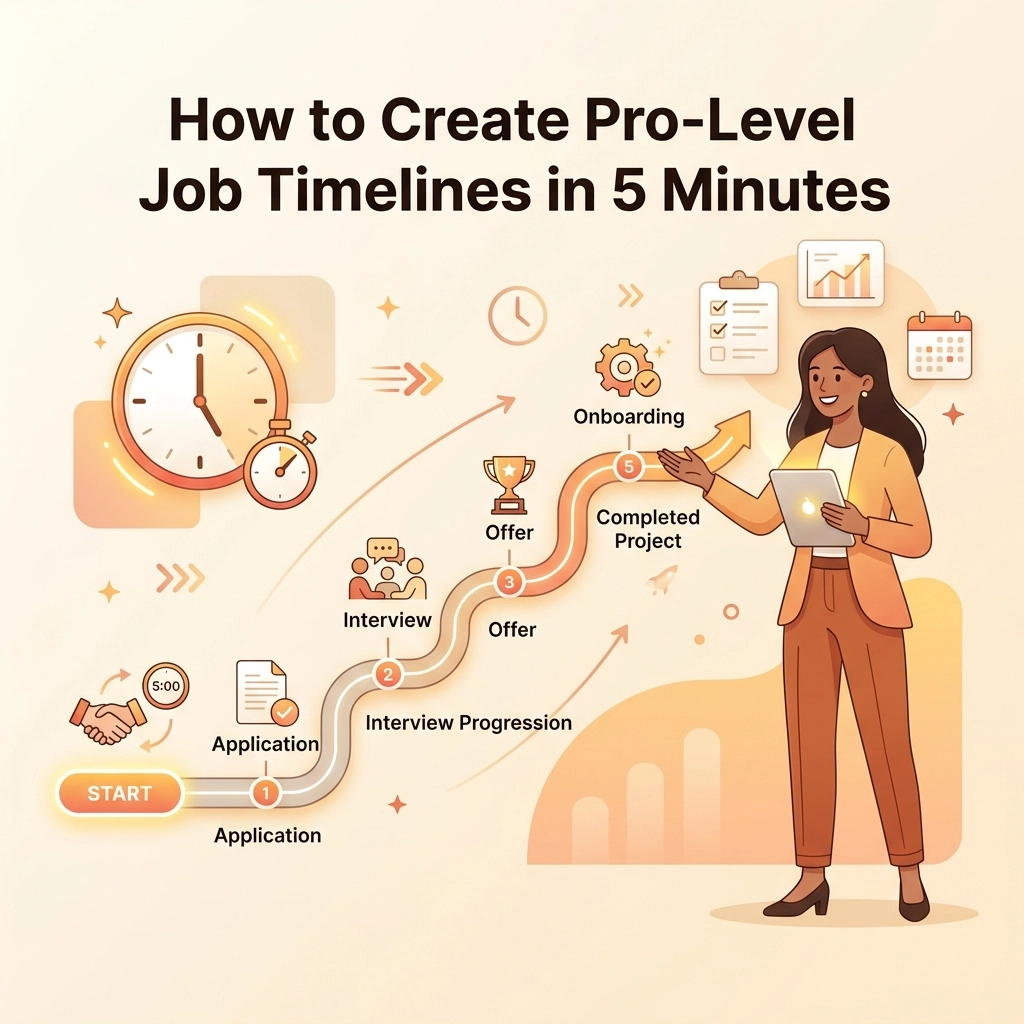
Creating a pro-level job timeline shouldn't be a chore. In fact, if it takes you more than five minutes, you’re doing it wrong. Here is how you can build professional, high-impact timelines that win trust and get you paid faster: without the headache of bloated project management tools.
The Problem with "Big" Project Management Software
We’ve all seen those massive project management platforms. You know the ones: the ones with the Gantt charts that look like a flight controller’s dashboard at LAX. While those tools might be great for building a skyscraper or launching a satellite, they are usually overkill for a residential service contractor.
Most "pro" software is designed for office workers sitting at desks. It requires a steep learning curve, a monthly subscription that costs more than your truck insurance, and: worst of all: it forces your customers to download an app just to see a photo of their new water heater.
When you’re in the field, you need a contractor job app that works as hard as you do. You need something mobile-first, simple, and lightning-fast. You need a tool that lets you document your work in real-time, so by the time you’re packing up your tools, the timeline is already finished.

Step 1: The "Before" Snap (Time: 30 Seconds)
A pro-level timeline starts before you even pick up a wrench. Before you start the tear-out, take 30 seconds to snap a few high-quality "before" photos.
Why is this important? Because once the job is done, the "before" state is gone forever. If a customer questions why the bill is higher than the estimate because of unforeseen rot or outdated wiring, you need that photographic proof.
Using a before and after photo app allows you to timestamp these issues immediately. This isn’t just about making a pretty gallery; it’s about liability and clear communication. With JobLuma, you can just open your browser, hit the job link, and upload. No logging into a complex portal every time you want to take a photo.
Step 2: Document the "In-Between" (Time: 2 Minutes)
The "in-between" is where the real value lies. For many homeowners, the work you do is invisible. They don't see the new flashing you installed or the way you perfectly routed the new PVC lines.
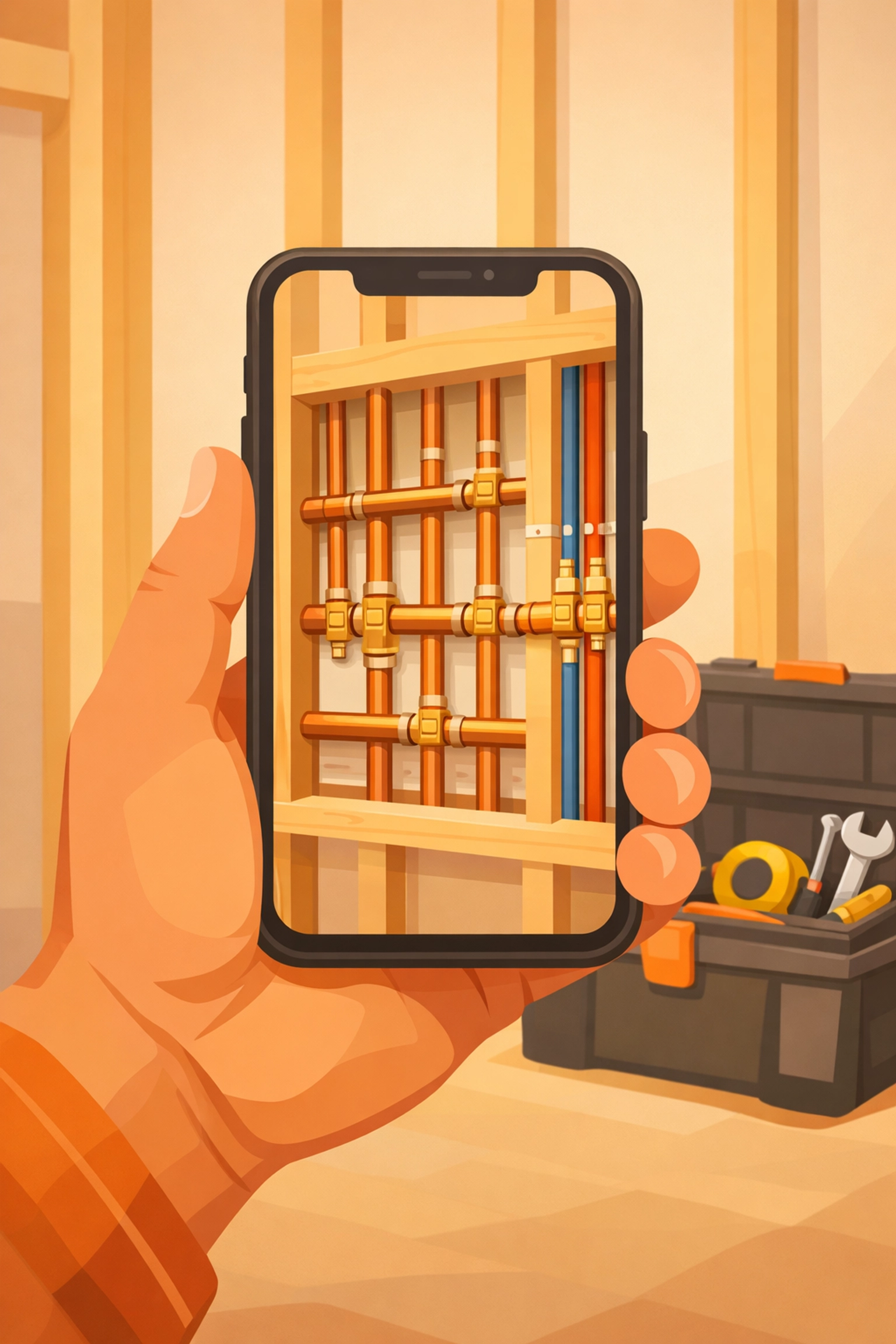
As you reach major milestones during the day, take a quick photo.
- Electricians: Show the clean panel wiring before the cover goes on.
- Plumbers: Document the pressure test on the new lines.
- HVAC: Show the internal components of the new unit before it’s sealed up.
This creates a narrative of quality. When a client sees a photo timeline app filled with progress shots, they feel like they are part of the process. It eliminates the "black box" of service work and builds massive amounts of trust.
Step 3: The "After" Hero Shot (Time: 1 Minute)
The job is done. The site is swept. Now it’s time for the money shot.
Take photos from the exact same angles you used for your "before" shots. This creates a powerful visual contrast that highlights your craftsmanship. Pro-tip: wipe your camera lens before this shot. A clear, crisp photo of a finished install looks 10x more professional than a blurry one.
This documentation is the backbone of your business's reputation. When you use JobLuma to organize these, they aren't just buried in your phone's camera roll alongside photos of your dog and your lunch. They are tied directly to the job record.
Step 4: Organizing Without the Effort (Time: 30 Seconds)
This is where most contractors drop the ball. They have the photos, but they’re scattered across three different phones and a group chat.
A dedicated construction photo documentation tool like JobLuma handles the organization for you. Because it's mobile-first, you’re uploading directly to the project. There’s no "sorting through the folder" at 8:00 PM on a Friday. Your timeline is being built dynamically as you work.
Step 5: The "No-App" Share (Time: 1 Minute)
This is the secret sauce. Most customers hate downloading apps. If you send a client a link and it tells them they need to go to the App Store, create a password, and verify their email just to see their project photos… they won't do it.
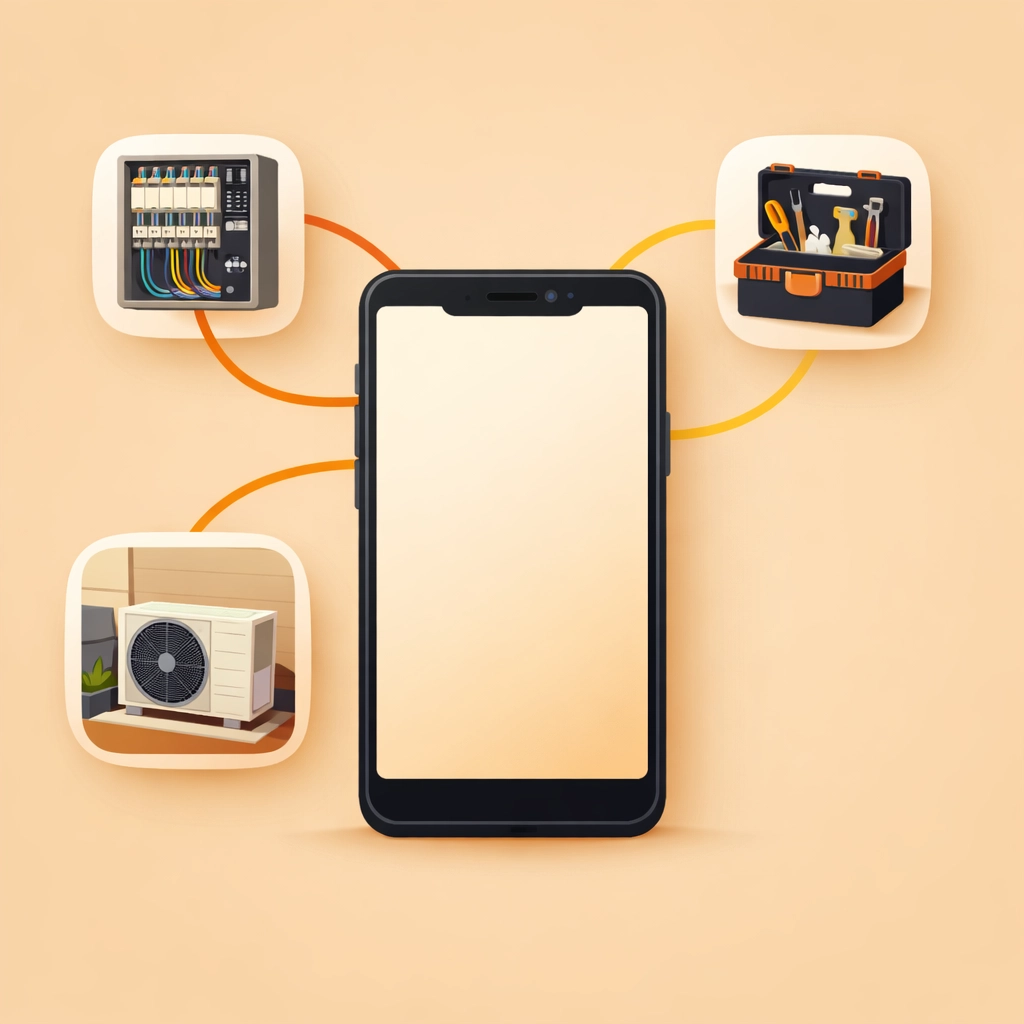
JobLuma changes the game by offering a no-app-download customer experience. You simply send them a secure link via text or email. They click it, and boom: their professional job timeline is right there in their mobile browser.
It makes you look like a tech-forward, high-end company, even if you’re a one-man show. You can check out how we keep things simple on our about page.
Why This Workflow Wins More Jobs
You might be thinking, "Russel, I'm a plumber, not a photographer. Does this really matter?"
Yes. It matters for three big reasons:
1. Zero Disputes
When you have a clear contractor photo app timeline, "he said, she said" disappears. If a client claims you damaged something, you have the "before" photo to prove it was already there. If they wonder why a part cost so much, they can see the complexity of the install in the "during" photos.
2. Marketing Gold
Your finished JobLuma timelines are ready-made marketing materials. You can easily show prospective clients what a "typical" install looks like. Instead of telling them you do good work, you can send them a link to a previous timeline. It’s the ultimate social proof.
3. Faster Payments
Clients are much happier to pay an invoice when they feel like they’ve seen the work. A professional timeline provides the "Wow" factor that justifies your pricing. When the invoice arrives alongside a beautiful gallery of the transformation, the friction to hit "pay" is significantly reduced.

Keeping it Simple: The JobLuma Way
We built JobLuma because we were tired of seeing contractors struggle with software that was too complicated for the field. We wanted to create the best photo timeline app for people who actually do the work.
Our focus is on:
- Simplicity: If a 10-year-old can't use it, it's too complex.
- Speed: Everything should happen in seconds, not minutes.
- Experience: Your customers should have a seamless, professional experience without any technical hurdles.
If you’re ready to stop burying your best work in your camera roll and start creating pro-level timelines in 5 minutes or less, it's time to make the switch.
You don't need a degree in project management to look like a pro. You just need the right tools and five minutes of your time.
Ready to get started?
Check out our pricing to find a plan that fits your business, or jump right in and sign up today.
If you have questions about how JobLuma can fit into your specific trade, feel free to contact us. We’re here to help you shine.
Quick Recap: The 5-Minute Timeline Workflow
- 0:00 – 0:30: Snap "Before" photos (Liability protection).
- 0:30 – 2:30: Snap "In-Progress" shots at major milestones (Building trust).
- 2:30 – 3:30: Snap the "After" hero shots (Proving quality).
- 3:30 – 4:00: Auto-organize via JobLuma (Saving time).
- 4:00 – 5:00: Send the "No-App" link to the client (Getting paid).
That’s it. Five minutes for a lifetime of professional reputation. What are you waiting for?
Leave a Reply