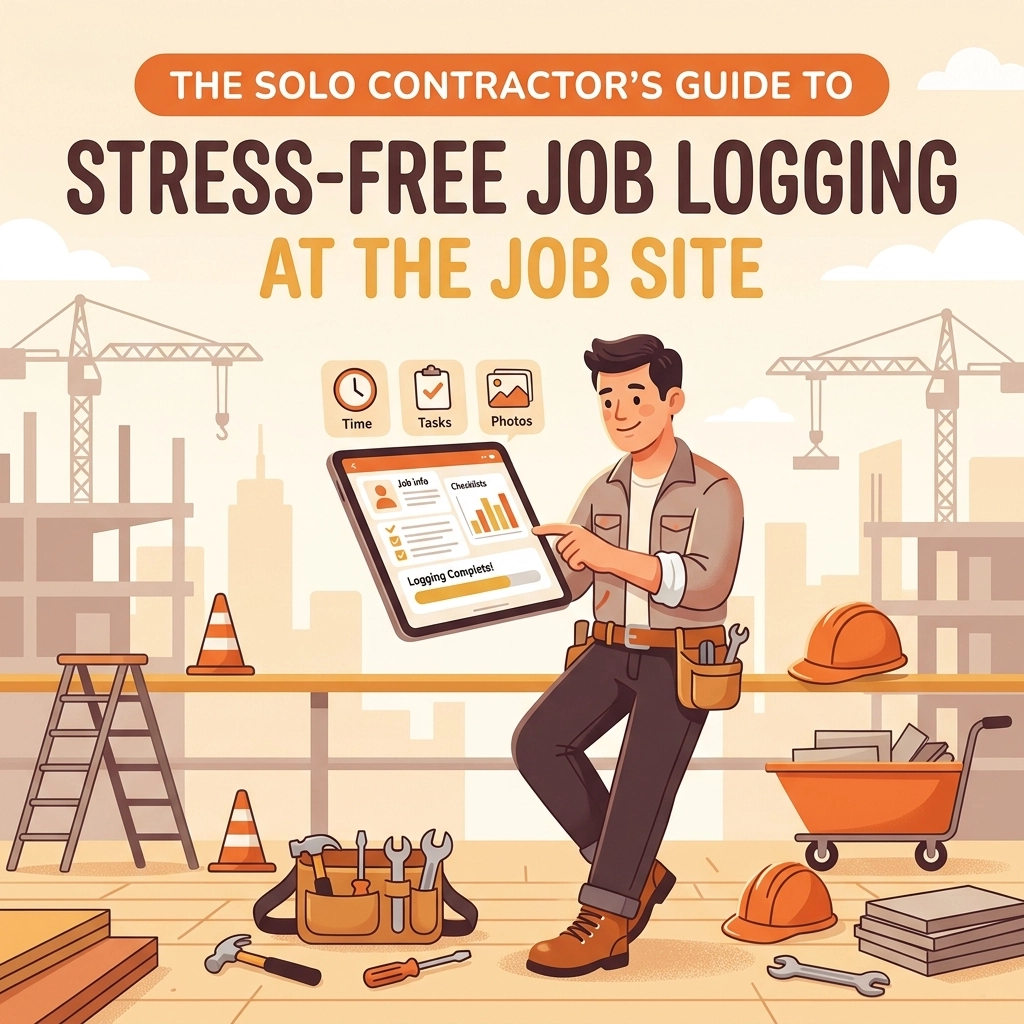
You just finished a ten-hour day. Your boots are covered in dust, your back is aching, and all you want to do is grab a cold drink and sit on the couch. But as you’re driving home, that nagging feeling hits you: Did I remember to take a photo of that wiring before I closed the wall? Did I document the leak before I patched the pipe? How am I going to explain to the homeowner why that extra part was necessary?
For a solo contractor: whether you’re an electrician, a plumber, or an HVAC tech: the "job" isn't just the physical labor. It’s the documentation. It’s the proof that you did what you said you’d do, and that you did it well. But let’s be honest: traditional contractor software often feels like it was designed for a 50-person corporate office, not a guy with a truck and a toolbox.
If you’re tired of bloated project management tools that require a PhD to navigate, or if your "job logging system" is just a messy camera roll full of blurry photos, this guide is for you. We’re going to talk about how to make job logging stress-free, mobile-first, and: most importantly: fast.
The Problem with "Big" Contractor Software
Most construction photo documentation tools on the market are built for massive job sites. They have Gantt charts, complex resource allocation maps, and "administrative dashboards" that look like a flight simulator.
As a solo pro, you don’t need that. You need to get in, do the work, document the progress, and get paid. When you use software that is too complex, one of two things happens:
- You spend way too much time doing "office work" on your phone while you should be working.
- You get frustrated and stop using it altogether, leaving you with zero records when a customer disputes a bill.
The secret to stress-free logging isn't more features; it’s the right features. You need a contractor job app that stays out of your way.
Why Visuals Beat Notes Every Time
Writing down "replaced the valve" is fine, but a high-resolution photo of the old, corroded valve next to the shiny new one is bulletproof.
Using a before and after photo app changes the dynamic of your business. It transforms you from "the guy who sent a bill" to "the professional who provided a visual story of the repair." This builds instant trust. When a client can see the timeline of the work, they are much less likely to question the invoice.
Plus, let’s talk about liability. We’ve all been there: a week after you leave a site, a customer calls saying something else broke, and they think it was your fault. If you have a clear photo timeline app showing exactly what you touched (and what you didn't), you have the visual proof to protect your reputation and your wallet.

3 Steps to Stress-Free Job Logging
You don’t need a complicated system. You just need a rhythm. Here is the simplest way to log any job:
1. The "Arrival" Snap
The moment you walk onto the site, take a "before" photo. This isn't just for the client; it’s for you. It captures the state of the room, the existing equipment, and any pre-existing damage. If you use JobLuma, these photos are automatically timestamped and organized, so you don't have to go hunting through your personal photos later to find them.
2. The "In-Progress" Milestone
If you’re doing something that will be hidden later: like plumbing behind a wall or wiring in a ceiling: take a photo. This is the most critical part of construction photo documentation. It shows the quality of your work that the customer will never see with their own eyes.
3. The "Completion" Hero Shot
Clean up the site and take one final photo. This is your "After" shot. It proves the job is done, the area is clean, and the equipment is functioning.

Stop Forcing Your Customers to Download Apps
Here is a hard truth: Your customers don't want to download another app. They already have 50 apps on their phone they don't use. If you send them a link to a "Customer Portal" that requires a username, password, and an App Store download, they probably won't look at it.
One of the biggest benefits of a modern contractor photo app like JobLuma is the "no-app-download" experience. You can share a professional photo timeline with your customer via a simple link or QR code. They click it, they see the work, and they’re impressed. No friction, no passwords, just professional results.
Check out how easy this is on our features page.
The Mobile-First Mindset
You don't work at a desk, so your software shouldn't behave like it belongs on one. A truly "stress-free" system is one that works perfectly on your phone with one hand while you’re holding a flashlight with the other.
A mobile-first design means:
- Big buttons: Easy to tap even if your fingers are a little dusty.
- Fast uploads: You shouldn't be staring at a spinning wheel for three minutes.
- Zero Bloat: Only the tools you need in the field.
When your software is as mobile as you are, logging doesn't feel like a chore. It feels like part of the tool kit.

How Better Logging Leads to Faster Payments
Have you ever sent an invoice and waited two weeks for the check, only to have the client call and ask, "Wait, what exactly did you do for four hours?"
When you use a photo timeline app, you eliminate those phone calls. By the time the invoice hits their inbox, they’ve already seen the progress. They’ve seen the "before," the "middle," and the "after." They understand the value because you showed it to them.
Effective job logging is actually a sales tool. It proves your expertise and justifies your pricing. If you want to see how this can change your billing cycle, take a look at our pricing to find a plan that fits your solo operation.
Keeping it Simple
At the end of the day, you’re a contractor, not a data entry clerk. Your time is literally money. Every minute you spend fighting with a complicated software interface is a minute you aren't billing for.
By focusing on simple photo documentation and a clean, mobile-first workflow, you can:
- Protect yourself from liability.
- Wow your customers with professional timelines.
- Get home earlier because your admin work is already done.
If you’re ready to ditch the messy spreadsheets and the over-complicated project management tools, it might be time to try something built specifically for the way you work. You can learn more about our mission here.
Final Thoughts for the Solo Pro
Being a solo contractor is a hustle. You’re the CEO, the lead tech, the marketing department, and the janitor. You don't have time for "bloat." You need tools that work as hard as you do and stay out of your way.
Start small. Tomorrow, try taking just three photos of every job: Before, During, and After. See how much better it feels to have that record ready to go. Once you see the power of a simple photo timeline, you’ll wonder how you ever worked without it.
Ready to make your job logging stress-free? Signup for JobLuma today and start building your first digital job timeline in seconds. No credit card required, just a better way to work.
If you have questions or need a hand getting started, our help center is always open, or you can contact us directly. We’re here to help you get back to what you do best: the real work.
Leave a Reply