It’s 6:00 PM on a Tuesday. You’ve just finished a grueling install, your back is aching, and your truck is finally packed up. You’re ready to go home, grab a cold drink, and see your family. But there’s one thing standing in your way: the dreaded paperwork.
You know the drill. You have to write down what you did, document the materials used, and somehow prove to the customer (and your boss) that the job was done right. Most contractors try to handle this by typing out long paragraphs on their phones or, worse, scribbling notes on a coffee-stained clipboard that will inevitably get lost under the seat of the truck.
What if I told you that you could slash your paperwork time in half and actually provide better documentation just by using your phone’s camera?
It’s called the Photo Timeline Hack, and it’s the secret weapon for savvy electricians, plumbers, and HVAC techs who want to get home earlier. In this post, we’re going to show you why traditional paperwork is a waste of time and how a simple photo timeline app can transform your business.
Why Paperwork is the Enemy of Small Contractors
Let’s be real: you didn't get into the trades because you loved filling out forms. You got into this because you like building things, fixing problems, and working with your hands.
The problem is that as your business grows, the "office work" grows with it. If you don't document your jobs, you run into three major headaches:
- Liability Issues: A customer claims you scratched their floor or didn't finish the wiring correctly. Without proof, it's your word against theirs.
- Payment Delays: Invoices get held up because the client "wants to check a few things" before they send the final check.
- Communication Gaps: Your team doesn't know what happened on-site yesterday, leading to mistakes and rework.
To solve this, many guys look for contractor software. But here’s the trap: most of the "big" construction software out there is bloated, expensive, and takes three months to learn. You don't need a Gantt chart to fix a leaky pipe; you just need a way to show you did the work.

The Hack: Transition to a Photo-First Workflow
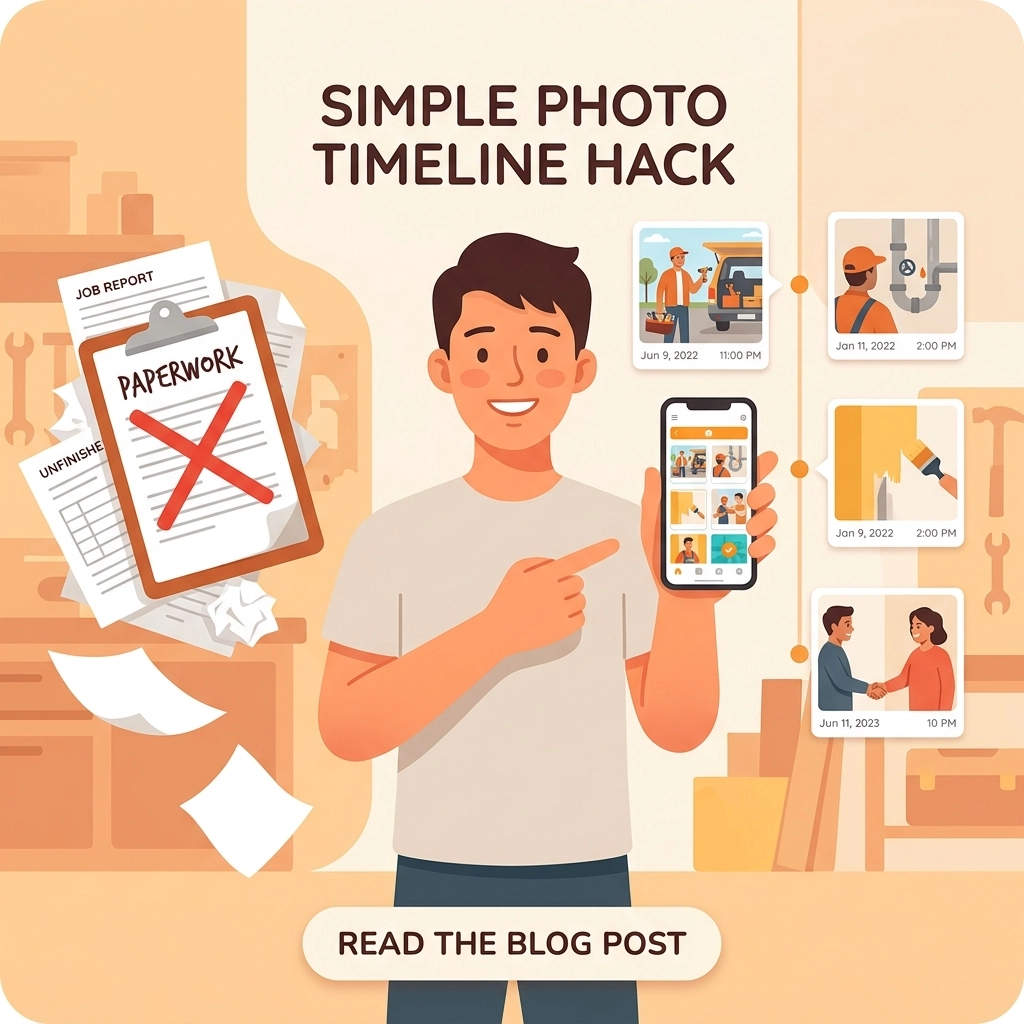
The Photo Timeline Hack is simple: Stop writing, start snapping.
Instead of trying to describe the state of a furnace when you arrived, take a photo. Instead of writing down that you cleared the debris after a demo, take a photo. By creating a chronological "story" of the job through pictures, you create a digital trail that is far more valuable than a written report.
Why Photos Beat Text Every Time
- Speed: You can take ten photos in the time it takes to type one clear sentence on a touchscreen keyboard.
- Clarity: A photo of a specific wire color or a serial number doesn't have "typos." It’s 100% accurate every time.
- Proof: A before and after photo app provides visual evidence that is hard to argue with. It protects your reputation and your wallet.
When you use a contractor photo app, you aren't just taking pictures; you’re building a timeline. This timeline tells the story of the project from start to finish. When the customer sees that timeline, they feel an immediate sense of trust. They can see exactly what they are paying for.
The Problem with "Bloated" Project Management Software
If you’ve ever tried to use one of those high-end project management suites, you know the frustration. They ask for 50 different data points before you can even upload a single image. They have buttons for "Resource Allocation" and "Critical Path Analysis": stuff that makes sense for building a skyscraper, but is total overkill for a residential service call.
These apps are also "heavy." They take forever to load on a 5G connection in a basement, and they drain your battery faster than a circular saw.
At JobLuma, we believe simple is better. You shouldn't need a PhD in software engineering to document a job. You need a contractor job app that works as fast as you do.

How JobLuma Simplifies Your Documentation
We built JobLuma specifically for the field. We stripped away all the junk that slows you down and focused on the one thing that actually matters: getting your job photos organized and shared.
Mobile-First Design
Most software is built for a desktop and "ported" to a phone. JobLuma was built for the phone first. We know you’re using it with one hand while holding a flashlight in the other. Our interface is clean, the buttons are big, and it just works.
Before and After Timelines
Our construction photo documentation tool makes it incredibly easy to create before-and-after comparisons. With a couple of taps, you can show the messy "before" state and the pristine "after" result. This is pure gold for your marketing and even better for your customer's peace of mind.
No App Download for Customers
This is the big one. Most contractor software requires your customer to download an app, create an account, and remember a password just to see their project updates.
Nobody wants to do that.
With JobLuma, you send your customer a simple link. They click it, and they can see the photo timeline right in their mobile browser. No downloads, no friction, just a happy customer who is impressed by your professionalism. This "no-app" experience is a game-changer for referrals and repeat business.

Step-by-Step: Implementing the Photo Timeline Hack
Ready to try it? You don't need to change your whole business overnight. Just follow these four steps on your next three jobs:
- The Arrival Shot: As soon as you step onto the job site, take 2-3 photos of the current state. Focus on the problem area and the surrounding environment (to prove there was no pre-existing damage).
- The "Hidden" Work: Taking photos of things that will be covered up: like wiring behind a wall or pipes under a floor: is the best way to avoid "what happened?" phone calls six months later.
- The Completion Shot: Take photos of the finished product from the same angles as your arrival shots. This creates that satisfying before/after effect.
- The Immediate Share: Use a photo timeline app like JobLuma to send the link to the homeowner before you even pull out of their driveway.
By the time you get home, the customer has already seen the great work you did, shared it with their spouse, and is much more likely to pay that invoice the second it hits their inbox.

Getting Paid Faster with Visual Proof
Let’s talk about the money. The biggest reason contractors don't get paid on time is "clarification." The client has a question, they wait a few days to ask it, you wait a few days to answer, and suddenly a 15-day payment term turns into 45 days.
When you provide a clear, visual timeline of the work, you eliminate the need for clarification. You are providing "Social Proof" that the job is done to a high standard.
Using JobLuma as your contractor software puts you in the top 1% of service businesses in terms of professionalism. Most guys are still texting blurry photos or, worse, sending nothing at all. When you provide a dedicated, branded link with a clean timeline, you look like a much larger, more organized operation than you might actually be.
Stop the Paperwork Headache Today
You didn't start your business to become a data entry clerk. You started it to be your own boss and do great work.
The Photo Timeline Hack isn't just about saving time; it’s about taking the stress out of your evenings. It’s about knowing that every job is documented, every customer is impressed, and your reputation is protected.
Stop fighting with bloated software that wasn't built for you. Switch to a photo timeline app that understands the reality of being in the field.
If you’re tired of wasting your nights on paperwork, it’s time to give JobLuma a try. It’s simple, it’s mobile-first, and your customers will love it.
Ready to simplify your workday?
Sign up for JobLuma today and see how easy job documentation can actually be. Check out our pricing or learn more about our features to see why hundreds of contractors are making the switch.
Don't let paperwork keep you from the things that matter. Grab your phone, take the shot, and get home early.
Leave a Reply