Let’s be honest: you didn’t get into the trades because you wanted to spend three hours a night staring at a computer screen. Whether you’re an electrician, a plumber, or an HVAC tech, your money is made in the field, not in a complicated dashboard.
But there’s a catch. In 2026, if you aren't documenting your work, you're leaving money on the table and leaving yourself wide open to liability. Customers want to see what they’re paying for. They want to see the "Before" (the disaster) and the "After" (the masterpiece).
The problem is that most contractor software is just too much. It’s bloated, it’s expensive, and it requires a PhD to navigate. You just want a way to show a professional photo timeline without the headache.
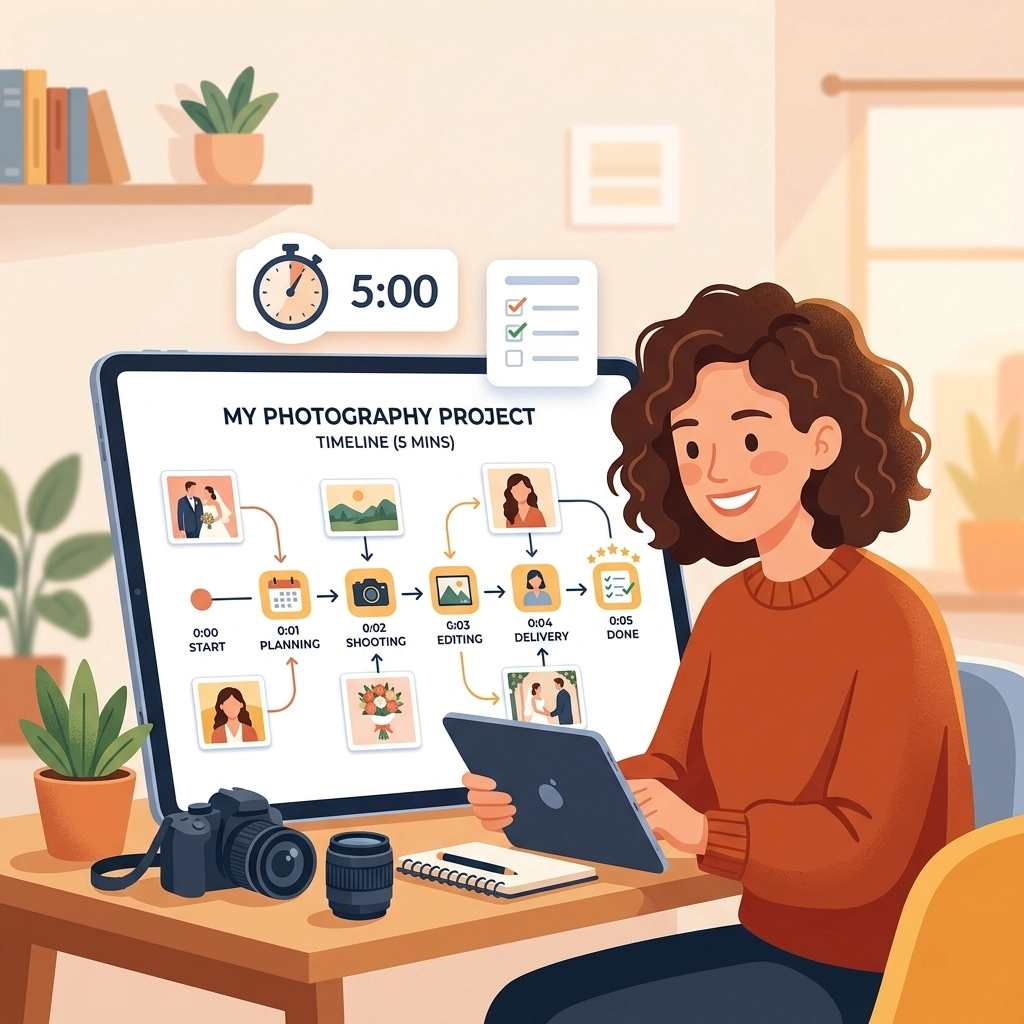
In this post, we’re going to show you how to create a professional photo timeline in under five minutes. No bloat, no complex logins: just simple documentation that makes you look like a pro.
Why Photo Documentation is Your Best Sales Tool
Before we get into the "how," let’s talk about the "why." A photo timeline app isn't just a place to dump pictures; it's a storytelling tool.
When you send a customer a professional timeline of the work you did, you are doing three things:
- Building Trust: You’re showing them exactly what was done behind the walls or under the floor.
- Protecting Your Back: If a customer claims you damaged something, you have the "Before" photo to prove the condition of the site when you arrived.
- Selling the Next Job: High-quality construction photo documentation is the best marketing material you can have. It proves your expertise far better than a written review ever could.

The Problem with "Big Box" Contractor Software
If you’ve searched for a contractor job app, you’ve probably seen the big names. These platforms promise to manage your entire life: from accounting to GPS tracking to HR.
But for a small service shop or an owner-operator, that stuff is a nightmare.
- The Learning Curve: You have to spend days watching "onboarding" videos.
- The Friction: Your techs hate using it because it takes ten clicks just to upload one photo.
- The Customer Experience: Many of these apps force your customers to create an account or download an app just to see their project photos. Spoiler alert: they won’t do it.
That’s where the "5-minute timeline" comes in. You need something that works as fast as you do.
How to Create Your Timeline in 5 Minutes
You don't need a massive project management suite. You need a streamlined before and after photo app approach. Here is the play-by-step to get a professional timeline in front of your customer before you even leave their driveway.
1. The "Arrival" Snap
The moment you step on-site, take two photos. One of the overall area and one of the specific problem. This sets the baseline. In a contractor photo app like JobLuma, this takes three seconds.
2. The "In-Progress" Proof
People love seeing the "guts" of a project. If you’re a plumber, show the new piping before the drywall goes back up. If you’re an HVAC tech, show the clean wiring. These photos prove that you didn’t just slap a band-aid on the problem.
3. The "Finished" Masterpiece
This is the money shot. Clean up the area, grab your phone, and take a photo from the exact same angle as your "Arrival" snap. This creates that satisfying "Before and After" transition that customers love to share with their friends.
4. The 60-Second Review
Open your features and look at your log. Add a quick one-sentence caption to the key photos. "Old rusted water heater removed" and "New high-efficiency unit installed."
5. Send the Link
This is the most important part. Don’t send an email with 20 attachments that will get blocked by a spam filter. Send a single, professional link.

The JobLuma Difference: No App, No Friction
At JobLuma, we built our contractor photo app specifically for the person who hates complicated software. We focused on three things: Simple, Mobile-First, and No-Download.
Why "No-Download" Matters
Have you ever tried to get a homeowner to download a specific app just to see three photos of their leaky pipe? They won't do it. It’s annoying.
With JobLuma, your customer gets a text or an email with a link. They click it, and it opens a beautiful, professional photo timeline in their mobile browser. No password to remember, no app to install. It just works. This creates a "Wow" factor that makes you stand out from the guy down the street who is still texting blurry photos one by one.
Professional Tips for Better Photo Timelines
If you want your photo timeline app to really shine, follow these quick field tips:
- Wipe Your Lens: It sounds stupidly simple, but your phone lens is covered in pocket lint and finger grease. A quick wipe with your shirt will make your photos 10x sharper.
- Lighting is King: If you're in a dark basement, use a work light, not just your phone flash. Flash often flattens the image and hides the detail of your work.
- Context Matters: Don't just take a close-up of a wire. Take a step back so the customer can see where that wire is in relation to the rest of the house.
- The "Hero" Angle: Find one angle and stick to it for the before, during, and after shots. It makes the timeline look like a time-lapse video.

Stop Using Your Camera Roll as a Filing Cabinet
We’ve all been there. You’re sitting at dinner on a Friday night, and a customer calls asking about a job you did three weeks ago. You spend twenty minutes scrolling through your phone, past photos of your dog and your kid’s soccer game, trying to find that one photo of the electrical panel.
By using a dedicated tool for construction photo documentation, you keep your business life and your personal life separate. Every photo is tagged to a job, organized by date, and ready to be shared in seconds.
Ready to Simplify Your Workflow?
You don't need a bloated software suite that costs hundreds of dollars a month. You need a tool that lets you document your work, impress your customers, and get back to your life.
If you’re tired of fighting with tech and just want a simple way to create professional photo timelines, it’s time to try a different approach. You can get started with JobLuma today and have your first timeline sent before your next coffee break.
Check out our pricing to see how we fit your business, or better yet, jump right in and signup for free to see how easy it actually is.
Summary Checklist for a 5-Minute Timeline:
- Minute 1: Snap "Before" photos upon arrival.
- Minute 2: Snap "During" photos of the critical work.
- Minute 3: Snap "After" photos once the site is clean.
- Minute 4: Add brief captions to provide context.
- Minute 5: Send the professional link to the customer.
No more "I'll send those photos when I get back to the office." Do it on-site, get it done, and look like the professional you are.
Creating a professional image for your business doesn't have to be a full-time job. With the right contractor job app, it’s just part of the job you’re already doing. Keep it simple, keep it fast, and let your work speak for itself.
Leave a Reply