Let’s be real for a second. You didn’t get into the electrical, plumbing, or HVAC business because you loved filing paperwork. You got into it because you’re good with your hands, you like solving problems, and you like seeing a job well done.
But as your business grows, you realize that the "job" isn't just about fixing the leak or wiring the panel. It’s about proving you did it. It’s about showing the homeowner that the moldy mess under their sink is now a pristine setup. It’s about covering your back if a customer claims you scratched their flooring three weeks after you left the site.
The problem? Most contractor software feels like it was designed for people sitting in a skyscraper, not someone standing in a crawlspace. You don't have twenty minutes to navigate a complex menu just to upload a photo. You need a way to document your work that takes less time than it does to pack up your toolkit.
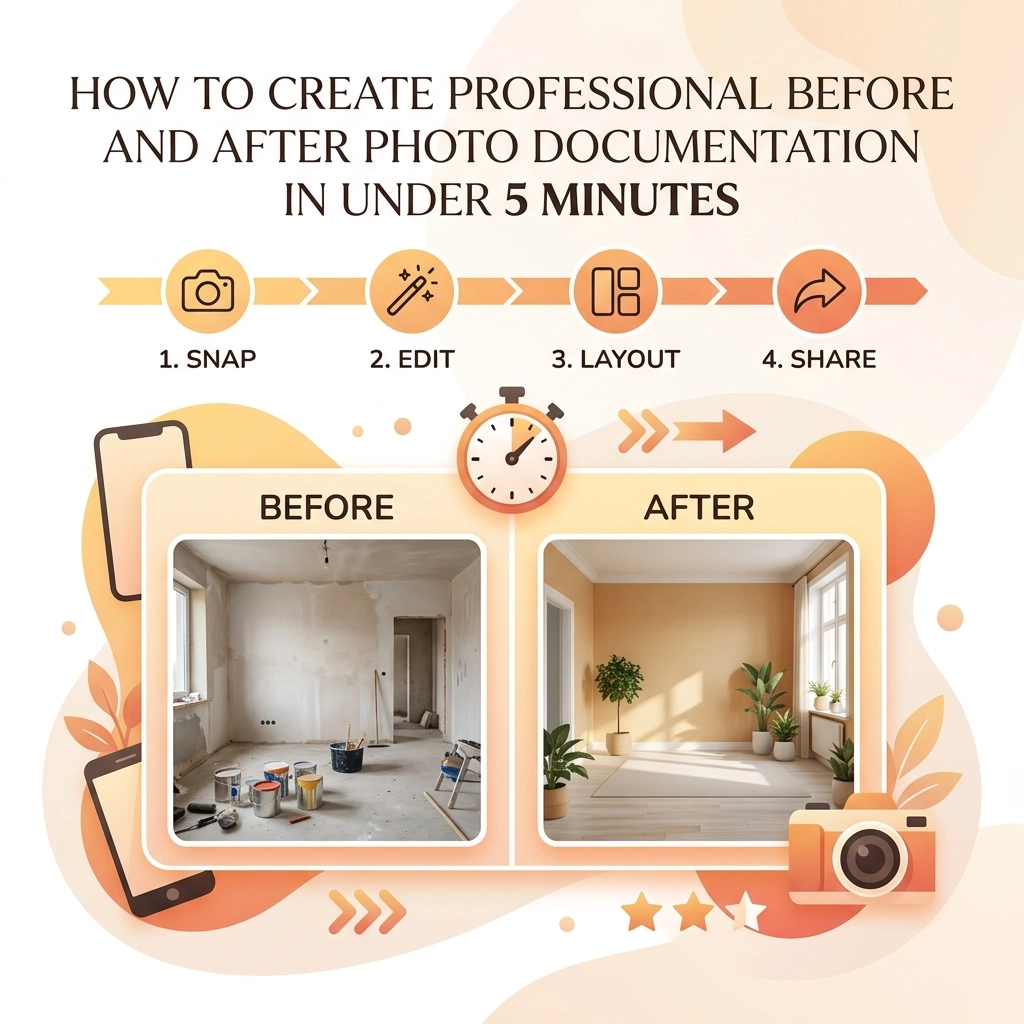
In this post, we’re going to show you how to create professional before and after photo documentation in under five minutes: without the headache of bloated software.
Why Before and After Photos are Your Secret Weapon
Before we dive into the "how," let’s talk about the "why." If you aren't using a contractor photo app consistently, you're leaving money and peace of mind on the table.
1. Building Instant Trust
Most of your customers have no idea what you actually do. They see a bill for $400 and they think, "He was only here for an hour!" When you provide a professional timeline of photos, you show the complexity of the "before" and the quality of the "after." It justifies your pricing and builds instant authority.
2. Liability Protection
We’ve all had that one customer. The one who calls two weeks later claiming you broke a vase or left a stain. If you have a timestamped construction photo documentation trail showing the state of the room before you started and after you finished, those headaches disappear.
3. Better Marketing
Word of mouth is great, but a visual portfolio is better. High-quality before and after shots are the best content you can post on social media or your website. It’s visual proof that you know your stuff.

The "Bloated Software" Trap
If you’ve searched for contractor job app solutions lately, you’ve probably seen the big names. They offer everything: project management, accounting, CRM, GPS tracking, and maybe even a way to order lunch.
While those tools are great for massive construction firms building high-rises, they are often overkill for a service contractor.
- They are expensive.
- They have a steep learning curve.
- They require your customers to download an app just to see a photo.
- They take too long to use on-site.
At JobLuma, we believe in keeping it simple. You shouldn't need a degree in computer science to log a photo. Our mobile-first design is built for the field, not the office. You need to get in, snap the pic, and get to the next job.
The 5-Minute Professional Workflow
Creating professional documentation doesn't require a DSLR camera or a studio setup. It requires a system. Here is how you can master it in under five minutes per job.
Step 1: The "Entry Shot" (30 Seconds)
Before you even touch a tool, take your phone out. Stand at the entrance of the work area and take a wide shot. Then, take 2-3 close-ups of the specific issue (the leaky pipe, the charred outlet, the rusted condenser).
Pro Tip: Try to find a fixed point in the room: like a door frame or a specific tile: and keep that in the corner of your frame. This makes the "after" shot much more satisfying because the perspective matches.
Step 2: The "Progress Snap" (optional, 1 minute)
If it's a longer job, take one photo of the "guts" of the work. This shows the customer the parts they can't see once the drywall is back up or the unit is closed. It proves you didn't just put a "band-aid" on the problem.
Step 3: The "Exit Shot" (30 Seconds)
Once the work is done and: this is important: the area is cleaned up, take your "after" photos. Stand in the exact same spot where you took the "Entry Shot." Using a before and after photo app that allows you to see the previous photo as an overlay can help you line this up perfectly.
Step 4: The Sync (1 Minute)
Instead of letting these photos sit in your personal camera roll mixed in with pictures of your dog and your kids, use a dedicated photo timeline app. With JobLuma, these photos are automatically organized by job. You don't have to go home and sort through a mess of images at 8:00 PM.

Consistency is King
The difference between a "guy with a truck" and a "professional service company" is consistency. If your photos are blurry, dark, or taken from weird angles, they won't have the impact you want.
- Lighting: If you're in a dark basement, use a work light. Phone flashes often wash out the details of mechanical work.
- Angles: Always try to take the photo at eye level or from a straight-on perspective.
- Cleanliness: A "before" photo can be messy (that's the point), but an "after" photo should look like you were never there. Hide your tool bags and trash before snapping the final pic.
Why Customers Love the JobLuma Experience
One of the biggest friction points with modern software is the "App Download Barrier."
Think about your customers. They are busy. They are stressed because something in their house is broken. The last thing they want to do is go to the App Store, remember their Apple ID password, download a 100MB app, and create an account just to see the photos of their new water heater.
JobLuma solves this by focusing on a no-app-download customer experience. You can share a professional photo timeline via a simple link sent through text or email. The customer clicks the link, sees the professional branding, flips through the before and after photos, and feels great about the money they just spent. It’s simple for you, and it’s even simpler for them.

Integrating Photos into Your Daily Routine
The hardest part of documentation isn't the technology: it’s the habit. To make sure you actually hit that under-5-minute goal, you need to make it a "non-negotiable" part of your workflow.
- The "Photo First" Rule: You don't pick up a wrench until the "before" photo is taken.
- The "Payment Trigger": Don't send the invoice until the "after" photo is uploaded to your contractor software.
- Automate the Organization: Stop using manual folders on your computer. Use a tool like JobLuma that creates a photo timeline automatically.
When your photos are organized by job and date, finding that one specific picture from a job six months ago takes five seconds instead of fifty minutes. Check out our features page to see how we handle the heavy lifting for you.
Wrapping Up
Professional documentation doesn't have to be a chore. In fact, it’s one of the highest-ROI activities you can do for your business. It protects you, it sells for you, and it makes you look like the expert you are.
By ditching the overly complicated project management suites and sticking to a simple, mobile-first workflow, you can handle all your photo documentation in under five minutes per job.
Stop letting your hard work go unrecorded. Start building a visual legacy of your craftsmanship today.
Ready to simplify your job site photos? Sign up for JobLuma and see how easy professional documentation can be. No credit card required, just simple tools for hard-working contractors.

Still have questions?
If you're wondering how to transition your team over to a digital photo log or want to know more about our pricing, head over to our help center or check out our pricing page. We're here to help you get off the computer and back to the job site.
Leave a Reply