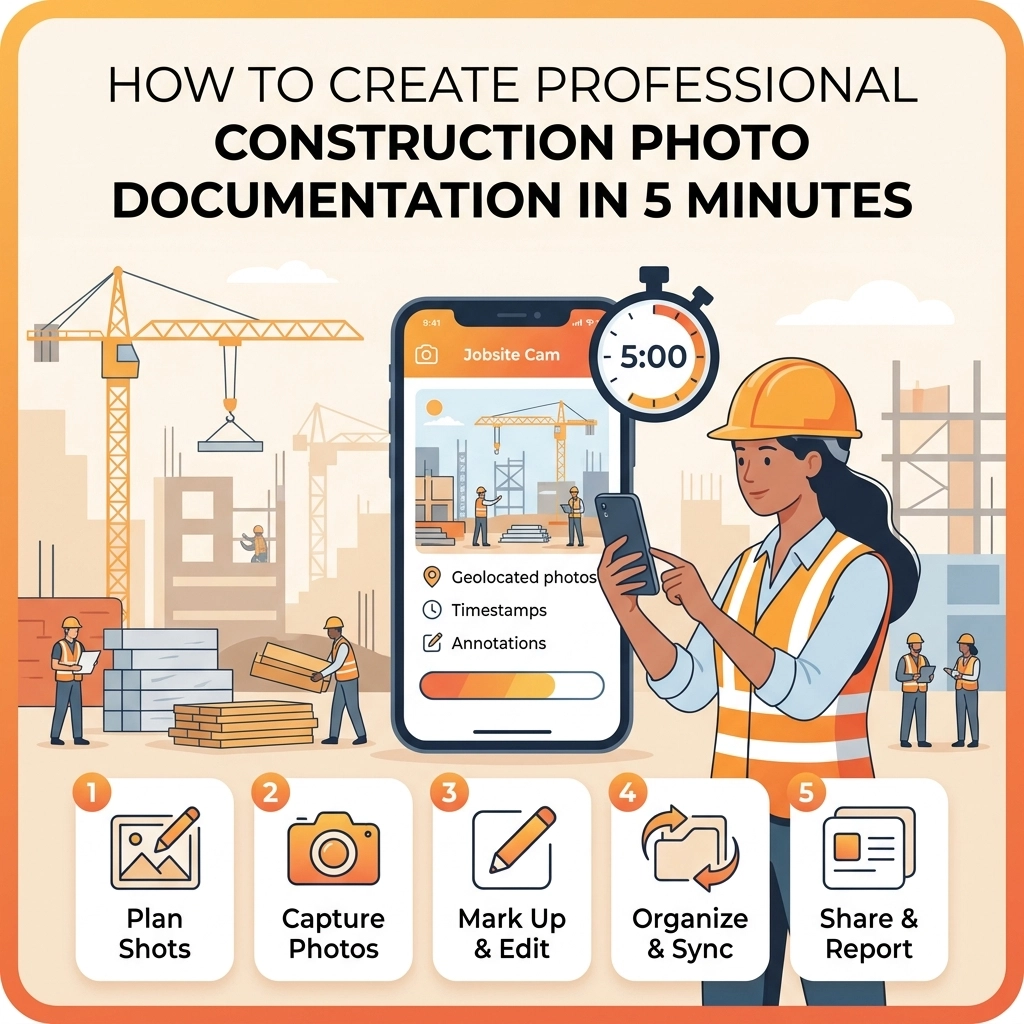
You’ve just finished a long day on the job site. You’re covered in drywall dust, your back hurts, and all you want to do is grab a cold drink and sit on the couch. But there’s one thing nagging at you: you need to document the work.
In the old days, this meant taking twenty photos on your phone, letting them get buried in your camera roll next to pictures of your dog and your kid’s birthday party, and eventually forgetting which pipe went where. Or worse, you’re forced to use some "enterprise-grade" contractor software that’s so bloated and slow it takes ten minutes just to log in.
What if you could handle your construction photo documentation in just five minutes? No headaches, no complicated menus, and no "app fatigue" for you or your customers.
At JobLuma, we believe simple is better. Here is how you can create professional-grade photo logs without losing your mind.
Why Most Photo Documentation Systems Fail Small Contractors
If you’re an electrician, plumber, or HVAC tech, you don’t have a dedicated IT department. You are the IT department. Most contractor job apps are built for massive skyscrapers and hundred-man crews. They ask for "metadata tags," "sub-zonal classifications," and "RFI integrations."
For a small service contractor, that’s just noise. When the software is too hard to use, one of two things happens:
- You stop using it entirely.
- You do a bad job of it, leaving you unprotected when a client claims you damaged a wall that was already cracked.
The goal isn't to become a professional photographer. The goal is to create a clear, undeniable photo timeline app experience that protects your business and impresses your clients.

The 5-Minute Professional Workflow
You don't need an hour to document a job. You just need a system. If you follow this 5-minute routine, you’ll have better documentation than 90% of your competitors.
Minute 1: The "Before" Context (30 Seconds)
Before you even pick up a tool, take two wide-angle shots. Don't just zoom in on the broken water heater. Stand back. Capture the surrounding floor, the walls, and the general state of the room. This protects you against "pre-existing condition" claims. If there was a scuff on the floor before you arrived, this photo is your insurance policy.
Minute 2: The "Guts" (60 Seconds)
Once you start opening things up, walls, electrical panels, or subflooring, take a few quick snaps. These are the photos the customer never sees but the inspector or a future technician will appreciate. Use a contractor photo app that automatically timestamps these, so there’s never a question of when the work was performed.
Minute 3: The "After" Hero Shot (60 Seconds)
This is your marketing gold. Clean up the area, wipe down the equipment, and take a high-quality photo from the same angle as your "Before" shot. This creates a satisfying "before and after" transition that sells your services better than any Yelp review ever could.
Minute 4: The Label and Log (60 Seconds)
Don't leave the photos sitting in a random folder. Give them a quick label. With JobLuma’s features, this is as simple as typing a quick note. "Main Panel Wiring" or "Kitchen Sink Rough-in" is all you need. Keep it under 25 characters to make it easy to read on mobile.
Minute 5: Share the Link (30 Seconds)
This is where most contractors drop the ball. They keep the photos for themselves. Instead, send a link to your customer. With a before and after photo app like JobLuma, your customer doesn't have to download anything. They get a simple, professional web link where they can see the progress of their project in real-time.

Why "No App Download" is the Secret Sauce
We’ve all been there. A contractor sends you a link, and it says: "To view your project, please download our app, create an account, and verify your email."
What do you do? You close the tab. You don't want another app on your phone, and neither do your customers.
JobLuma is designed to be a mobile-first experience that lives in the browser. When you use our contractor job app, you’re providing a premium experience. Your client gets a text, clicks a link, and boom: there are the photos. It makes you look like a tech-savvy pro without forcing your client to do any homework.
The Power of the Before/After Timeline
There is something psychological about a progress timeline. When a homeowner sees a messy, broken "Before" next to a clean, professional "After," the value of your work doubles in their eyes.
Using a dedicated before and after photo app allows you to:
- Justify your pricing: When they see the complexity of the "guts" of the project, they understand why it cost what it did.
- Build Trust: Transparency is the fastest way to build a long-term relationship.
- Get Referrals: Clients are much more likely to show off a cool digital photo gallery to their neighbors than a paper invoice.

3 Pro-Tips for Better Construction Photos
If you want your documentation to truly stand out, keep these three simple rules in mind:
- Find a Fixed Vantage Point: If you take the "Before" photo from the doorway, take the "After" photo from the doorway. It makes the transition look professional and organized.
- Lighting is Everything: If you're in a dark crawlspace or attic, use a secondary light source. A grainy, dark photo is almost as bad as no photo at all.
- Document the "Hidden" Work: If you’re an electrician and you’ve run wires behind a wall before the drywall goes up, document it. That photo is worth its weight in gold three years later when the homeowner wants to hang a heavy TV and needs to know where the wires are.
Stop Fighting Your Software
Most contractor software is built by people who have never stepped foot on a construction site. They think you want more buttons, more fields, and more "data points."
At JobLuma, we know you just want to get the job done, prove it was done right, and get paid. Our about page tells the story: we built this for simplicity. We stripped away the bloat so you can focus on your trade.
Whether you’re looking for a photo timeline app to track a three-week remodel or just a simple way to send a "Job Complete" photo to a property manager, we’ve got you covered.

Ready to Simplify Your Business?
You don't need a degree in project management to keep professional records. You just need five minutes and the right tool.
Stop letting your valuable job photos die in your camera roll. Start building a library of your work that protects your business and delights your customers.
Ready to see how easy it can be?
Professional documentation doesn't have to be a chore. With JobLuma, it’s just part of a job well done. No apps, no fluff, just results. Keep it simple, keep it professional, and get back to what you do best.
Leave a Reply