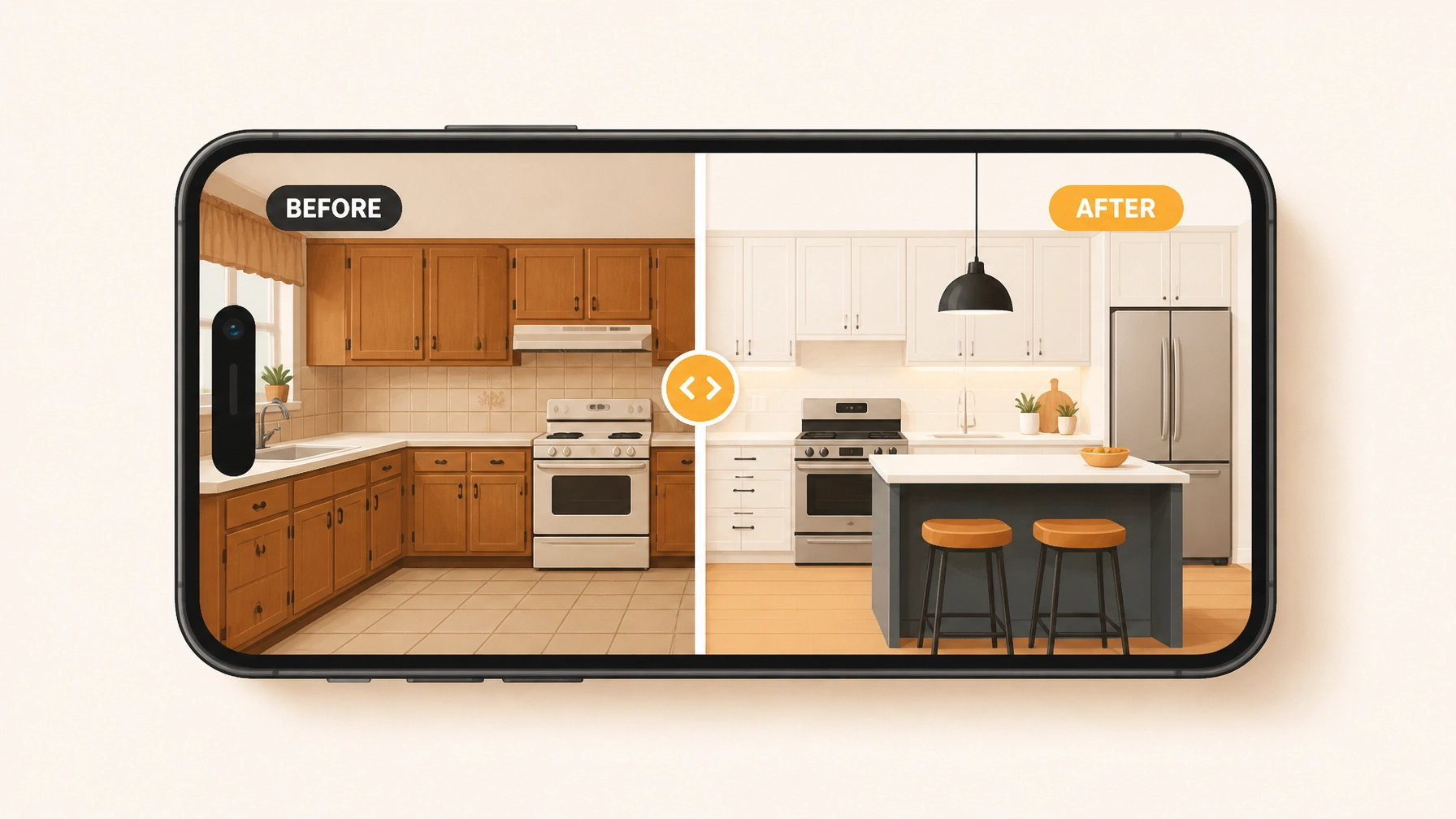
Let’s be honest: for a lot of homeowners, hiring a contractor feels a bit like a leap of faith. They’ve all heard the horror stories: the projects that go over budget, the "hidden" problems that suddenly appear, and the contractors who stop answering their phones once the deposit is paid.
As a pro, you know you’re the real deal. You show up on time, you do the work right, and you care about the results. But how do you prove that to a client who’s already a little bit nervous?
The answer isn't a 20-page contract or a fancy sales pitch. It’s much simpler than that: Transparency.
In today’s world, seeing is believing. Using a before and after photo app to document your work isn't just about keeping organized; it's about building a bridge of trust between you and your client. When they can see exactly what was broken, how you fixed it, and the final result, the "trust gap" disappears.
Transparency is the New Referral
Word of mouth used to be the only thing that mattered in the trades. While it’s still huge, clients now want a more "digital" proof of work. They want to be kept in the loop without having to hover over your shoulder while you’re trying to work.

When you use construction photo documentation, you’re giving the client a window into the job. Instead of just saying, "The wiring behind this wall was a mess," you can snap a photo of the "before" state. When the job is done, you show the clean, safe "after."
This does two things:
- It validates your price. When a customer sees the complexity of the work you actually did, they stop questioning the invoice.
- It shows you’ve got nothing to hide. Contractors who document their work are seen as more professional and accountable.
Protecting Your Work (and Your Sanity)
We’ve all been there. You finish a plumbing job, pack up, and head home. Two days later, the client calls saying there’s a scratch on their floor that "definitely wasn't there before."
Without a contractor photo app, it’s your word against theirs. Usually, the contractor ends up eating the cost just to keep the peace.

Properly documenting the job site before you start: and after you finish: is like having an insurance policy in your pocket. A quick photo of the workspace before you even lay down a drop cloth can save you thousands in disputed damages.
By using a photo timeline app like JobLuma, those photos are automatically organized by job and date. You don’t have to scroll through 5,000 photos of your kids and your lunch in your camera roll to find the proof you need. It’s all right there, ready to protect your reputation and your bottom line.
Why Most "Contractor Software" Sucks
If you’ve ever tried one of those big, "all-in-one" project management tools, you probably gave up after a week. They’re built for massive construction firms with dedicated office staff: not for a solo electrician or a three-person HVAC team.
Most contractor software is too bloated. It wants you to track lead conversions, manage complex Gantt charts, and send 50 automated emails. You don't need all that. You need to take a photo, add a note, and get back to the actual work.
At JobLuma, we built our contractor job app with a "field-first" mindset.
- No bloat: We focus on what matters: photos, notes, and timelines.
- Mobile-first: It’s designed to be used with one hand while you’re standing on a ladder.
- Fast: You shouldn't have to wait for a 50MB app to load just to log a progress photo.
The Before/After Workflow Made Easy
Building trust shouldn't feel like a chore. If your documentation process takes longer than the job itself, you won't do it. That’s why a simple workflow is key.

Here is how the pros do it without wasting time:
- The Arrival Snap: Take 30 seconds to photograph the current state of the job. This is your "Before."
- The Hidden Progress: If you're doing work that will be covered up (like inside a wall or under a floor), snap a photo before the drywall goes up. This is gold for building trust.
- The Final Result: Once the site is cleaned up, take your "After" photos. This is what the client is going to show off to their friends.
With JobLuma, these photos automatically compile into a clean, professional timeline. You don't have to spend your Sunday night making a PDF report. The app does it for you.
The "No-App" Experience for Your Customers
One of the biggest mistakes contractors make is asking their clients to download an app. Your customers don't want another icon on their home screen just to see a few photos of their water heater. They won't do it, and it makes you look like a hassle rather than a help.

JobLuma solves this by creating a branded, web-based timeline. You just send the client a link via text or email. They click it, and they can see the entire history of the job: from the first "before" photo to the final "after": right in their phone’s browser.
No logins. No passwords. No "forgot my password" emails. Just a professional, transparent experience that makes you look like a tech-savvy pro.
Start Building Trust Today
Trust is built one photo at a time. It’s the difference between a client who wonders if they got ripped off and a client who happily pays their invoice and refers you to their neighbors.
Stop letting your hard work go undocumented. Get rid of the bloated software that you never use and switch to something built for the way you actually work.
Ready to see how simple photo documentation can be? Check out JobLuma's features and start documenting your wins today.
Leave a Reply