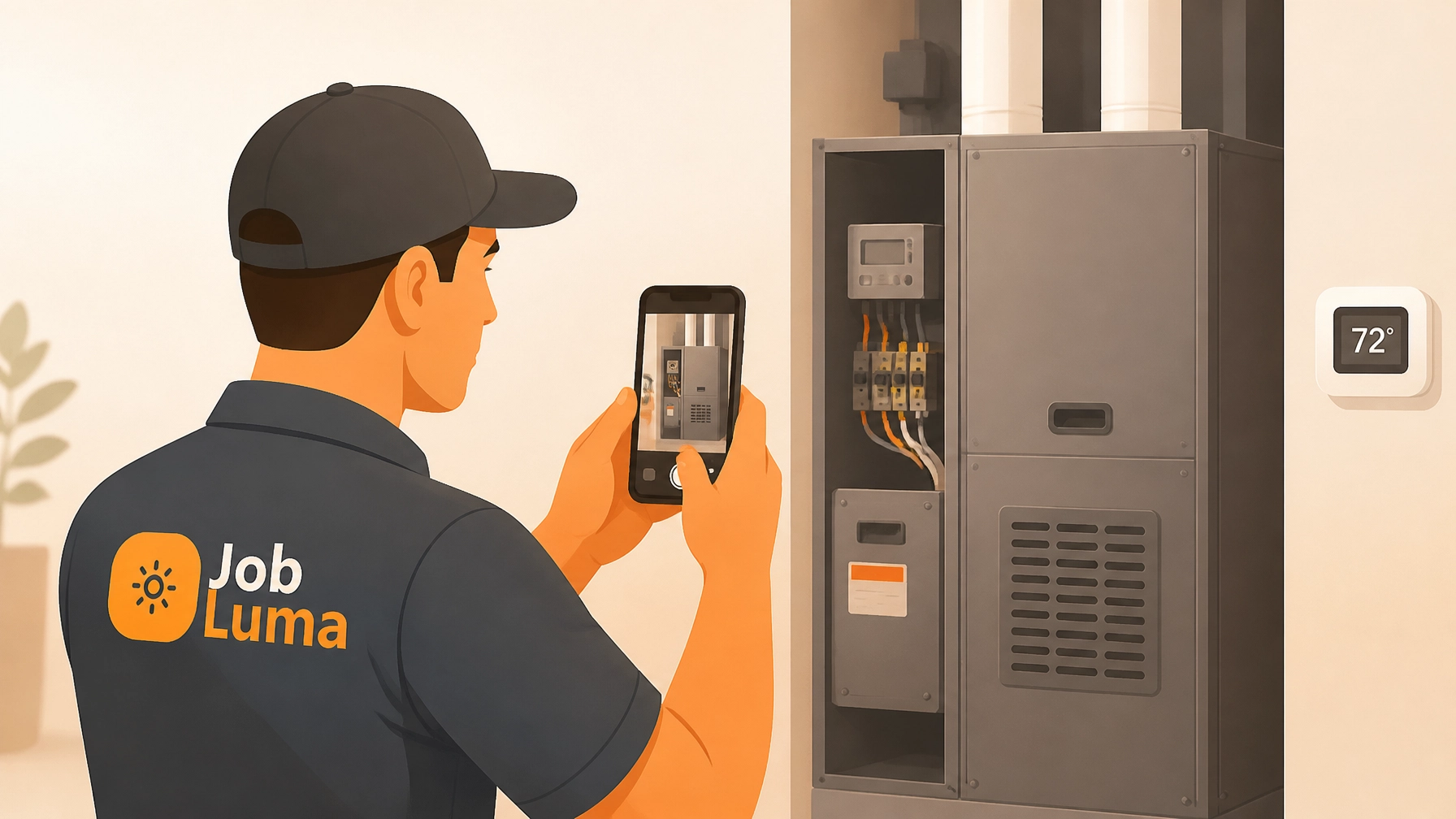
If you’re a plumber, electrician, or HVAC tech, you know the routine. You finish a solid job, take a few photos for proof, and then… they disappear. They get buried under a mountain of screenshots, family vacation photos, and memes in your phone’s camera roll.
When a customer asks for an update or: heaven forbid: questions the work you did three weeks ago, you’re stuck scrolling for twenty minutes trying to find "that one photo of the manifold."
It’s frustrating. It’s unprofessional. And frankly, you don’t have time for it.
You’ve probably looked at contractor software to solve this, only to find bloated project management tools that cost a fortune and require a PhD to operate. You don’t need a complex CRM or a dispatching system that takes an hour to set up. You just need a simple way to show your work.
That’s where a dedicated before and after photo app like JobLuma comes in. Here is how you can create a professional, branded job timeline for your clients in under five minutes.
Why Before and After Photos are Your Best Sales Tool
Before we dive into the "how," let's talk about the "why." Photo documentation isn't just about covering your back (though that’s a huge part of it). It’s about building a business that people trust.
1. Instant Credibility
Most homeowners don't understand the technical details of a panel upgrade or a re-pipe. They just see "the old stuff" and "the new stuff." A clear, side-by-side comparison tells a story of quality that words can't match. According to industry experts, visual proof of quality is one of the most effective ways to win more bids and justify premium pricing.
2. Liability Protection
"It was like that when I got here" only works if you have a time-stamped photo to prove it. Construction photo documentation provides an objective record of site conditions. If a client claims you cracked a tile or left a mess, having a photo from the moment you arrived (and the moment you left) can save you thousands in disputes.
3. Marketing on Autopilot
Every job you finish is a marketing asset. Instead of letting those photos rot in your camera roll, a professional timeline allows you to show off your portfolio to future clients with a simple link.
Step 1: Create the Job (60 Seconds)

The biggest barrier to documentation is friction. If it takes too long to start, you won't do it.
With JobLuma, you don't need to fill out twenty fields of data. When you arrive at the site, just open the app and create a new job. Type in the customer's name or the project address, and you’re ready to go.
Because it's a mobile-first design built for field work, you can do this while you're walking from your truck to the front door. No desktop required, no complex setup.
Step 2: Document the Work as You Go (3 Minutes)

This is where the magic happens. Instead of taking fifty photos at the end of the day and trying to remember what was what, you log them in real-time.
- The "Before": Take 2-3 wide shots of the area before you touch anything.
- The "During": Snap photos of the "hidden" work: the wiring behind the wall, the flashing on the roof, or the insulation. This is what the customer never sees but is most important for quality control.
- The "After": Once the site is cleaned up, take your final hero shots.
The JobLuma features automatically organize these photos into a chronological timeline. You can add quick notes to any photo to explain what’s happening, like "Found corrosion on the main valve, replaced with brass."
This turns a random collection of images into a professional story of a job well done.
Step 3: Complete and Share (1 Minute)

The final step is the one that really sets you apart from the "paper and pencil" guys.
When the job is done, you hit "Complete." JobLuma generates a clean, branded timeline link. You can text or email this link directly to your customer.
The best part? Your customer doesn't have to download a single thing.
They don't need to create an account, remember a password, or install another app that clutters their phone. They just click the link and see a professional, high-res gallery of the work you did. It makes you look like a tech-forward, high-end operation, even if you're a solo operator.
Pro-Tips for Better Documentation
If you want your contractor photo app to work for you, follow these three simple rules:
- Match Your Angles: For the best "before and after" effect, try to take the final photo from the exact same spot as the first one. It makes the transformation much more dramatic.
- Lighting is Key: In dark basements or attics, use a headlamp or a work light. A blurry, dark photo doesn't help anyone.
- Keep it Professional: Make sure you clear out your tools and any trash before taking the "after" shots. A clean job site is the hallmark of a pro.
Protect Your Business with Proof

At the end of the day, a photo timeline app is about peace of mind. It’s about knowing that your work is documented, your customers are impressed, and your records are organized.
Stop digging through your camera roll and stop paying for bloated software that you only use 10% of. Whether you’re an electrician, a remodeler, or a solar installer, JobLuma was built to keep your job logging simple.
Ready to professionalize your job sites? You can start with two free jobs today: no credit card required. If you love the simplicity, our unlimited Pro plan is just $9/month.
Document your work, protect your reputation, and wow your customers( all in under five minutes.)
Leave a Reply