If you’re a plumber, electrician, or HVAC tech, you didn’t get into this business to become a data entry clerk. You got into it to build things, fix things, and keep your community running. But lately, it feels like half your day is spent wrestling with "solutions" that are supposed to make your life easier but actually just give you a massive tech headache.
We’re talking about those bloated project management suites. You know the ones: the contractor software that costs $200 a month, takes six weeks to learn, and has more buttons than the cockpit of a 747. Most of the time, you just want to show your customer that you did a great job and get paid on time.
What if you could create a professional, branded job timeline in under five minutes? No spreadsheets, no complex Gantt charts, and definitely no making your customers download yet another app.
Here is how you can streamline your construction photo documentation and reclaim your time using a simple contractor photo app like JobLuma.
The Problem: The "Bloated Software" Trap
Most trade professionals are stuck between two bad options. On one hand, you have the "Camera Roll Chaos." This is where you take 50 photos of a job, they get buried between pictures of your kids and your dog, and you end up texting three blurry "after" shots to a client at 9:00 PM. It looks unprofessional, and it’s a nightmare to find those photos six months later when a dispute arises.
On the other hand, you have high-end project management software. These platforms are built for massive construction firms building skyscrapers. They want you to log every nail, track every minute of labor, and manage complex supply chains. For a solo operator or a small team doing residential or light commercial work, it’s overkill.

When software is too hard to use, you stop using it. You go back to your camera roll, and the cycle of disorganized documentation continues. That’s why we built JobLuma to be the simplest before and after photo app on the market. We focused on the three things that actually matter: capturing the work, organizing it automatically, and sharing it professionally.
Step 1: The "Before" Snap (1 Minute)
Every pro knows that the "before" photo is your best insurance policy. Whether you’re dealing with a leaky pipe, a frayed wire, or a messy attic, you need proof of what things looked like when you arrived.
With a mobile-first contractor job app, you don't need to open a laptop. You just:
- Open the app on your phone.
- Create a new job (just a name and a customer).
- Snap a few "before" photos right then and there.
These photos are instantly tagged to that specific job. You aren't mixing them up with the job you did three hours ago. This simple habit protects you against "he said, she said" disputes later on. If a customer claims you scratched their floor, but your "before" photo clearly shows the scratch was already there, you’ve just saved yourself hundreds of dollars and a massive headache.
Step 2: Logging Progress on the Fly (2 Minutes)
As you work, you might see things that the customer needs to know about. Maybe the wiring isn't up to code, or there's hidden water damage behind a wall.
Instead of trying to remember all these details to write in an email later, you can add quick notes to your photos as you take them. This is the heart of effective construction photo documentation.
- Take a photo of the issue.
- Dictate a quick note (most modern phones handle speech-to-text beautifully).
- Move on with your work.
By the time you're halfway through the job, your timeline is already building itself. You’re not "doing paperwork"; you’re just documenting the reality of the site.
Step 3: The "After" Shot and the Magic of Timelines (1 Minute)
This is the most satisfying part. You’ve finished the repair, the installation is clean, and the site is spotless. Take those final "after" photos.
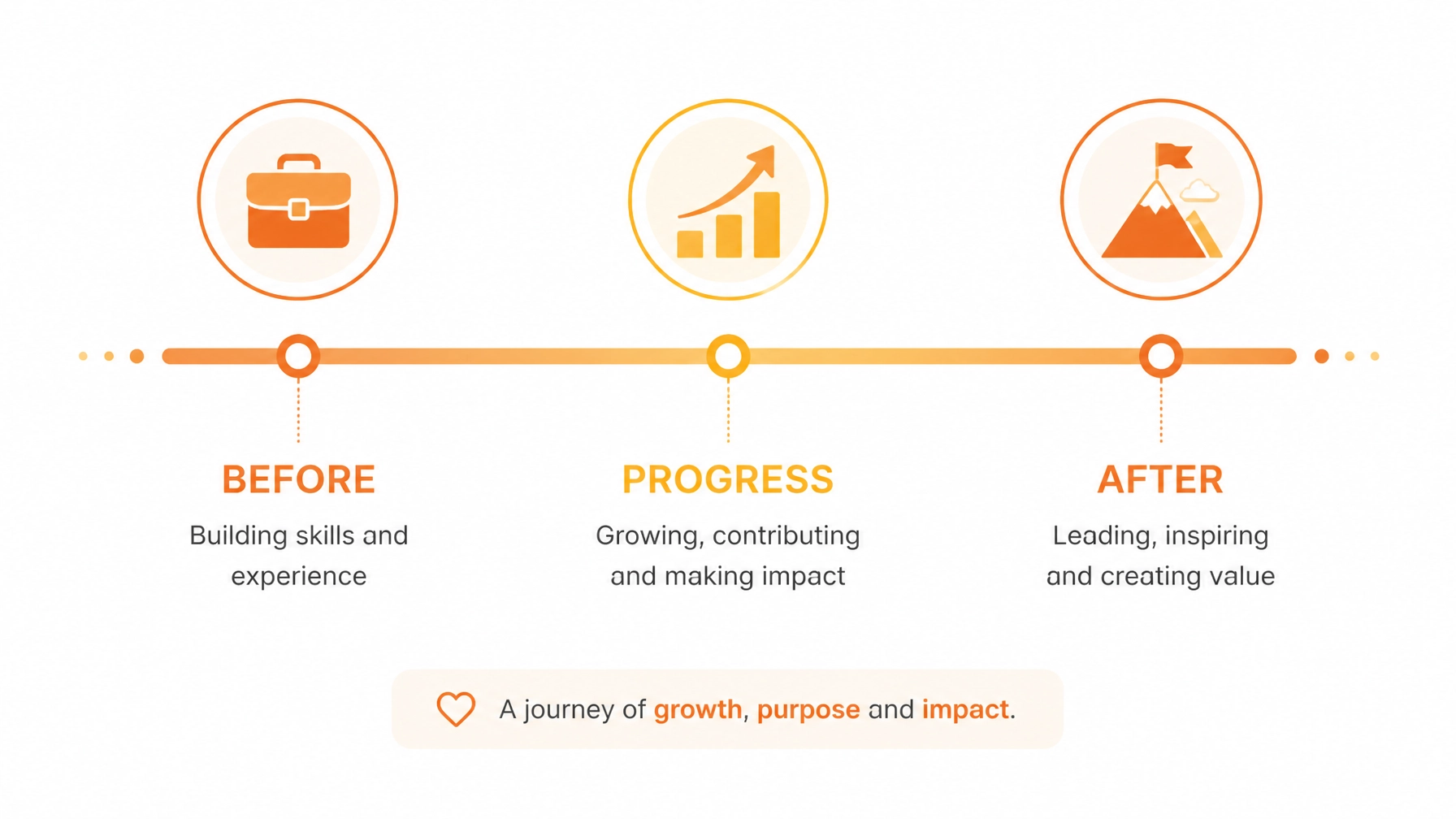
JobLuma takes all these entries: the before shots, the progress notes, and the final results: and organizes them into a clean, vertical timeline. It looks like a high-end social media feed, but for your hard work.

A professional photo timeline app doesn't just store images; it tells the story of your quality. It shows the customer exactly what they paid for, especially for the work they can't see (like what's behind the drywall or up on the roof).
Step 4: One-Click Sharing (1 Minute)
This is where most software fails. They require your customer to create an account, remember a password, and log into a "portal."
Let’s be honest: your customers aren't going to do that. They just want to see the photos.
With JobLuma, you send a single link via text or email. The customer clicks the link and can view the entire branded timeline in their mobile browser. No app download. No login. Just a professional presentation of your work that they can view on their phone while they're at lunch.
This "no-friction" experience makes you look like the most tech-savvy contractor in town, even if you hate technology. It builds trust instantly. When a customer sees a professional timeline, they are much less likely to haggle over the bill because they can see the effort and expertise that went into the job.
Check out our features page to see exactly how this sharing works.
Why Simple Documentation is a Business Superpower
You might think that spending five minutes on a timeline is just an extra chore. But for a small service shop, this is a growth strategy.
1. Faster Payments
When you send an invoice along with a professional job timeline, you're providing "proof of value." Customers pay faster when they have visual confirmation that the work is complete and done correctly. Some of our users have reported getting paid within minutes of sending over a JobLuma timeline.
2. Fewer Callbacks and Disputes
Disputes usually happen because of a lack of communication. If a customer can see the "before" and "after" clearly, there is no room for argument. If they have a question about a specific part you used, you can point to the photo in the timeline with the time-stamped note. It’s objective evidence that protects your reputation.
3. Better Referrals
A professional timeline is a marketing asset. When your customer shows their neighbor the great job you did, they aren't just going to show a single photo. They're going to pull up that JobLuma link and scroll through the whole process. It’s a "wow" factor that leads to more word-of-mouth leads.

Stop Fighting Your Tools
If your current contractor software feels like a second job, it’s time to simplify. You don't need a massive database to track your photos. You need a tool that works as hard as you do and stays out of your way.
JobLuma was designed for the field, not the office. It’s built for the guy with gloves on, working in a crawlspace, who needs to document a job before moving to the next one.

Ready to ditch the tech headache?
You can start creating professional job timelines today. We’ve kept our pricing simple and transparent because we know you don't have time for sales calls and "custom quotes."
Stop digging through your camera roll and start documenting like a pro. Your business (and your sanity) will thank you.
Sign up for JobLuma today and get your first timeline sent in the next five minutes.
Leave a Reply