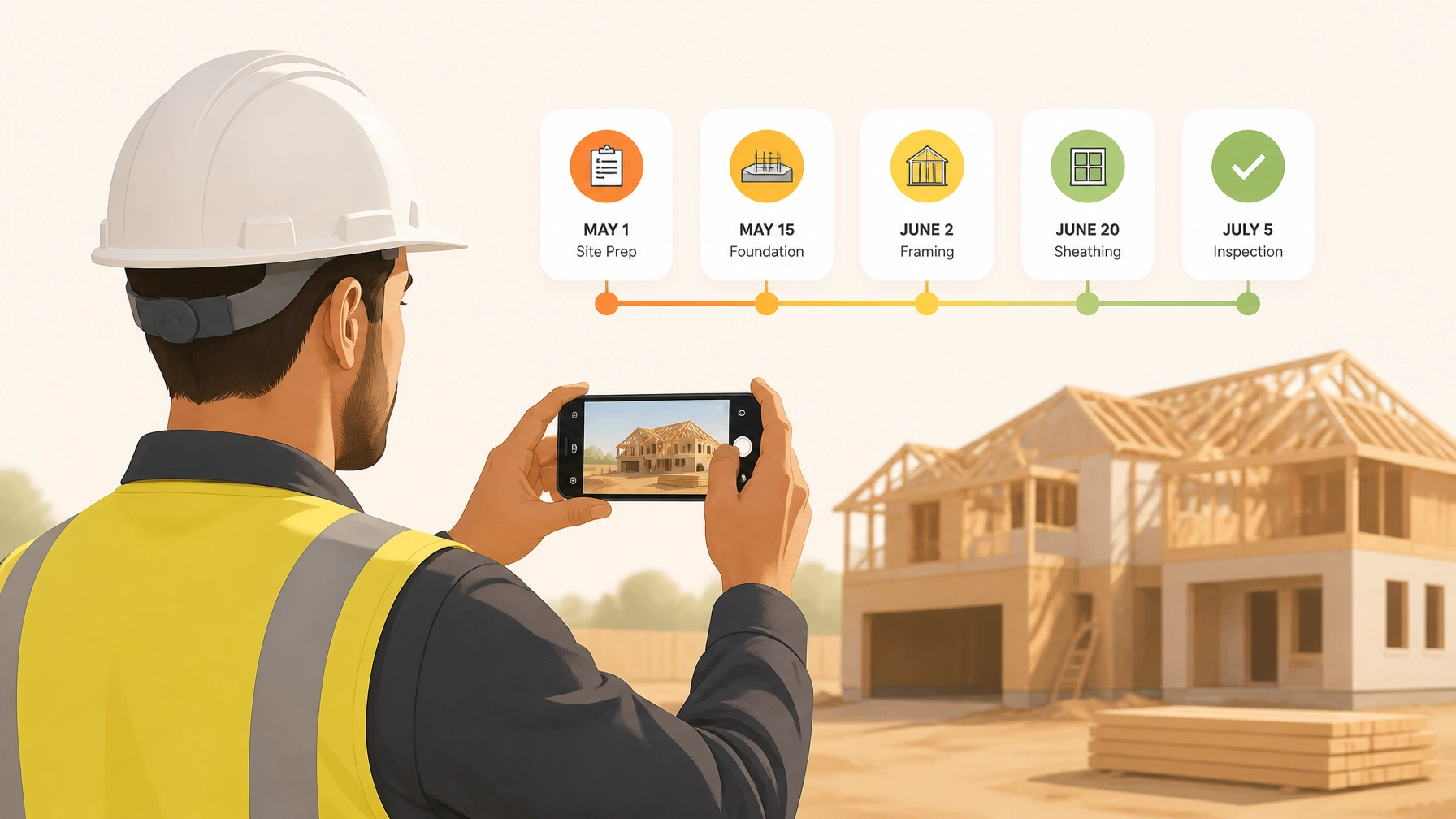
If you’re an electrician, plumber, or HVAC technician, your phone’s camera roll probably looks like a chaotic puzzle. There are photos of a leaky pipe from three weeks ago, a blurry shot of a breaker box from yesterday, and maybe a few pictures of your dog mixed in for good measure.
When a customer asks, “Hey, what exactly did you do behind that drywall?” or, heaven forbid, a dispute arises about the state of the job site before you arrived, scrolling through thousands of unsorted photos is a nightmare.
Creating a professional construction photo timeline used to be a chore. You had to download photos to a laptop, rename files, put them in folders, and maybe even build a clunky PDF to email to the client. Most small service contractors simply don't have the time for that.
But here’s the secret: you can create a branded, professional, and indisputable photo record of your work in under five minutes. No, you don't need a degree in project management or expensive, bloated contractor software. You just need a simple process.
Why a Photo Timeline is Your Best Insurance Policy
Before we dive into the "how," let's talk about the "why." Why should you care about construction photo documentation?
1. It Kills Disputes Before They Start
We’ve all been there. You finish a beautiful tile job, and two days later, the homeowner claims you scratched their hardwood floor in the hallway. If you have a time-stamped photo of that hallway before you even brought your tools inside, the conversation ends before it starts. A before and after photo app provides the proof you need to protect your reputation and your wallet.
2. You Get Paid Faster
Clients are much more willing to stroke a check when they can see the progress. A photo timeline shows them the "hidden" work: the wiring behind the walls, the insulation, the structural repairs: that they can’t see once the job is finished. Visual proof of milestones makes invoicing a breeze.
3. It Makes You Look Like a Pro
Most small shops are still texting blurry photos to their clients. When you send a clean, branded link showing a chronological timeline of your work, you immediately stand out from the competition. It shows you’re organized, transparent, and professional.
4. Better Team Communication
If you have a small crew, a contractor job app allows everyone to see what was done the day before. You don't have to play phone tag to find out if the rough-in is finished or if the site was cleaned up.

How to Build a Timeline in Under 5 Minutes
The goal isn't to spend your whole day taking photos. The goal is to make it a seamless part of your workflow. Here is the 5-minute blueprint using a dedicated contractor photo app like JobLuma.
Step 1: The "Before" Walkthrough (60 Seconds)
As soon as you hop out of the truck, open your job. Take 3–5 wide shots of the work area.
- The Entrance: Show the floors and walls leading to the workspace.
- The Work Zone: Capture the current state of the equipment or area you’re fixing.
- The "Pre-existing" Damage: Spot a crack in the wall? A stain on the carpet? Snap it now.
Step 2: The "During" Progress Log (60 Seconds)
You don't need to take a photo every time you turn a screw. Just capture the "point of no return" moments.
- Behind the scenes: Take photos of everything that will be covered by drywall or flooring.
- Milestones: If you’re a plumber, snap the new stack before the walls go up. If you're an electrician, show the neat wiring in the panel.
Step 3: The "After" Showcase (60 Seconds)
This is your marketing gold. Clean the area, remove your tools, and take the same shots you took in Step 1.
- The Reveal: High-quality shots of the finished product.
- The Clean-up: A photo showing the site is as clean (or cleaner) than you found it.
Step 4: The One-Click Share (30 Seconds)
Instead of emailing a zip file or texting 20 images, you simply share a link. With JobLuma, the customer doesn't even need to download an app. They just click the link you text them and see a beautiful, branded timeline of your work.

Avoiding the "Bloated Software" Trap
Many contractors realize they need better documentation and immediately go out and buy a massive project management suite. These platforms are built for huge construction firms building skyscrapers. They have Gantt charts, complex RFI systems, and accounting integrations that require a week of training just to understand.
For a small service shop or a solo operator, that’s overkill. You don’t need to manage a $50 million budget; you just need to document a $5,000 renovation.
When software is too complicated, you stop using it. Your crew stops using it. And you end up right back where you started: with a phone full of random, unsorted photos.
A photo timeline app should be "mobile-first." It should be designed for a guy wearing gloves on a ladder, not an executive sitting in a swivel chair. That’s why we built JobLuma to be fast. Open the app, snap the photo, and get back to the actual work.
The "No-App" Advantage for Customers
One of the biggest hurdles in construction communication is getting the customer to cooperate. If you tell a homeowner they need to create an account and download a specific app just to see their project photos, they probably won't do it.
Your documentation tool should be invisible to them. When you use a professional contractor photo app, the sharing experience should be as simple as opening a web page.
- No passwords for them to remember.
- No storage space taken up on their phone.
- A simple, chronological scroll of their project.
This "no-friction" approach is what makes customers rave about your service. They feel involved and informed without having to do any extra work.

Pro-Tips for Better Photos
To make your timeline truly professional, keep these three tips in mind:
- Consistent Angles: Try to take your "After" photos from the exact same spot you took your "Before" photos. It makes the transition look much more dramatic and professional.
- Lighting Matters: If you’re working in a dark crawlspace or attic, use a work light. Blurry, dark photos don't help much in a dispute.
- Use Notes: A photo of a pipe is great. A photo of a pipe with a note saying "Replaced 3ft of corroded copper with PEX" is better. Modern contractor software lets you add these notes instantly as you take the photo.
Ready to Level Up Your Documentation?
Documentation doesn't have to be a headache. It doesn't have to involve hours of office work on the weekend. By spending just five minutes per job logging your progress, you can build a more professional business, protect yourself from liability, and win more referrals.
At JobLuma, we believe in keeping things simple. We provide a straightforward photo logging app designed specifically for the trades. No bloat. No complicated features. Just your work, documented perfectly.
Stop losing your photos in your camera roll. Start building a professional timeline today.
Leave a Reply