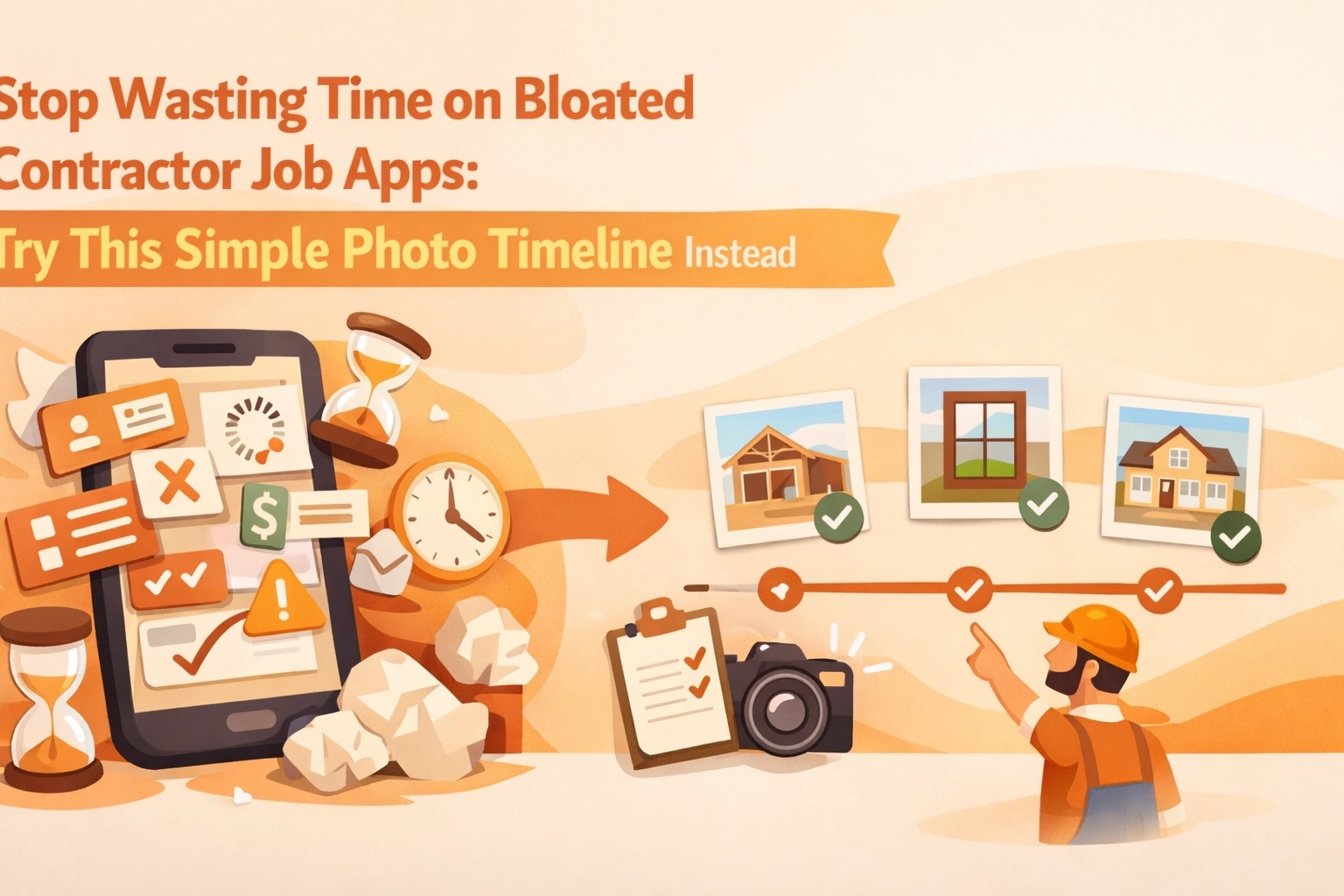
If you’ve ever tried to use a “do-everything” contractor job app, you already know the pattern:
- You download it (and so does your crew).
- You set up 14 things you don’t actually need.
- You forget where the one useful thing lives.
- You end up texting photos anyway.
Most small service contractors: electricians, plumbers, HVAC, garage door, roofing, concrete, handyman teams: don’t need a full-on project management suite to prove work happened. What you need is simple construction photo documentation that’s fast on-site, organized automatically, and easy to share when a customer asks, “What did you do exactly?” or when someone disputes a change.
That’s where a photo timeline wins. Not a bloated contractor job app. A clean, mobile-first before/after photo workflow that gives you a chronological record of the job: without turning your day into admin work.
The problem with “all-in-one” contractor job apps (for small crews)
Big platforms are built for big workflows: RFIs, submittals, daily logs, Gantt charts, budget approvals, internal message threads, and 35 menu items nobody touches after week one.
For a small service shop, that “power” usually creates three real problems:
1) The app becomes a second job
Every extra field you’re “supposed” to fill out is another minute you’re not billing. When your day is packed with calls, troubleshooting, and drive time, you don’t have room for a system that needs constant feeding.
2) Your crew won’t use it consistently
If logging photos requires five taps, choosing from a dozen folders, and typing notes on a tiny screen: your techs will skip it. Then your “system” becomes incomplete, and incomplete documentation is basically the same as none.
3) Customers don’t want another download
You want to show proof, progress, and before/after results. Customers want to view it instantly. Most homeowners and property managers do not want to install a contractor photo app just to see what happened in their attic.
So the question becomes: what’s the simplest tool that still protects you and makes you look professional?
Why photo timelines are the sweet spot for construction photo documentation
A photo timeline is exactly what it sounds like: photos captured during the job, automatically arranged in chronological order, tied to the job record.
This solves the real-world problems small contractors deal with every week:
- “Did you take a picture before you opened that wall?”
- “What was the condition when you got there?”
- “Can you show what you replaced?”
- “Can you prove it was finished on Tuesday?”
- “Insurance wants documentation.”
- “Customer says we damaged something that was already like that.”
And you don’t need a huge system to do that. You need a fast, consistent habit: snap photos as you go, let the tool organize them, share when needed.
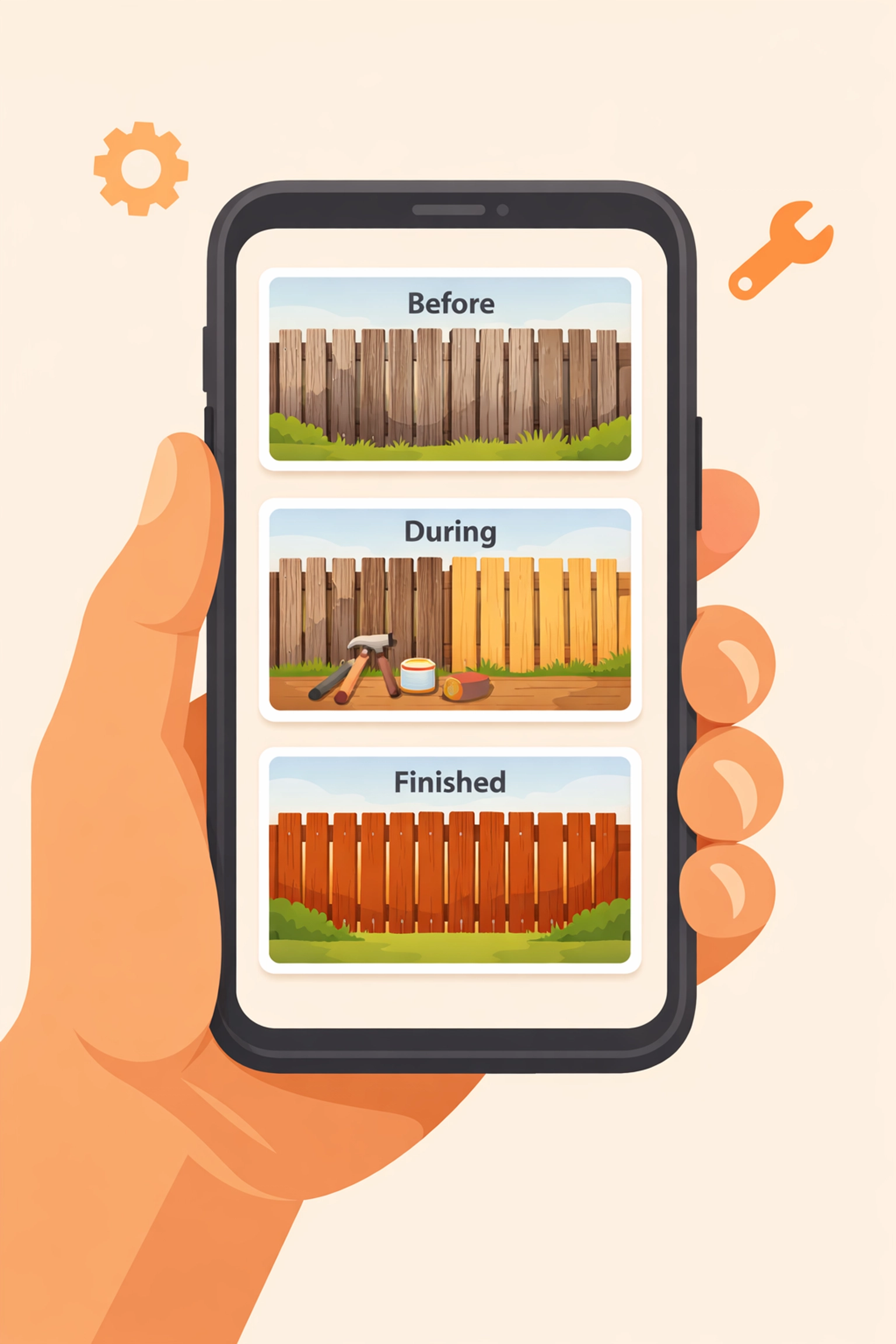
Suggested AI image: A simple 3-step graphic showing “Before → During → After” photos stacked in a timeline on a phone screen.
The “before / during / after” method that keeps you out of disputes
If you only change one thing about your process, make it this:
Before (2 photos)
- Wide shot of the area (context)
- Close-up of the problem (detail)
During (1–3 photos)
- Anything that will be hidden later (wiring, plumbing, supports, moisture, damage)
- Any change order trigger (rot, code issue, unsafe condition)
After (2 photos)
- Wide shot finished
- Close-up of the repair/installed part
That’s it. You don’t need 40 photos. You need the right ones.
A solid before and after photo app (or photo timeline app) makes this feel effortless: open job → take photos → move on.
What “simple” photo documentation should actually look like
Let’s be blunt: if your construction photo documentation tool feels like paperwork, it’s not simple.
Here’s what you want instead:
Fast capture on-site
The camera experience should be the main feature: not buried inside “Project > Tasks > Attachments > Add Media.”
Auto-organization
Photos should naturally sort by job and time. You shouldn’t be dragging images into folders at 9 PM.
Built for the way crews work
Multiple people can add photos without stepping on each other or creating a mess.
Easy sharing (without friction)
Customers and property managers should be able to view the timeline without jumping through hoops.
Many photo-first tools in the market focus on this lighter workflow: capture, timestamp, organize, share: without the heavy overhead of full project management. Some even emphasize automatic timestamps, GPS data, or team-based uploading to keep documentation reliable and easy to retrieve.
But the biggest difference is this: photo documentation tools respect your time.
The hidden cost of “we’ll just text the photos”
Texting works… until it doesn’t.
Here’s what breaks:
- Photos are scattered across personal phones
- The “before” photo is in a different thread than the “after”
- Somebody upgrades their phone and the images disappear
- You can’t find the right photo when a customer calls three weeks later
- The photos lose job context (address, scope, date)
Texting also makes your business look less organized than it really is. You can do great work and still look sloppy if your documentation is scattered.
A contractor photo app that keeps everything in a clean job timeline makes you look buttoned-up: without you having to do extra work.
JobLuma’s take: contractor software that stays out of your way
JobLuma is built for small service contractors who want proof and professionalism without the bloat.
The goal is simple:
- Capture job photos fast
- Automatically build a clean photo timeline
- Share it with customers without making them download an app
- Keep everything mobile-first so your crew actually uses it
If you’ve been stuck choosing between “do nothing” and “use a complicated system nobody likes,” this is the middle path.
You can learn more about how JobLuma approaches photo timelines on our features page: https://jobluma.com/features
The no-app-download customer experience (this matters more than you think)
Most contractor job apps are built for internal teams, not for customers. That’s fine: until you need to show work.
With JobLuma-style sharing, the customer experience should feel like:
- You send a link
- They tap it
- They see the timeline
- Done
No login. No app store. No “create a password.” Just proof.
That one detail reduces friction and speeds up approvals: especially for:
- property managers juggling multiple vendors
- homeowners who want to see what happened while they were at work
- insurance-related jobs where documentation needs to be forwarded
This is where a simple photo timeline can outperform a “bigger” contractor job app. Bigger isn’t better if nobody can access what you’re trying to show.
Where photo timelines save you the most time (and headaches)
1) Change orders and “while you were in there…”
Photos make change orders easier to explain. A quick “here’s the rot behind the trim” picture can prevent a 20-minute call.
2) Warranty calls
When someone says, “This was never fixed,” you can pull up the exact after photo and date.
3) Team handoffs
If one tech starts and another finishes, the timeline keeps continuity without long notes.
4) Training and quality control
You’ll spot patterns fast: recurring issues, sloppy finishes, missing steps. Photos don’t lie.
5) Marketing content (without extra effort)
A clean before/after gallery is basically marketing gold. If you’re already taking the photos, you might as well get more value from them.

Suggested AI image: A contractor showing a homeowner a phone screen with a simple “Before / After” slider and a timeline underneath.
What to look for in a “before and after photo app” (quick checklist)
When you’re evaluating contractor software for photo documentation, keep it simple. Ask:
- Is it faster than texting? (If not, your team won’t use it.)
- Does it auto-sort by job and date?
- Can multiple crew members contribute easily?
- Can I share with customers via link?
- Does it work great on a phone with one hand?
- Can I find a job’s photos in 10 seconds?
If the answer is “maybe,” it’s probably too complicated.
A simple workflow you can start using this week
Here’s a practical, low-drama process that works for most service contractors:
Step 1: Create the job
Keep it minimal: customer name + address + job title. Don’t overthink it.
Step 2: Take 2 “before” photos the moment you arrive
Do this before you touch anything. Make it a habit.
Step 3: Take photos of anything that will be covered up
Wiring runs, pipe routing, moisture, damage, framing repairs, valve replacements: anything that disappears behind drywall or panels.
Step 4: Take 2 “after” photos before you leave
Wide + detail. That’s your proof and your portfolio.
Step 5: Share the timeline link if the customer asks (or if you want to look extra professional)
Especially helpful when the customer wasn’t home.
This workflow is the reason photo timeline apps exist. It’s the smallest effort that produces the biggest payoff.
“Isn’t this just another app?” Not if it’s built like JobLuma
Fair question. There are plenty of tools that claim they’re simple and then immediately ask you to configure:
- roles and permissions
- workflows
- templates
- project phases
- reporting modules
JobLuma is designed to be the opposite of that. It’s contractor software focused on one core job: make photo documentation effortless and organized.
Mobile-first. Simple UI. Photo timeline front and center. And a customer-friendly sharing experience that doesn’t require an app download.
If you want to see pricing without a long demo process, it’s here: https://jobluma.com/pricing
Common objections (and why they don’t hold up)
“My guys won’t remember to take photos.”
They won’t: if it’s annoying. If it’s quick and the job is set up properly, it becomes routine. Start with just before + after. Add “during” photos only when it matters.
“We already have a contractor job app.”
If it’s working and your photo documentation is clean, great. But if you’re still texting photos or can’t find them later, the tool isn’t solving the real problem.
“This sounds like it’s for construction, not service.”
Service is where photo timelines shine. Short jobs, lots of volume, customers not on-site, high potential for misunderstandings: documentation keeps things smooth.
The simplest contractor photo app is the one you actually use
Most small contractors don’t need more software. You need less friction.
A good photo timeline app helps you:
- document jobs without slowing down
- keep photos organized automatically
- show before/after proof in seconds
- share with customers without a download
- look professional without extra admin
That’s the whole point.
If you want to try a simple, mobile-first way to document your jobs with a clean photo timeline, check out JobLuma here: https://jobluma.com/signup
![JobLuma logo]

Leave a Reply