You know the drill. You’re finishing up a rough-in or fixing a burst pipe that’s been leaking behind a wall for three weeks. You pull out your phone, snap a dozen photos of the progress, and then… they sit there. They sit in your camera roll right next to photos of your kid’s birthday party and that weird noise your truck was making last Tuesday.
When the customer asks for an update, or worse, when they question why the invoice is higher than the estimate, you find yourself scrolling frantically. "Wait, I know I took a photo of that corroded valve," you mutter, swiping past 500 unrelated images.
If you’re a small service contractor: an electrician, a plumber, or an HVAC tech: you don’t have time to be a full-time digital archivist. You need a contractor photo app that works as hard as you do, without making you take a weekend course to learn how to use it.
In this post, we’re going to show you how to turn that mess of photos into a professional, polished timeline in under five minutes. No "heavy" enterprise software required.
Why Photo Documentation is Your Best Insurance Policy
Before we get into the "how," let’s talk about the "why." Why should you care about construction photo documentation?
For a lot of guys, photos are an afterthought. But in 2026, photos are your most valuable asset after your tools. Here’s why:
- Liability Protection: If a homeowner claims you scratched their flooring or didn’t install a component correctly, a timestamped photo of the finished job is your "get out of jail free" card.
- Proof of Progress: For long-term projects, showing the client what’s happening behind the drywall builds massive trust.
- Visual Invoicing: It is much harder for a customer to argue about a bill when they can see a clear before and after photo app sequence of the nightmare you just fixed.
- Marketing Gold: That 5-minute timeline isn't just for the client; it’s content for your Facebook page or website to show future customers the quality of your work.

The Problem with "Heavy" Project Management Software
If you’ve looked for contractor software recently, you’ve probably seen the big names. They promise the world: Gantt charts, complex sub-tasking, integrated accounting, and 400 different buttons you’ll never click.
Here’s the reality for a small shop:
- The Learning Curve is a Cliff: You’re a pro at wiring a house, not navigating a complex database. Most "pro" software takes weeks to set up.
- The "App Fatigue" for Customers: Most big platforms require your customer to download an app, create a login, and "join the portal" just to see a photo of their new water heater. Spoiler alert: they won’t do it.
- The Price Tag: You shouldn't have to pay $200 a month for features you don't use just to organize your project photos.
That’s where JobLuma changes the game. We built a contractor job app that focuses on simplicity and speed. We’re mobile-first because we know you’re using your phone on a ladder, not a laptop in a cubicle.
How to Create a Timeline in 5 Minutes (The JobLuma Way)
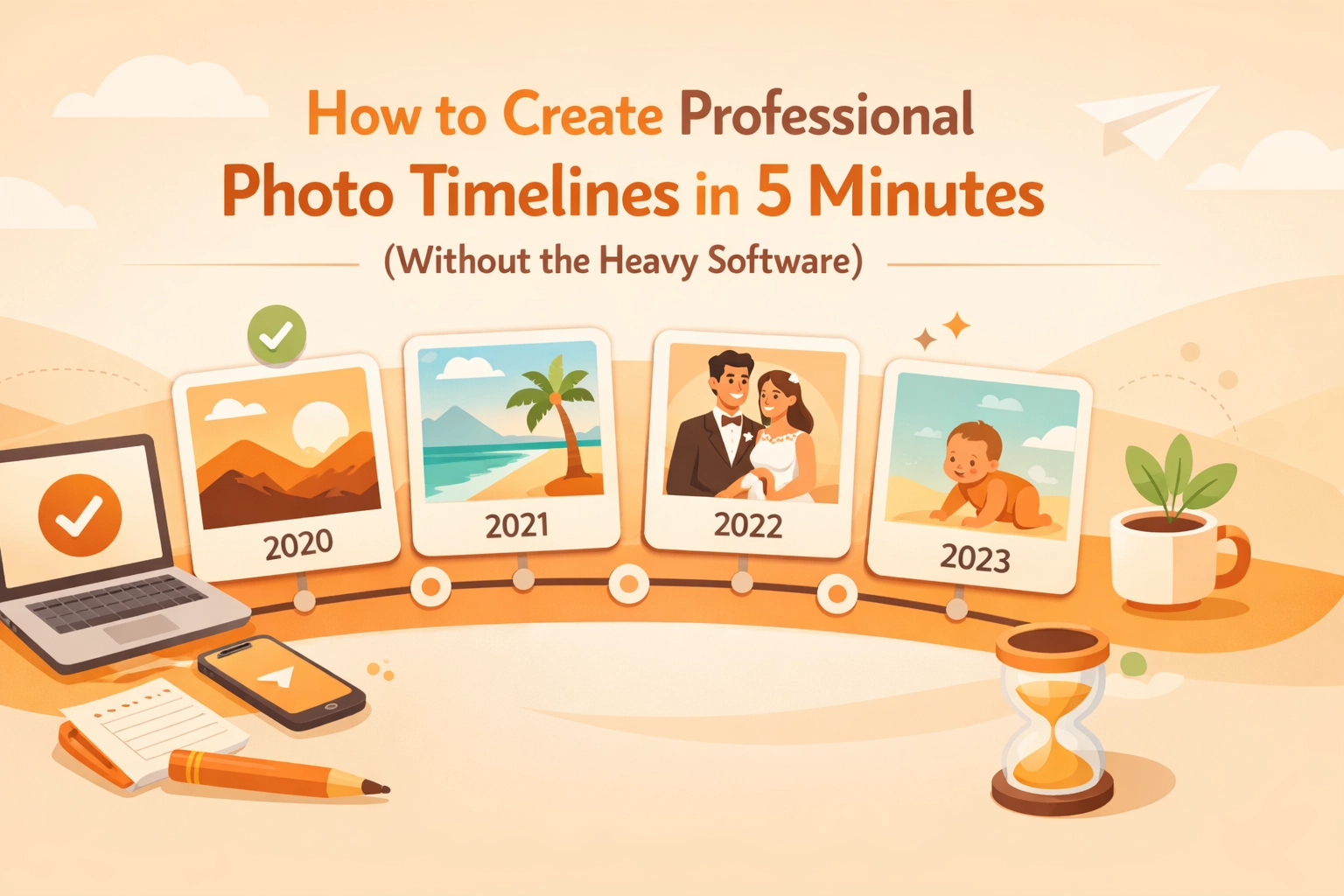
You don't need a degree in graphic design to make your work look good. If you can send a text message, you can create a professional timeline. Here is the 5-minute workflow:
Step 1: Snap as You Go
Don’t wait until the end of the day to try and remember what happened. As soon as you arrive, take a "before" shot. When the walls are open, take a "mid-point" shot. When the site is clean and the job is done, take the "after" shot.
Step 2: Use a Mobile-First App
Instead of letting those photos rot in your camera roll, upload them directly into a contractor photo app. With JobLuma, you can create a job folder in seconds, snap the photo within the app, and it’s automatically organized by date and time. No more manual sorting.
Step 3: Add Quick Captions
A photo is worth a thousand words, but a photo with a caption like "Corroded copper pipe replaced with PEX" is worth even more. Keep it simple. You don't need a novel: just the facts.
Step 4: Generate the Link
This is where the magic happens. Instead of attaching 20 heavy files to an email that will probably get blocked by the client's spam filter, you generate a simple, professional link.
Step 5: Share (No Download Required)
Send that link to your client via text or email. They click it, and it opens a beautiful, professional photo timeline in their mobile browser. They don't have to download an app. They don't have to remember a password. They just see your great work.

The "No-App" Experience: Why Your Customers Will Love You
We need to talk about the "No-App" factor. We live in an age where everyone is tired of downloading apps. Your customer doesn't want another icon on their home screen just to see their bathroom remodel progress.
When you use JobLuma, you’re providing a premium experience without the friction.
- Speed: They click the link, and the timeline is right there.
- Professionalism: It looks like you spent hours on a custom report, but you really just tapped a few buttons on your phone.
- Transparency: It’s hard for a customer to feel uneasy about a project when they have a live, visual record of everything you’ve done.

Pro Tips for Better Construction Photos
To make your 5-minute timeline look like it was done by a pro, keep these tips in mind:
- Same Angle, Different Stage: Try to take your "before" and "after" shots from the same spot. It makes the transition look much more dramatic and professional.
- Lighting is Everything: If you're in a dark crawlspace, use a work light, not just your phone flash. A well-lit photo makes your work look cleaner.
- The "Clean Up" Shot: Always include a photo of the workspace after you’ve cleaned up. It shows the client you respect their home, which is often more important to them than the actual repair.
- Focus on the Detail: If you did a particularly clean job on some wiring or soldering, get a close-up. It proves your craftsmanship.
Stop Fighting Your Phone and Start Booking More Work
At the end of the day, you’re in the business of solving problems for people. You’re an electrician, a plumber, an HVAC specialist. You’re not a file manager.
By switching from a messy camera roll to a dedicated photo timeline app, you’re reclaiming your time. You're spending less time on your phone at night and more time with your family (or, let's be honest, sleeping).

Using simple contractor software like JobLuma means you get:
- Clearer communication with your team.
- Happier customers who refer you to their friends.
- A rock-solid record of every job you’ve ever touched.
Ready to stop the camera roll chaos? You can sign up for JobLuma today and have your first professional timeline sent to a client before your next coffee break.
Check out our pricing to see how we fit your business, or head over to our features page to see exactly how we keep things simple for guys in the field.
Building a professional brand doesn't require a massive tech budget or a dedicated office manager. It just requires the right tools that stay out of your way so you can get the job done.
Give JobLuma a try. Your camera roll (and your sanity) will thank you.
Leave a Reply