
Let’s be honest: you didn’t get into the trades to become a professional photographer. Whether you’re an electrician, a plumber, or an HVAC technician, your hands are meant for tools, not for fumbling around with a complicated project management app that takes twenty minutes to load.
But here’s the reality of the industry in 2026: if you didn’t take a photo of it, it didn’t happen. Or worse, if something goes wrong six months from now, and you don’t have a record of how that pipe looked before the drywall went up, you’re the one left holding the bag.
The good news? Professional construction photo documentation doesn't have to be a chore. You don’t need a fancy camera, and you definitely don’t need one of those "all-in-one" software suites that costs as much as a new truck. You can get high-quality, professional-grade documentation done in five minutes or less.
Here is how to do it without losing your mind.
Why You’re Probably Doing It Wrong (And Why It’s Costing You)
Most small service contractors fall into one of two camps.
Camp A is the "I'll just use my camera roll" group. You take a dozen photos, they sit in your phone mixed with pictures of your kids and your dog, and three weeks later, you have no idea which attic those leaky ductwork photos belonged to.
Camp B is the "I bought this massive software" group. You pay $200 a month for a contractor software that has 5,000 features you don’t use. It requires your guys to download an app, remember a password, and navigate ten menus just to upload one photo. Most of the time, they just stop doing it because it’s a pain in the neck.
The middle ground is where the profit lives. You need a system that is fast, organized, and: most importantly: simple.

The 5-Minute Daily Documentation Strategy
You don’t need to document every single nail you drive. Professional documentation is about capturing the story of the job. If you follow this 4-step routine, you can finish your documentation before your truck even warms up.
1. The "Four Corners" Rule (1 Minute)
Before you start any work, stand in the corners of the room or the site. Take four wide-angle shots. This establishes the "Before" state of the entire workspace. If a customer claims you scratched their flooring or dented a wall that was already damaged, these four photos are your insurance policy.
2. The "Active Work" Snap (1 Minute)
Midway through the day, or when the critical components are exposed (like wiring behind a wall or plumbing under a slab), take three quick photos. These show the quality of your work that will eventually be hidden.
3. The "Before and After" Money Shot (1 Minute)
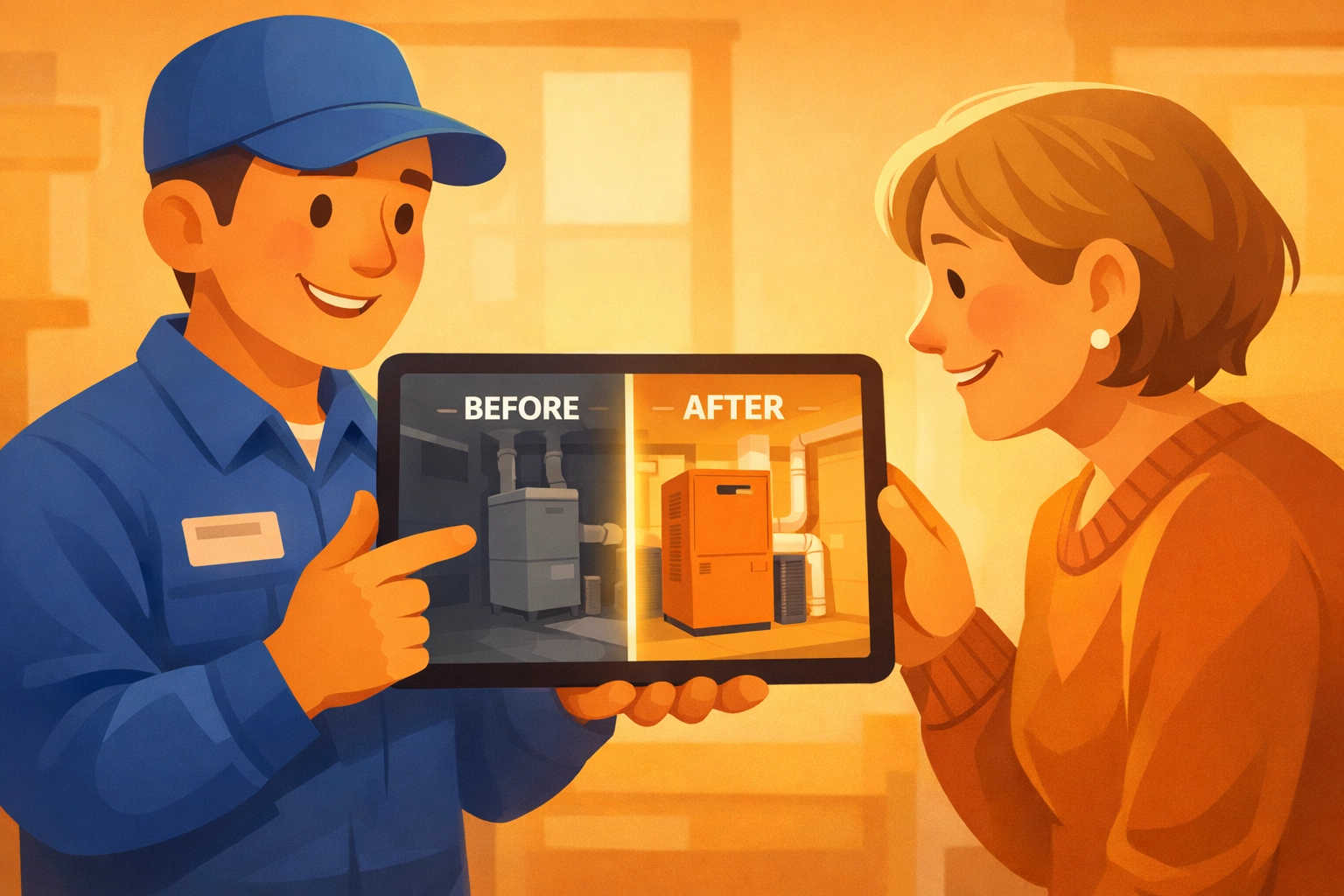
Every contractor knows that a great before and after photo app is the best marketing tool you have. Take a photo from the exact same angle where you took your initial "Before" shot. Seeing the transformation side-by-side isn’t just good for records; it’s what sells your next job.
4. The "Site Exit" Photo (2 Minutes)
Before you pack up, take a photo of the cleaned-up workspace. This proves you left the site in good condition. Then, use a contractor photo app like JobLuma to instantly log these. Because JobLuma is designed for speed, you aren't waiting for sync screens or typing in long descriptions.
The Secret Weapon: No-App-Download Experience
One of the biggest hurdles for small teams is getting everyone to use the same system. If you tell your lead tech he has to download another app and create another account, he’s going to roll his eyes.
This is where JobLuma changes the game. We designed our contractor job app to be mobile-first and incredibly simple. For the customer or the tech on-site, the experience is seamless. You can send updates and view timelines directly from a mobile browser. No app store, no "forgotten password" emails, no bloat.

Why Simple Timelines Beat Folders Every Time
Old-school documentation relies on folders. You have a folder for "Smith Job," and inside is a pile of 50 photos. Good luck finding the one you need when you're looking for the specific photo of the junction box from Tuesday afternoon.
A photo timeline app approach is superior for construction. By organizing photos chronologically, you create a digital trail.
- Monday 9:00 AM: Demo started.
- Tuesday 2:00 PM: Rough-in complete.
- Wednesday 4:00 PM: Final inspection passed.
When a client asks for an update, or a general contractor asks when a specific task was completed, you don’t have to guess. You just scroll through the timeline. It’s professional, it’s organized, and it makes you look like the most organized contractor they’ve ever hired.
Protecting Your Business from "He Said, She Said"
We’ve all been there. You finish a job, the client is happy, and then two weeks later you get a call. "There’s a leak in the ceiling, and it must be your fault."
Without documentation, it’s your word against theirs. With a 5-minute photo routine, you can pull up the timeline and say, "Actually, here is the photo of that specific pipe before we closed the ceiling, pressure tested and verified."
Professional construction photo documentation isn't just about showing off your work; it's about protecting your profit margins. Every hour you spend defending your work or doing unpaid "rework" is an hour you aren't making money on a new job.
Marketing While You Work
Let’s talk about the secondary benefit: Marketing.
Most small service contractors struggle with social media and website updates because they don't have good content. If you are already taking 5 minutes a day to document your work for insurance and project management reasons, you are simultaneously creating a library of marketing content.
A high-quality "Before and After" is worth more than a $500 Facebook ad. It shows real work, real results, and real professionalism. When you use a simple tool like JobLuma, these photos are already organized and ready to be shared with prospective clients to build trust.
Stop Fighting Your Software
If your current contractor software feels like a second job, you’re using the wrong tool. Small service businesses don't need "enterprise solutions." You need a digital shoebox that organizes itself.
The goal is to get in, take the photo, and get back to the work that actually pays the bills.
How to get started today:
- Commit to the 5 minutes: Set a timer on your phone for the end of your next three jobs.
- Focus on the hand-off: Take photos of the connections, the "guts" of the project, and the final clean-up.
- Use a mobile-first tool: Stop fighting with desktop-first software that was ported to mobile as an afterthought. Use something like JobLuma that was built for the field.
Final Thoughts
You don't need to be a tech wizard to have the best documentation in your local market. You just need a routine and the right tools. By spending just five minutes a day on your photo timeline app, you’re building a more resilient, professional, and profitable business.
Don't let your hard work go unrecorded. Start documenting the right way: the simple way.
Ready to simplify your job site photos? Check out JobLuma today and see how easy professional documentation can be. No bloated features, no app downloads for your customers: just simple, effective tools for the modern contractor.
Leave a Reply