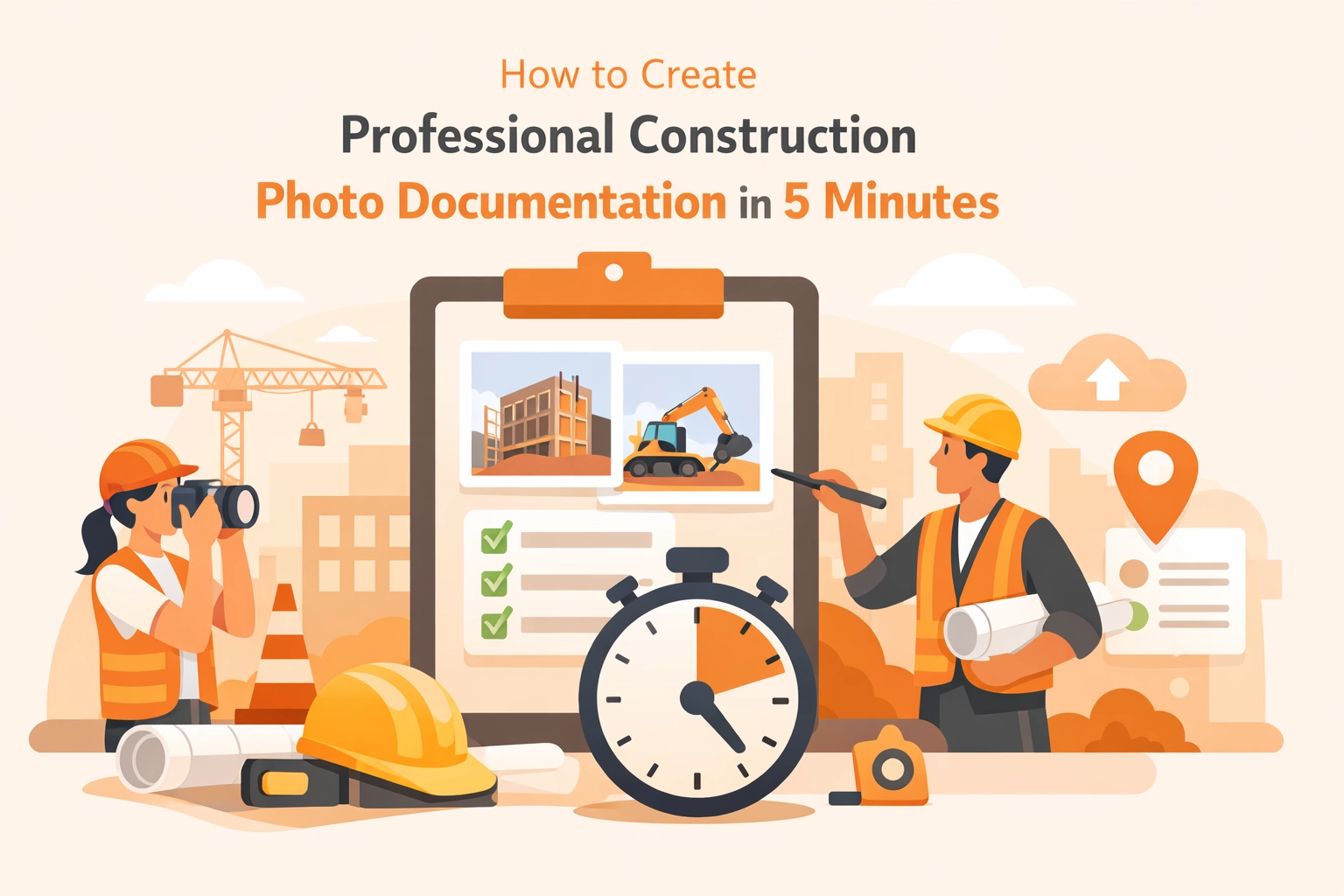
Let’s be honest: most contractors didn’t get into business because they love paperwork. Whether you’re an electrician, a plumber, or an HVAC tech, you’re at your best when you’re solving problems and getting the job done. But in 2026, the "job" isn't just about the physical work: it’s about the proof.
We’ve all been there. A client claims you scratched a floor that was already ruined. An inspector asks to see what’s behind a wall you just finished closing up. Or worse, you’re trying to get paid, and the office manager is asking for "documentation" you never actually took.
The solution sounds simple: take more photos. But when "taking photos" means scrolling through a messy camera roll, emailing blurry JPEGs, or wrestling with bloated contractor software that takes twenty minutes just to log in, most guys just give up.
What if you could create professional construction photo documentation in exactly five minutes? Not five minutes per photo: five minutes for the entire project. Here is how to do it without losing your mind or your profit margin.
Why "Good Enough" Isn't Good Enough Anymore
Gone are the days when a handshake and a "trust me" were enough to run a successful service business. In the age of instant information, clients expect transparency. They want to see the progress. They want to see the value they are paying for.
More importantly, you need a contractor photo app strategy to protect your backside. A visual timeline isn't just for show; it’s your insurance policy. If you have a clear photo timeline app approach, you have an indisputable record of the site conditions when you arrived and the quality of work when you left.
But here is the catch: if your documentation process is hard, you won't do it. If it requires downloading a massive app or filling out 15 fields on a mobile screen while your hands are covered in grease, it’s not going to happen. You need something simple.

The 5-Minute Professional Protocol
Professional documentation doesn't require a photography degree. It requires a system. Use this 4-step protocol to get everything you need in under five minutes.
1. The Wide Shot (1 Minute)
As soon as you step onto the site, take one wide-angle shot. This establishes the "baseline." It shows the general state of the room, any existing damage, and the overall context. This is the "Before" in your before and after photo app sequence.
2. The Detail Close-ups (2 Minutes)
This is the "meat" of your documentation. Capture the critical components that will be hidden later: wire runs, pipe connections, or internal framing. Pro tip: if you’re verifying compliance, hold a tape measure or a reference drawing in the frame. This proves the work was done to spec before the drywall goes up.
3. The Location Reference (1 Minute)
Ever look at a photo of a pipe and realize you have no idea which of the twenty identical apartment units it belongs to? Take a quick shot of the unit number, the street sign, or a specific section of the site plan. This connects your images to the real world.
4. The "Job Well Done" Shot (1 Minute)
The final "After" photo. This is your marketing gold. Clean up the area, remove your tools, and take a photo that makes the work look pristine. This is what helps you get paid faster and what gets shared on social media to find your next client.
Why Big Project Management Software Fails Small Teams
You’ve probably seen the ads for massive contractor job app platforms. They promise to manage your entire life, from accounting to drone flyovers. But for a small service shop or a solo contractor, that software is often "bloatware."
It’s too expensive, too slow, and way too complicated. You don't need a Gantt chart to fix a water heater. You need a way to snap a photo and have it automatically organized so the office and the client can see it instantly.
This is where JobLuma shines. We built JobLuma for the guys in the field, not the guys in the suits. Our focus is on construction photo documentation that is so simple you actually use it.

The JobLuma Difference: No App, No Friction
The biggest hurdle to getting great photos from the field is the "App Download Barrier." We’ve seen it a thousand times: a contractor tells their tech to use an app, the tech realizes they forgot their password or their phone storage is full, and the photos never get taken.
JobLuma is a mobile-first, web-based experience. There is no app to download from the store. You just open your browser, and you’re in. It’s designed to work on the phone you already have in your pocket, with a layout that makes sense when you're standing on a ladder.
Features That Save You Time:
- Simple Photo Timelines: Create a visual history of every job without clicking a hundred buttons.
- Easy Sharing: Send a link to your client so they can see the progress. They don't have to download anything either!
- Automatic Organization: No more hunting through your personal camera roll for work photos.
- Before/After Comparisons: Instantly generate comparisons that prove your value.

Before and After: Your Best Sales Tool
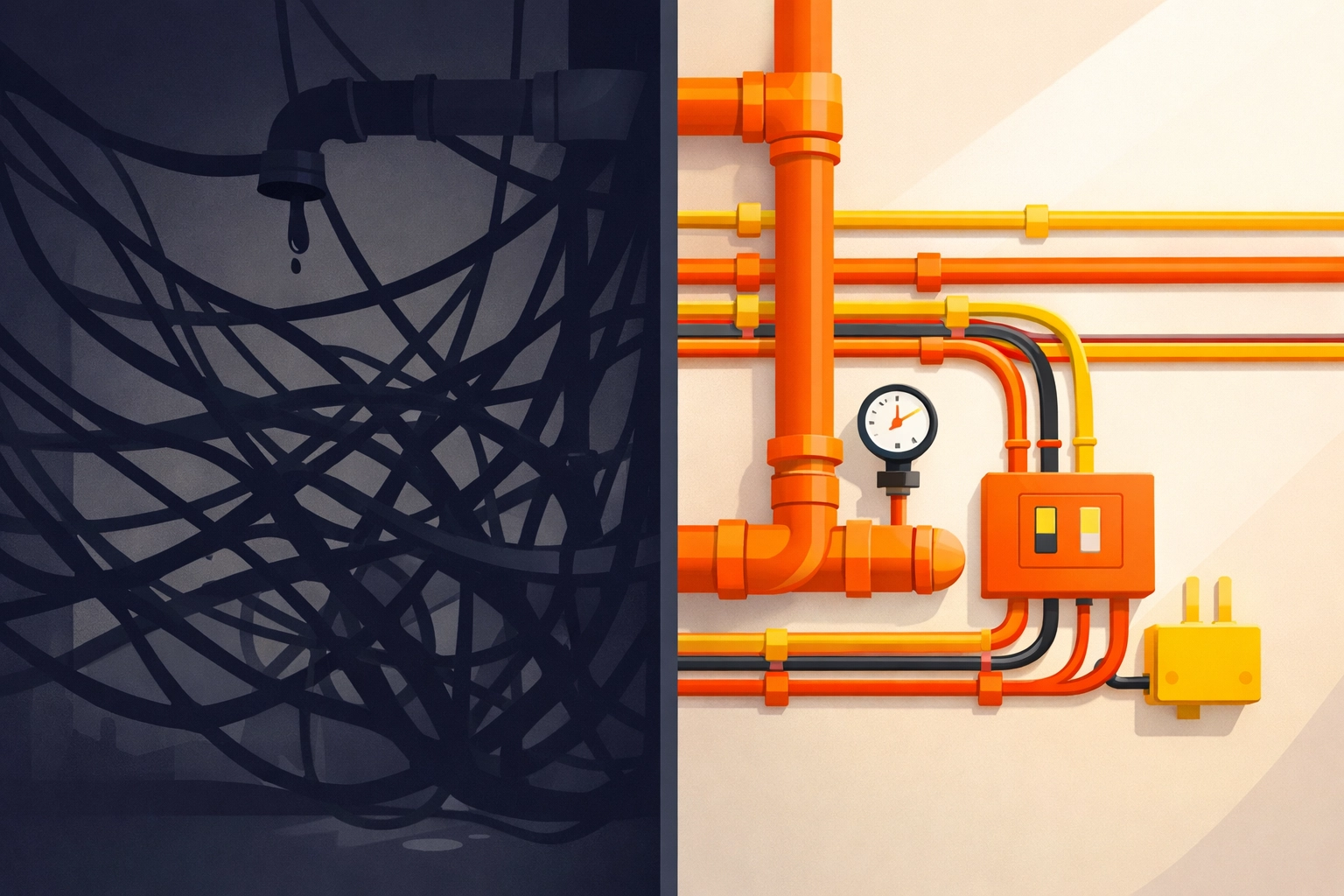
A great before and after photo app isn't just for documentation; it's your best salesperson. When a customer sees a photo of their old, corroded electrical panel next to the clean, organized masterpiece you just installed, the invoice becomes much easier to swallow.
Visual proof builds trust. Trust leads to referrals. Referrals lead to a better business. By spending just five minutes on documentation, you are essentially creating a portfolio of your best work on every single job.
Check out our features page to see how we make this process seamless.
Pro-Tips for Better Field Photos
If you want your contractor photo app entries to look truly professional, keep these three things in mind:
- Light is Your Friend: If you’re in a dark crawlspace or basement, use a work light. Grainy, dark photos don't help anyone.
- Clear the Clutter: A photo of a beautiful HVAC install looks a lot worse if there are coffee cups and trash in the frame. Spend 10 seconds clearing the area.
- Consistency: Try to take your "After" photo from the exact same angle as your "Before" photo. It makes the transformation much more impactful.
Get Started Today (For Real)
You don't need a weekend-long training seminar to start documenting your jobs better. You just need a tool that doesn't get in your way.
Stop letting your hard work go unrecorded. Stop risking disputes because you don't have the "Before" photos. And definitely stop paying for "enterprise" software that you only use 5% of.
Whether you are looking for a pricing plan that fits a small team or you just want to sign up and try it for yourself, we’ve made it as simple as possible.
The current date is March 25, 2026. If you start today, by this time next week, you’ll have a professional archive of every job you’ve touched. Your clients will be impressed, your liability will be lower, and you'll have more time to focus on the work that actually makes you money.
Ready to simplify your workflow? Join the hundreds of contractors who have ditched the bloat and switched to the simplest contractor job app on the market.
Visit JobLuma.com to start your 5-minute documentation journey today.
Leave a Reply