
You’ve been there. It’s 8:00 PM on a Tuesday. You’re finally sitting down on the couch after a long day of installs, and your phone pings. It’s a client asking for a status update on that bathroom remodel or wondering if you actually replaced the subflooring before laying the tile.
Now comes the fun part: scrolling. You scroll through your text messages, past the group chat with your buddies and the messages from your spouse about picking up milk, trying to find those three photos you took at noon. Oh wait, did you text those to your lead tech? Or did you keep them in your camera roll?
Twenty minutes later, you’ve finally found them, but your evening is gone, and you’re frustrated.
If you’re an electrician, plumber, HVAC tech, or general contractor, your phone is probably a graveyard of unsorted job site photos. You know you need them for documentation, but the "texting and praying" method isn't working anymore.
There’s a better way. It’s time to stop wasting time texting photos and try a simple hack that turns your phone into a professional job-logging machine without the headache of "bloated" software.
The High Cost of "Free" Texting
Most guys start out texting photos because it’s free and it’s fast. But "free" is actually costing you a lot more than you think.
First, there’s the organization nightmare. When you text photos, they aren't attached to a project; they’re attached to a conversation. If you need to find a photo from six months ago to prove you weren't responsible for a leak, good luck. You’ll be scrolling until your thumb goes numb.
Second, there’s the professionalism gap. Sending a flurry of random photos to a client via text can feel intrusive or disorganized. It’s hard for a customer to see the "big picture" of the work you’re doing when they’re receiving individual, context-free images.
Third, and most importantly, is liability. Research shows that humans forget about 50% of information within just one hour of it happening. If you aren't logging your work in real-time with a dedicated contractor photo app, you’re leaving your business vulnerable. Without a clear timeline of progress, it’s your word against theirs.

The "Hack": Professional Job Logs Without the Bloat
When contractors realize they need a better system, they usually go looking for contractor software. The problem? Most of the options out there are built for giant construction firms. They have 500 features you’ll never use, they cost a fortune, and they require your team to go through "onboarding" just to figure out how to upload a picture.
You don't need a project management suite that can launch a rocket. You need a simple way to document your work.
That’s where JobLuma comes in.
The "hack" isn't about working harder; it’s about using a tool designed specifically for the mobile-first nature of field services. Instead of texting a photo, you snap it directly into a job log. It’s just as fast as texting, but it actually organizes itself.
Why JobLuma is the Secret Weapon for Small Shops
We built JobLuma for the guys who are actually in the dirt, on the ladders, and under the sinks. Here is why it beats texting every single time:
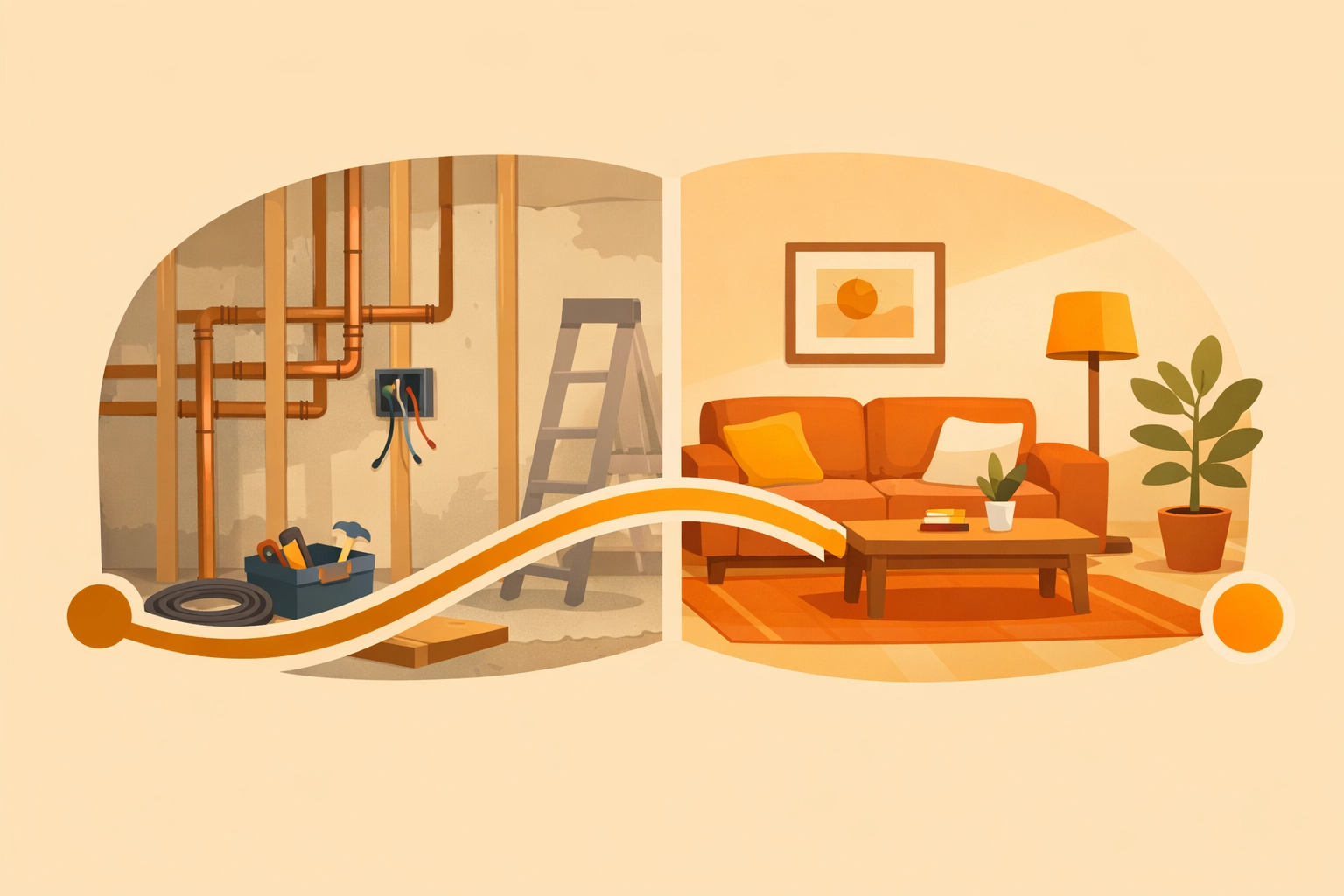
- The Before and After Timeline: Clients love seeing progress. Our before and after photo app functionality lets you create a visual story of the job. It proves your value and shows the homeowner exactly what they're paying for.
- No-App-Download Experience: This is the big one. Your customers don't want to download another app. They don't want to create a username and password just to see their kitchen progress. With JobLuma, you send them a simple link. They click it, and they see the timeline. Simple as that.
- Real-Time Documentation: Because it’s mobile-first, you can document as you go. Remember that 50% memory loss stat? By logging photos and notes the second the work is done, you’re creating an airtight record of the job while it’s fresh in your mind.

How to Build a Professional Job Log in 3 Steps
If you want to move away from the chaos of the camera roll, here is the simple workflow you should adopt starting tomorrow.
1. Document the "Hidden" Work
The most important photos aren't the finished product; they’re the things that get covered up. The wiring inside the wall, the plumbing under the slab, the insulation in the attic. Use your construction photo documentation to prove that the work was done to code before the drywall goes up.
2. Create a "Before and After" Standard
Every single job should have a "Before" photo. Even if it’s just a messy utility closet. When the client sees the "After," the contrast makes your work look ten times better. It’s the easiest marketing you’ll ever do.
3. Share the Timeline Weekly (or Daily)
Instead of texting individual photos, send your client their JobLuma link. It shows them you are organized, professional, and transparent. It builds a level of trust that "texting photos" simply can't match.
Stop Managing Photos, Start Managing Your Business
When you stop wasting time digging through your phone for images, you free up mental space to actually grow your business. Imagine being able to pull up any job, from any year, and seeing exactly what happened on-site in seconds.
That is the power of a dedicated contractor job app.
You don't need to be a tech genius to use JobLuma. In fact, if you can send a text, you can use our platform. We’ve stripped away the "bloat" to give you exactly what you need: a simple, mobile-first way to log photos and keep your clients happy.
The Marketing Bonus
Here’s a tip most contractors miss: those job logs aren't just for the client. They are your portfolio.
When you have a clean, organized photo timeline app, you can show prospective clients exactly how you work. "Hey, check out this link to a similar project we did last month." It’s a lot more impressive than showing them a random photo on your phone while you’re standing in their driveway.

Ready to Level Up?
It’s time to leave the texting drama behind. Your business deserves a professional record, and your evenings deserve to be spent relaxing: not scrolling through 500 photos of PVC pipe.
If you’re tired of the mess and want a simpler way to manage your job site photos, come see what we’re building.
Check out our features to see how JobLuma can save you hours every week, or sign up for a free account today and start your first job log in less than two minutes.
Professionalism shouldn't be complicated. Let JobLuma help you shine a light on the great work you’re already doing.
For more tips on running a more efficient service business, keep an eye on our blog or reach out to us at our contact page if you have questions. We’re here to help the pros stay pros.
Leave a Reply