Let's be honest: when you're a solo contractor juggling three jobs, client calls, and a supply run, the last thing you want to deal with is complicated photo documentation. But here's the thing: those photos have saved more contractors from payment disputes, false damage claims, and "that's not what I asked for" conversations than any contract clause ever could.
The good news? You don't need a degree in project management software or a dedicated assistant to get this right. You just need a simple system that actually works with how you already work.
Why Photos Matter More Than You Think
That HVAC install you finished last Tuesday? The client swears you scratched their hardwood floors. The plumbing repair from two weeks ago? The homeowner claims you left debris in their yard. Without photos, it's your word against theirs.
Good photo documentation is your insurance policy that doesn't cost extra. It proves what the site looked like before you arrived, shows your work at key stages, and demonstrates the finished product. When a client questions an invoice or a neighbor complains about supposed damage, you've got timestamped evidence sitting in your pocket.
Plus, clients actually love seeing progress photos. It builds trust and often speeds up payments because they can see exactly what they're paying for.
The Headaches Most Contractors Face
Traditional approaches to construction photo documentation create more problems than they solve:
Your phone's camera roll becomes a disaster. Job photos mixed with family pictures, food photos, and random screenshots. Good luck finding that "before" shot from three weeks ago when you need it.
Complex contractor software feels like overkill. You're one person, not a construction company with twenty crews. You don't need Gantt charts, resource allocation tools, and team collaboration features. You need photos organized by job. That's it.

Emailing photos to clients is tedious. Selecting images, compressing files, writing explanations, and hoping they actually open the attachments. There's got to be a better way.
You forget to take photos at critical moments. When you're focused on solving a tricky electrical issue or dealing with unexpected pipe corrosion, remembering to snap photos falls off the radar.
The solution isn't adding more complexity. It's finding a contractor photo app that strips away everything you don't need and makes the essential stuff effortless.
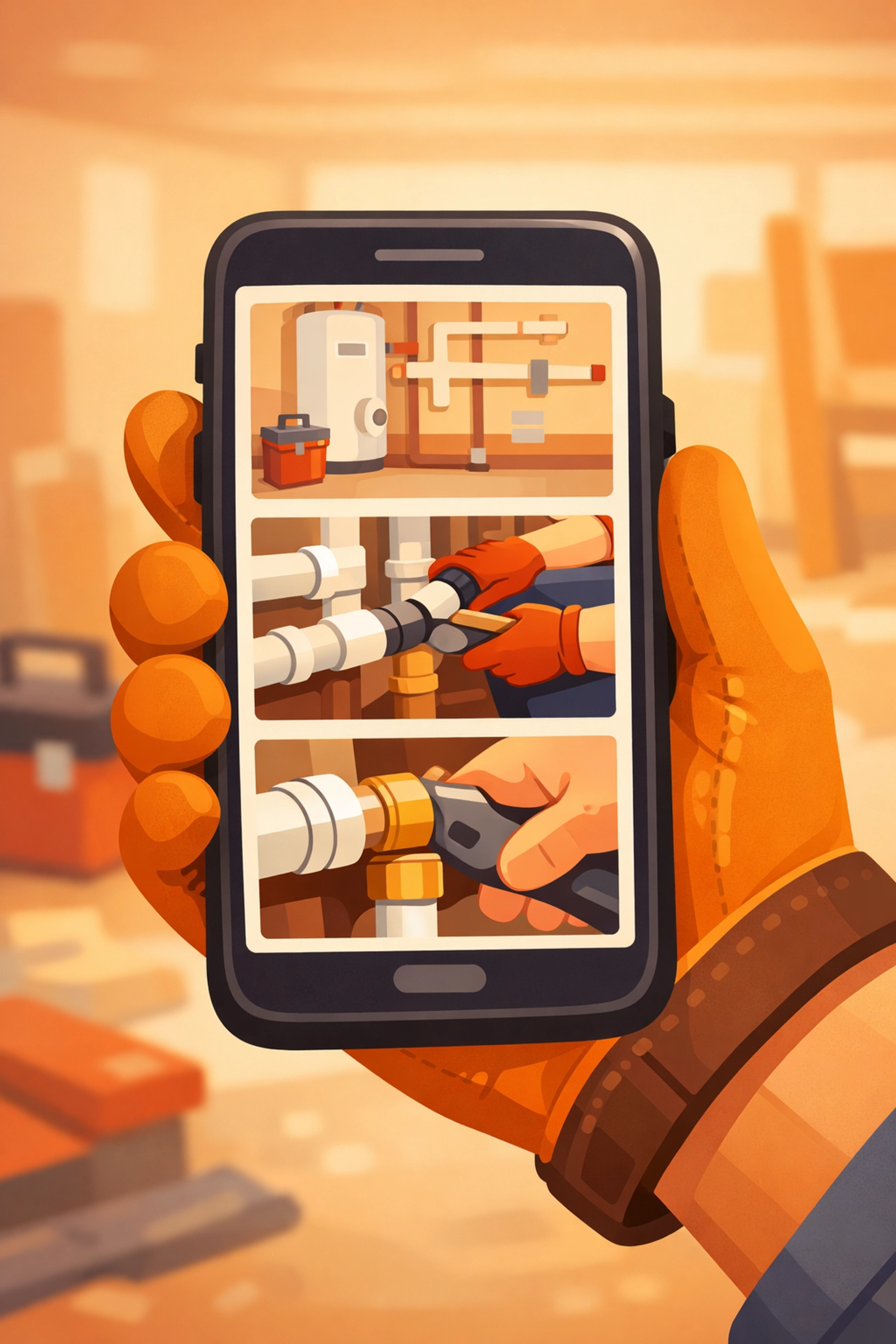
The Three-Photo Rule That Actually Works
Forget elaborate documentation protocols. For most jobs, you need three types of photos at each major stage:
Wide shots show the big picture. Where's this work happening? What's around it? These context photos protect you from "you damaged my property" claims because they show existing conditions.
Medium shots capture the actual work. Installing new fixtures? Running new lines? These photos demonstrate your process and prove you did the work properly.
Close-ups show the details that matter. Proper connections, correct materials, code-compliant installations. When questions arise later, these photos provide answers.
For a typical service job, that means:
- 3-5 "before" photos when you arrive
- 3-5 photos during the main work
- 3-5 "after" photos when you finish
That's 9-15 photos total. Not hundreds. Not thousands. Just enough to tell the story and cover your bases.
The Simple Schedule Every Solo Contractor Needs
The best documentation routine matches how you already work. You don't need daily photo logs or hourly updates. You need photos at natural checkpoints:
Start of job: Document existing conditions before you touch anything. Capture the work area plus a few feet around it. Include any pre-existing damage, stains, or issues.
Before you cover anything up: Installing electrical in walls? Photo it before drywall goes up. Plumbing under a slab? Photo it before concrete gets poured. This protects you if problems arise later.
After major milestones: Rough-in complete? Photo it. System tested? Photo those gauge readings. Major component installed? You know what to do.
Job completion: The finished product from multiple angles, plus any areas you want to showcase for marketing (with client permission).
What Makes a Good Job Photo
Blurry photos and dark images don't help anyone. Follow these quick rules:
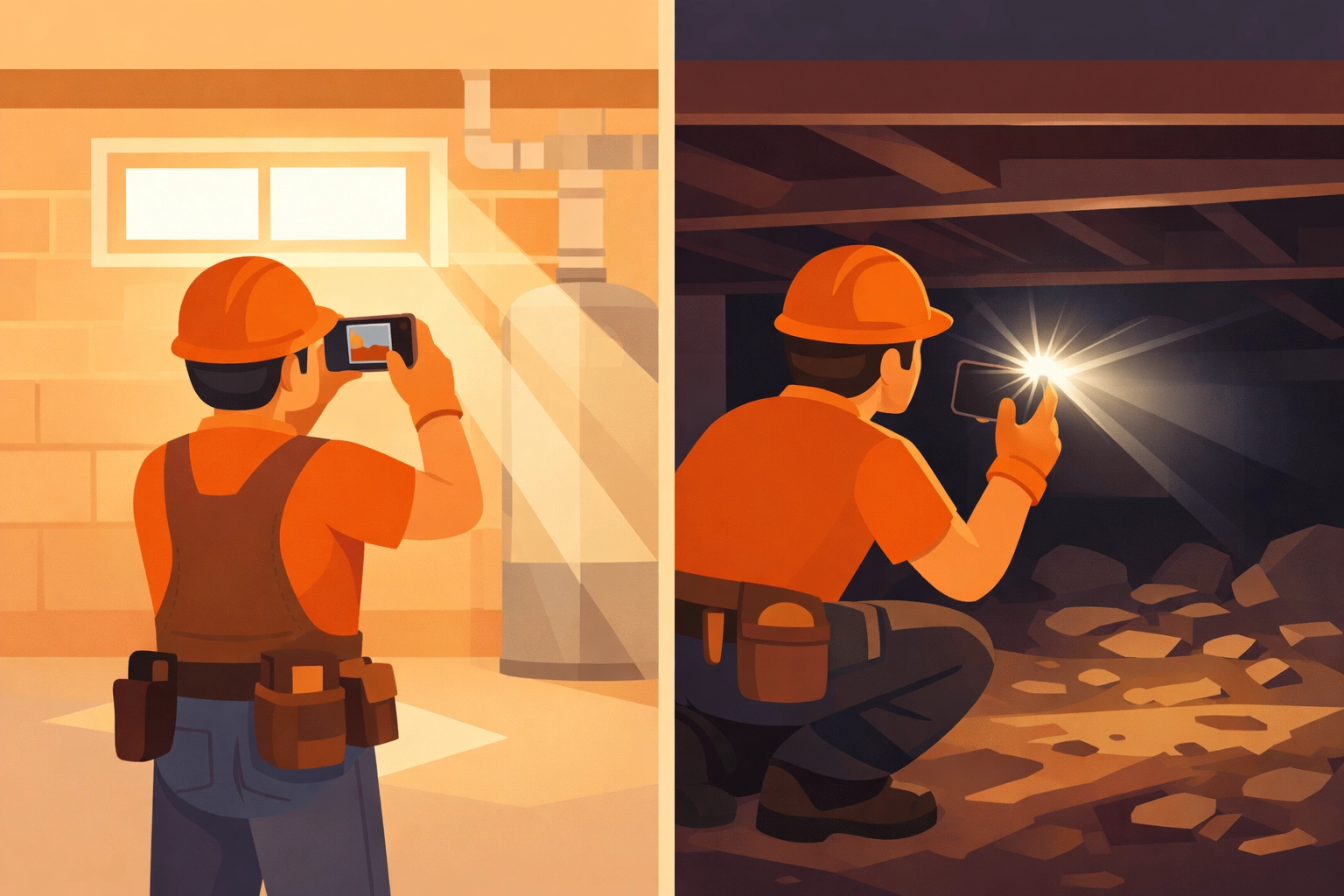
Light matters. Use your phone's flash in dim basements or crawl spaces. Natural light works great for outdoor work. Just make sure the photo clearly shows what you need it to show.
Focus counts. Tap your phone screen to focus on the important part before taking the shot. A sharp photo of a connection point beats a blurry one every time.
Include context. When possible, include something for scale: your hand, a tape measure, or recognizable fixtures. This helps later when memories fade.
Timestamps are gold. Photos with automatic time and date stamps prove when work was done. This matters for warranty work, scheduling disputes, and insurance claims.
Organizing Photos Without the Pain
Here's where most contractors lose the plot. They take decent photos but can't find them later when needed.
The old approach: manually sorting photos into folders on your computer, renaming files, and hoping you remember your own filing system six months from now.
The better approach: Use a before and after photo app designed specifically for contractors. Good ones automatically organize by job, add timestamps, and let you share organized galleries with clients: no computer required.
Look for these features that actually matter:
- Works on your phone. You're not documenting jobs from your office. You need mobile-first tools.
- Simple job organization. Create a job, add photos, done. No project codes, workflow stages, or configuration required.
- Easy client sharing. Send a link, not a zip file. Clients view photos in their browser without downloading apps.
- Searchable and archived. Find photos from past jobs quickly when questions pop up months later.
The No-App-Download Advantage
Here's something most contractors overlook: client friction. When you use a contractor job app that requires your clients to download software, create accounts, and learn new interfaces, many won't bother. They'll just ask you to email photos instead, which defeats the purpose of using documentation software in the first place.
The smarter move? Tools where clients simply click a link and view everything in their browser. No downloads. No accounts. No friction. Just instant access to their job photos organized in a clean timeline.
This is exactly why JobLuma focuses on simplicity. Your clients see a clean photo timeline app showing exactly what happened and when, without jumping through hoops.
Making It a Habit
The best system in the world doesn't help if you forget to use it. Build photo documentation into your existing workflow:
Take "before" photos while the client does the walk-through. You're already discussing the job: snap a few photos during that conversation.
Set a phone reminder mid-project. A simple alarm labeled "Take progress photos" keeps it on your radar during longer jobs.
Don't leave until "after" photos are done. Make it part of your cleanup routine. Pack up tools, sweep the area, take final photos, then head out.
After two weeks, it becomes automatic. You'll feel weird leaving a job without documentation.
The Real ROI of Good Documentation
Time investment: 5-10 extra minutes per job.
Value delivered:
- Faster payments because clients see exactly what you did
- Fewer disputes because you have visual proof
- Better reviews because organized photo updates show professionalism
- Marketing content when you nail a particularly impressive before/after transformation
- Legal protection if a claim or complaint emerges later
One avoided dispute pays for years of photo documentation. One faster payment because the client saw your organized work photos makes up for dozens of jobs worth of documentation time.
Keeping It Simple
You don't need enterprise construction photo documentation systems built for general contractors managing multiple crews across different sites. You need something that works for one person running their own business.
Focus on:
- Consistent before/during/after photos
- Automatic organization by job
- Easy sharing with clients
- Mobile-first workflow
Skip:
- Complex project management features
- Team collaboration tools
- Detailed reporting dashboards
- Workflow automation and approvals
The contractors winning with photo documentation aren't using the most feature-packed contractor software. They're using the simplest tools that handle the essentials perfectly.
Your Next Job Starts Now
Pick one upcoming job as your test case. Take before photos when you arrive. Grab a few during the work. Capture the finished result. Share them with your client in an organized way: whether through a dedicated tool or just a well-organized message.
Notice how it feels. Notice your client's reaction. Notice how much easier it is to remember what you did and why.
Then do it again on the next job. And the next. Before you know it, you'll have a system that protects your business, speeds up payments, and makes you look more professional: all without adding complexity to your already-full days.
Because the best tools for solo contractors aren't the ones with the most features. They're the ones that get out of your way and let you focus on what you do best: quality work that solves problems and keeps clients happy.
Ready to simplify how you document jobs? Check out JobLuma's features built specifically for contractors who want photo documentation without the headaches.
Leave a Reply