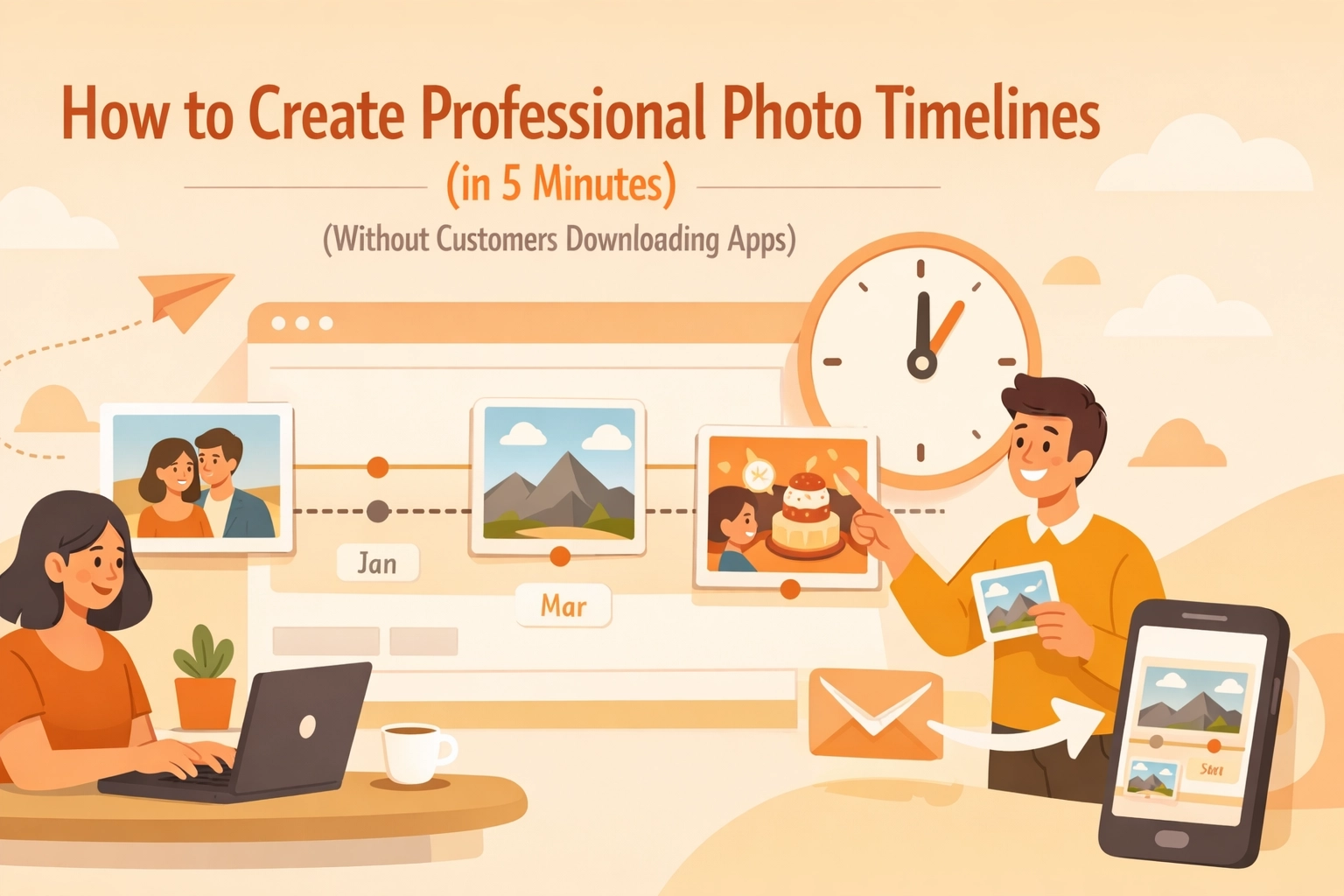
Let's be honest, asking your customers to download an app is like asking them to read the instruction manual. They're not going to do it.
Yet somehow, half the contractor software out there thinks it's totally reasonable to expect homeowners to install some clunky app just to see photos of their own job. Spoiler alert: it's not reasonable, and they won't do it.
The good news? You can create professional photo timelines that wow your customers in about 5 minutes, without making them jump through hoops. Let me show you how.
Why Photo Timelines Actually Matter (Even If You Think They Don't)
You might be thinking, "I already take photos on my phone. Why do I need fancy timelines?"
Here's why: presentation matters.
When you send a customer a random dump of 47 photos via text message, you're making them do the work. They have to figure out what they're looking at, what order things happened in, and whether that's the before or after shot.
A photo timeline does the thinking for them. It tells the story of the job from start to finish. And when people can actually see the transformation you created, organized and professional, they're way more likely to:
- Pay promptly without nickel-and-diming
- Leave you a glowing review
- Refer you to their neighbors
- Hire you again for the next project
Plus, construction photo documentation isn't just nice to have anymore. It's often required for permits, warranty claims, and protecting yourself if disputes come up later. Having everything organized in a timeline beats digging through thousands of phone photos at 10 PM.
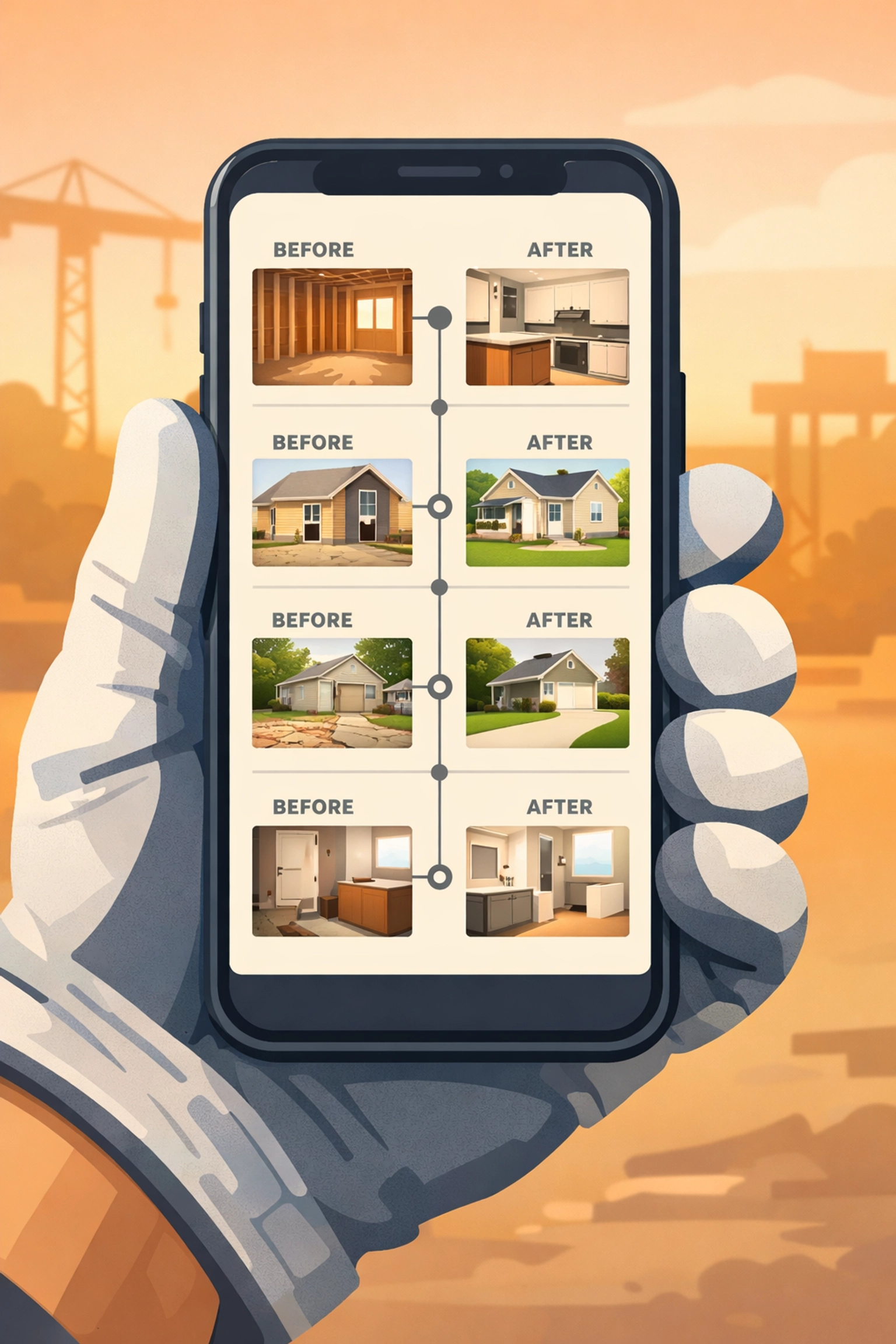
The Old Way Was Painful (And Nobody Liked It)
Here's how most contractors handle job photos today:
- Take photos on your phone
- Forget to organize them
- Mix them in with photos of your kid's soccer game
- Eventually text 30+ photos to the customer in random order
- Customer gets confused, asks questions
- You have to explain which photo is which
- Nobody's happy
Or worse, you're using some bloated project management software that requires:
- The customer to create an account
- Download a separate app
- Remember a password they'll forget immediately
- Navigate through 14 different menus just to see basic before and after shots
No wonder adoption rates are terrible.
The Simple Way: Web-Based Photo Timelines
The secret is using a contractor photo app that generates web links. No downloads. No accounts for customers. No confusion.
Here's what the process actually looks like when you use the right contractor job app:
Step 1: Take photos as you work (2 minutes)
You're already doing this. Just snap photos at key stages, before you start, during important phases, and after completion. Your phone's camera works fine.
Step 2: Upload to your contractor software (1 minute)
This should be stupid simple. Open the app, select the job, and upload your photos. If it takes longer than a minute, your software is too complicated.
Step 3: Arrange in timeline order (1 minute)
Drag and drop photos into chronological order. Add quick captions like "Before – Water damage visible" or "After – New pipes installed." Keep it simple, you're not writing a novel.
Step 4: Generate a shareable link (30 seconds)
Hit the share button. Your software creates a web link that works on any device, any browser, no apps required.
Step 5: Send to customer (30 seconds)
Text or email them the link. They click it. They see a professional photo timeline of their job. Done.
Total time: About 5 minutes. Total apps your customer has to download: Zero.

What Makes a Good Before and After Photo App
Not all contractor software is created equal. If you're shopping around for a photo timeline app, here's what actually matters:
Mobile-first design: You're not doing paperwork at a desk. You're on the job site. The app better work perfectly on your phone, or it's useless.
No customer downloads: This is non-negotiable. If your customer needs to install anything, you've already lost half of them.
Fast photo uploads: If you're sitting there waiting for photos to upload over spotty job site WiFi, that's time you're not billing for.
Simple interface: You shouldn't need a training manual. If it takes more than 5 minutes to figure out, it's too complicated.
Automatic organization: The app should help you organize photos by job, not make you create elaborate folder systems like it's 1995.
The Customer Experience Is Everything
Here's something most contractors miss: your customer doesn't care about your internal processes. They care about their experience.
When you send them a clean, professional photo timeline they can view instantly on their phone without downloading anything, it makes you look like the most organized contractor they've ever worked with. Even if you're just winging it like everyone else.
Compare these two scenarios:
Scenario A: "Hey, I sent you 43 photos via text. The first 12 are from Tuesday, then there's some from Wednesday mixed in there somewhere. Oh, and ignore the one of my dog: that was an accident."
Scenario B: "Here's a complete photo timeline of your project: [link]. You can see everything we did from start to finish, all organized and labeled. Works on any device, no downloads needed."
Which contractor seems more professional? Which one are you trusting with your next project?

Real-World Use Cases for Photo Timelines
Photo timelines aren't just for showing off your work. They're practical tools that solve real problems:
Warranty protection: Customer claims you damaged something? Your timeline shows the condition before you started and exactly what you did.
Permit documentation: Many jurisdictions require photo proof of work for inspections. Having it organized in a timeline makes permit processes way smoother.
Change orders: Customer wants to change the scope mid-job? Show them the timeline of what's already done and what changing course would involve.
Marketing material: Your best before and after timelines become portfolio pieces you can share with future customers (with permission, obviously).
Team communication: If you have multiple crew members on a job, a shared photo timeline keeps everyone on the same page about what's been done.
Dispute resolution: Sometimes customers "forget" they approved certain work. Your photo timeline with timestamps is your proof.
Don't Overthink It
The biggest mistake contractors make with photo documentation is overthinking it. You don't need:
- Professional photography equipment
- Perfect lighting
- Artistic composition
- Hour-long editing sessions
You just need clear photos that show what you did. Take them with your phone. Upload them to simple contractor software. Share the link. Move on to the next job.
The whole point of a good before and after photo app is that it gets out of your way. It should take less time to document your work than it does to grab lunch.
Why Simple Beats Complex Every Time
There's a reason the most successful contractors keep their systems simple. Complex systems don't get used. They sit there looking impressive in demos, then collect digital dust because they're too much hassle in real life.
When you're standing in a crawlspace at 3 PM on a Friday, the last thing you want is contractor software that requires six steps just to upload a photo. You want something that just works.
That's the difference between software built for contractors versus software built for project managers sitting in offices. One understands your reality. The other doesn't.
The Bottom Line
Creating professional photo timelines shouldn't be complicated. Take photos, upload them, share a link. Five minutes, tops. No apps for customers to download. No complicated processes. No excuses.
The contractors who figure this out are the ones who get better reviews, fewer payment disputes, and more referrals. Not because their actual work is better, but because they make it easy for customers to see and appreciate the work they did.
If your current system makes photo documentation feel like a chore, you're using the wrong system. Find contractor software that actually fits how you work, not how some programmer thinks you should work.
Your phone already has a camera. The technology exists to share photos professionally in seconds. There's literally no reason to keep doing it the hard way.
Want to see how simple photo timelines can actually be? Check out JobLuma: contractor software built by people who actually understand job sites, not conference rooms.
Leave a Reply