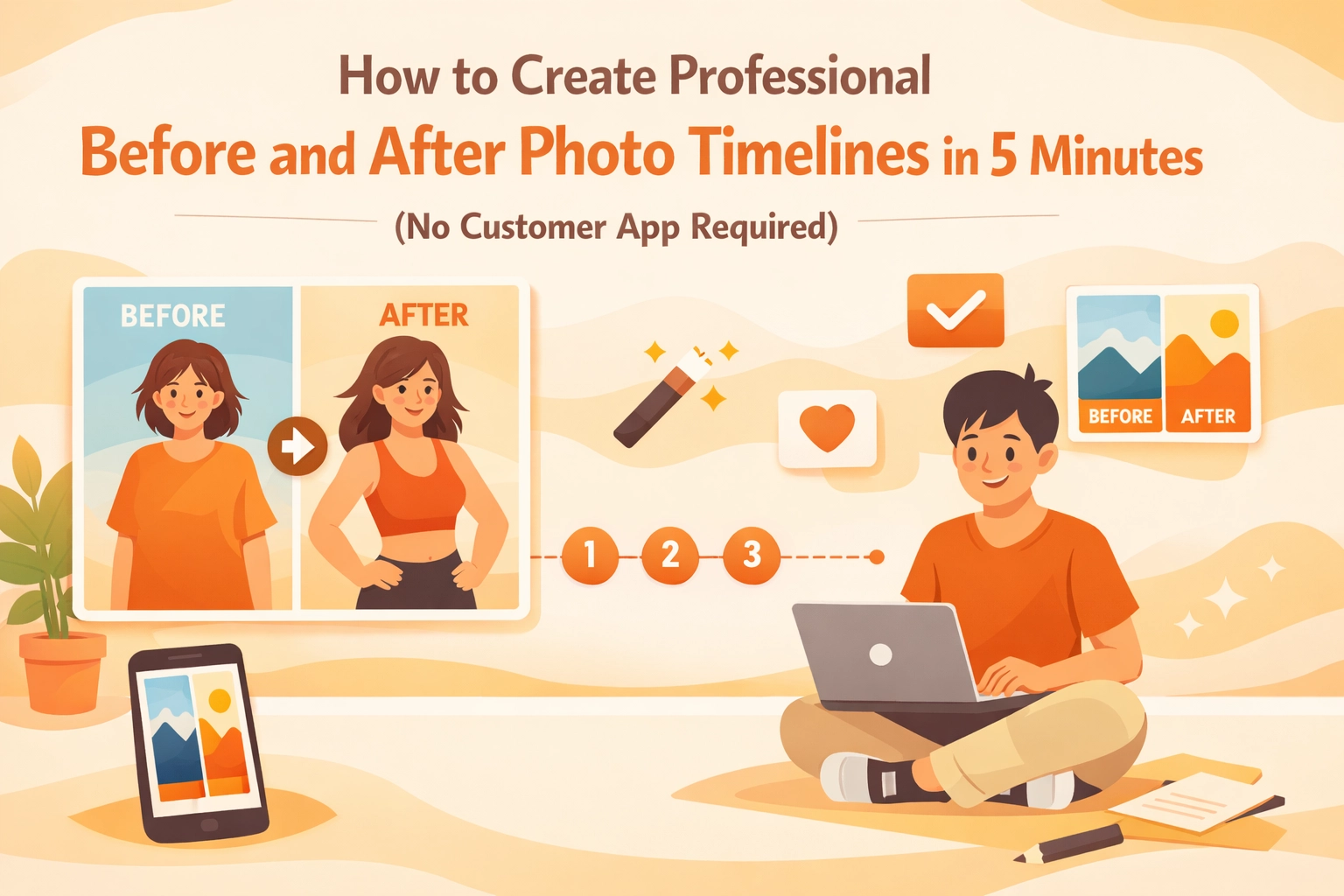
Let's be honest: your customers don't want to download another app just to see photos of their plumbing repair or HVAC installation. They're already juggling dozens of apps on their phones, and asking them to download yours? That's a quick way to lose their patience before you even start the job.
But here's the thing: you do need a professional way to document your work. Before and after photos aren't just nice to have; they're essential for protecting yourself, showcasing quality, and building trust with customers. The good news? You can create professional photo timelines in about 5 minutes without forcing anyone (including yourself) to deal with complicated software or app downloads.
Why Before and After Photos Actually Matter
If you're not documenting your jobs with photos, you're leaving money and protection on the table. Here's why this stuff actually matters:
You're covering your backside. When a customer claims you damaged something that was already broken, your before photos are your proof. No more he-said-she-said situations: just facts.
You're building instant credibility. Showing a clear timeline of your work proves you actually did what you said you'd do. It's way more convincing than just telling someone "trust me, it looks great."
You're creating marketing gold. Those transformation shots are perfect for social media, your website, and showing future customers what you can do. Every job becomes a portfolio piece.
You're justifying your pricing. When customers see the scope of work through photos, they understand why the job costs what it costs. It turns an abstract number into a visible transformation.
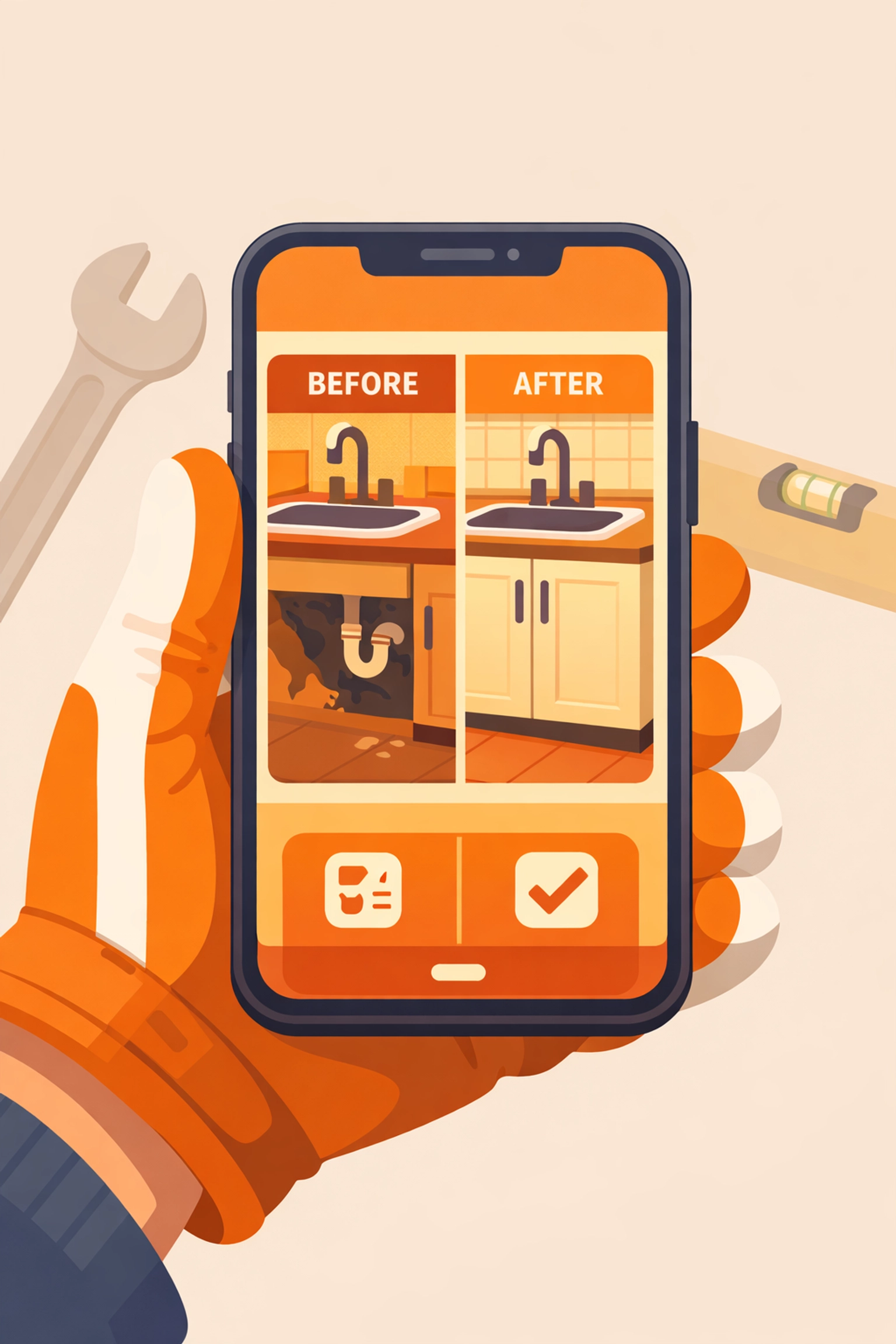
The Problem with Most Contractor Photo Apps
Most contractor software treats photo documentation like it's rocket science. They make you:
- Download a massive app that eats your phone storage
- Force your customers to download their app too (good luck with that)
- Navigate through 47 menus just to upload a photo
- Pay for features you'll never use (project management, time tracking, invoicing: when you just need to take some pictures)
- Deal with clunky interfaces designed by people who've never worked in the field
And the worst part? After jumping through all those hoops, you end up with photo timelines that look like they were made in 1995.
The Simple Way: Mobile-First Photo Documentation
Here's how it should work: You pull out your phone, snap some photos at the job site, and boom: your customer automatically gets a professional-looking timeline they can view from any device. No apps for them to download, no complicated uploading process for you.
The secret is using contractor software that's actually designed for how real contractors work in the field: not how some software developer thinks contractors work.
Step 1: Take Your Before Photos (1 minute)
Before you touch anything at the job site, pull out your phone and snap photos of:
- The overall area you'll be working in
- The specific problem you're fixing
- Any existing damage or issues you didn't cause
- Surrounding areas that could be blamed on you later
Pro tip: Take more photos than you think you need. Storage is cheap; disputes are expensive.
Step 2: Document During the Job (2 minutes)
As you're working, grab a few photos showing:
- Major steps in the process
- Hidden work (behind walls, under floors, etc.)
- Any surprises you discovered
- Materials and parts you're using
You don't need to photograph every single screw you turn. Just capture the important moments that show the scope and quality of your work.

Step 3: Capture Your After Photos (1 minute)
When you're done, document:
- The completed work from multiple angles
- Close-ups showing quality details
- The cleaned-up work area
- Anything you want the customer to remember about the installation
Step 4: Share the Timeline (1 minute)
This is where most contractor photo apps completely fail. They make sharing as complicated as filing taxes.
With the right contractor photo app, you just hit send and your customer gets a link to view everything. No login required. No app download. Just a clean, professional timeline they can view from their phone, tablet, or computer.
They can see exactly what you did, when you did it, and how professional the result looks. And if they want to share it with their spouse or show their neighbor, they just forward the link.
Best Practices for Professional-Looking Photos
You don't need a fancy camera or photography skills. Just follow these simple rules:
Light matters more than you think. Turn on extra lights at the job site. Take photos from different angles to avoid shadows. Dark, murky photos make even great work look sketchy.
Keep your lens clean. Seriously, wipe your phone camera before every job. That smudge you don't notice makes every photo look unprofessional.
Stay consistent with your angles. If possible, take your before and after shots from the exact same spot. It makes the transformation way more obvious.
Include context. Don't just photograph the pipe or wire: show enough of the surrounding area that people understand where this work is located and what you're actually doing.
Avoid clutter in the background. Move tools, buckets, and debris out of the shot before you snap the photo. A clean background makes your work look more professional.
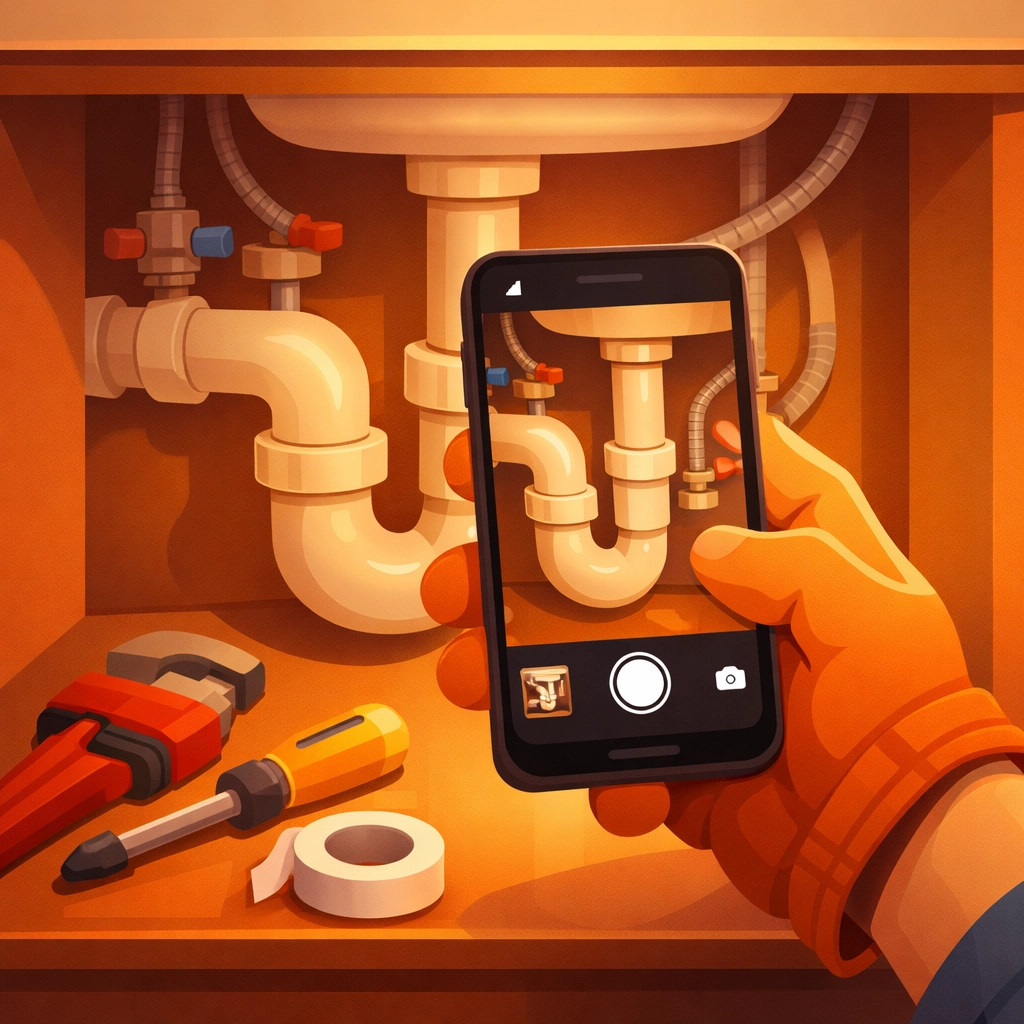
Why "No Customer App" Changes Everything
Here's something most contractors don't realize: the moment you ask a customer to download an app, you're creating friction. And friction kills customer satisfaction.
Think about it from their perspective. They just want to see photos of their new water heater or finished electrical panel. They don't want to:
- Search for your app in the app store
- Create yet another account with a username and password
- Figure out how to navigate your software
- Give permissions to access their camera, location, and contacts
- Wait for a massive app to download on their data plan
When you share a simple link instead, they click once and see everything. It's so obvious it shouldn't even need to be said: but most construction photo documentation software completely misses this point.
The Mobile-First Advantage
Let's talk about how you actually use your phone on job sites. You're not sitting at a desk with time to carefully organize files into folders. You're:
- Balancing on a ladder
- Dealing with dirty gloves
- Moving between multiple jobs in one day
- Working in tight spaces
- Getting interrupted by customer questions
You need contractor software that works the way you work. That means big buttons you can tap with work gloves on. Simple interfaces that don't require squinting at tiny text. Fast uploads that work even when you're in a basement with spotty cell signal.
That's what mobile-first actually means: not just an app that works on your phone, but software designed from the ground up for someone doing real fieldwork.

Quick Tips for 5-Minute Photo Timelines
Batch your photos. Take all your befores at once, all your progress shots together, and all your afters in one go. It's faster than switching back and forth.
Add quick notes. A one-line caption like "Replaced corroded copper pipe" makes your timeline way more professional than just random photos with no context.
Set a daily reminder. If you tend to forget, set a phone alarm for the end of your workday to upload photos. Make it a habit.
Use timestamps. Good contractor job apps automatically timestamp your photos so customers can see exactly when work was done. This protects you if timeline questions come up later.
Keep personal stuff out of the frame. Check your photos before sharing to make sure you didn't accidentally capture customer info, other clients' addresses, or anything unprofessional.
The Bottom Line
Creating professional before and after photo timelines shouldn't take longer than the actual work you're documenting. And it definitely shouldn't require forcing your customers to download an app they'll use exactly once.
The right contractor photo app makes documentation so simple that you actually do it consistently: which means you're protected on every job, you build trust with every customer, and you create marketing material without even trying.
Keep it simple. Take the photos. Share them easily. Move on to the next job.
If you're tired of bloated project management software and want construction photo documentation that actually works the way contractors work, check out JobLuma. It's designed for exactly this: simple, fast, mobile-first photo timelines with no customer app required.
Because at the end of the day, you're a contractor: not a software engineer. Your tools should work for you, not the other way around.
Leave a Reply