Let’s be honest: nobody got into the trades because they loved paperwork. You started your business to fix things, build things, and help people. But as your business grows, you realize that "doing the work" is only half the battle. The other half is proving you did it right, getting paid on time, and making sure the customer is happy enough to recommend you.
In the old days, you might have carried a digital camera or just relied on your memory. Today, we all have powerful cameras in our pockets, but that’s created a new problem: the "Camera Roll Chaos." You have 4,000 photos on your phone. Somewhere between the picture of your kid’s birthday cake and that funny meme your brother sent you, there are three crucial photos of a leaky pipe you fixed last Tuesday.
Finding those photos to show a client, or worse, to prove to an insurance company that you weren’t responsible for a pre-existing crack, is a nightmare. You need a photo timeline app, but you don’t want another bloated piece of "contractor software" that takes three hours to learn and costs a fortune.
Here is the good news: you can create a professional photo timeline in under five minutes, and you don’t even need to ask your crew or your customers to download a single app.
Why a Photo Timeline is Your Best Insurance Policy
Before we dive into the "how," let’s talk about the "why." A photo timeline isn’t just a fancy slideshow; it’s a chronological record of your professionalism. For electricians, plumbers, and HVAC techs, construction photo documentation serves three main purposes:
- Trust and Transparency: When a customer sees a step-by-step visual of the work, they feel confident. They see the "before," the "during" (the parts they can't see once the walls are closed up), and the "after."
- Liability Protection: If a homeowner claims you damaged something, you can pull up a photo from your timeline showing that the damage was there before you arrived. It’s your word against a timestamped photo. The photo wins every time.
- Faster Payments: It’s much harder for a client to haggle over an invoice when it’s accompanied by a crisp, professional gallery showing exactly what they’re paying for.

The Problem with Traditional "Contractor Job Apps"
If you’ve looked into contractor software before, you’ve probably seen the big players. They promise to do everything: scheduling, invoicing, CRM, GPS tracking, and even your laundry. But for a small service shop, these platforms are often overkill.
They are expensive. They are complicated. And worst of all, they require an "app download."
Think about your sub-contractors or your new hires. Do they really want to download another 200MB app that tracks their location and drains their battery? Probably not. Think about your customers. If you tell them, "Hey, download this app to see the photos of your water heater," they’re going to roll their eyes.
The best contractor photo app is the one that stays out of the way. That’s why we built JobLuma to be a mobile-first, browser-based experience. No downloads. No friction.

The 5-Minute Workflow: Creating Your Timeline
So, how do you actually do it? Whether you’re using generic tools or a specialized platform like JobLuma, the process should be simple.
Step 1: Capture the "Before" (1 Minute)
The second you walk onto a job site, take three photos. One wide shot of the work area, one medium shot, and one close-up of the specific issue. This sets the baseline. In a before and after photo app, these are the most important shots you’ll ever take because they prove the condition of the site when you took possession of it.
Step 2: Document the "In-Between" (2 Minutes)
This is where most contractors drop the ball. If you’re an electrician, take a photo of the wiring before the drywall goes up. If you’re a plumber, take a photo of the new fittings before they’re buried. These "hidden" photos are pure gold for your construction photo documentation. They show the quality of your work that the customer literally cannot see once the job is finished.
Step 3: The Final "After" (1 Minute)
Clean up the job site first. A photo of a beautiful new HVAC unit surrounded by trash doesn't look professional. Take a final set of photos that match the angles of your "before" shots.
Step 4: Generate and Share (1 Minute)
This is where the magic happens. Instead of emailing 15 individual attachments (which will get blocked by spam filters), you use a tool to create a single link.
With JobLuma, this happens almost automatically. You upload the photos from your mobile browser, and the timeline is built for you. You can then send a simple link to the customer via text or email. They click it, and they see a professional, branded timeline of the project. No login required for them.
Using Generic Tools vs. JobLuma
If you’re just starting out and have plenty of time on your hands, you can use free tools like Canva or Adobe Express to manually build a timeline.
- Adobe Express: You can upload your photos, choose a template, and manually add text and dates. It looks great, but it takes time. You have to drag and drop, resize, and then export a PDF or a static image.
- Canva: Similar to Adobe, it’s great for design but wasn't built for a guy standing in a crawlspace with dirty hands.
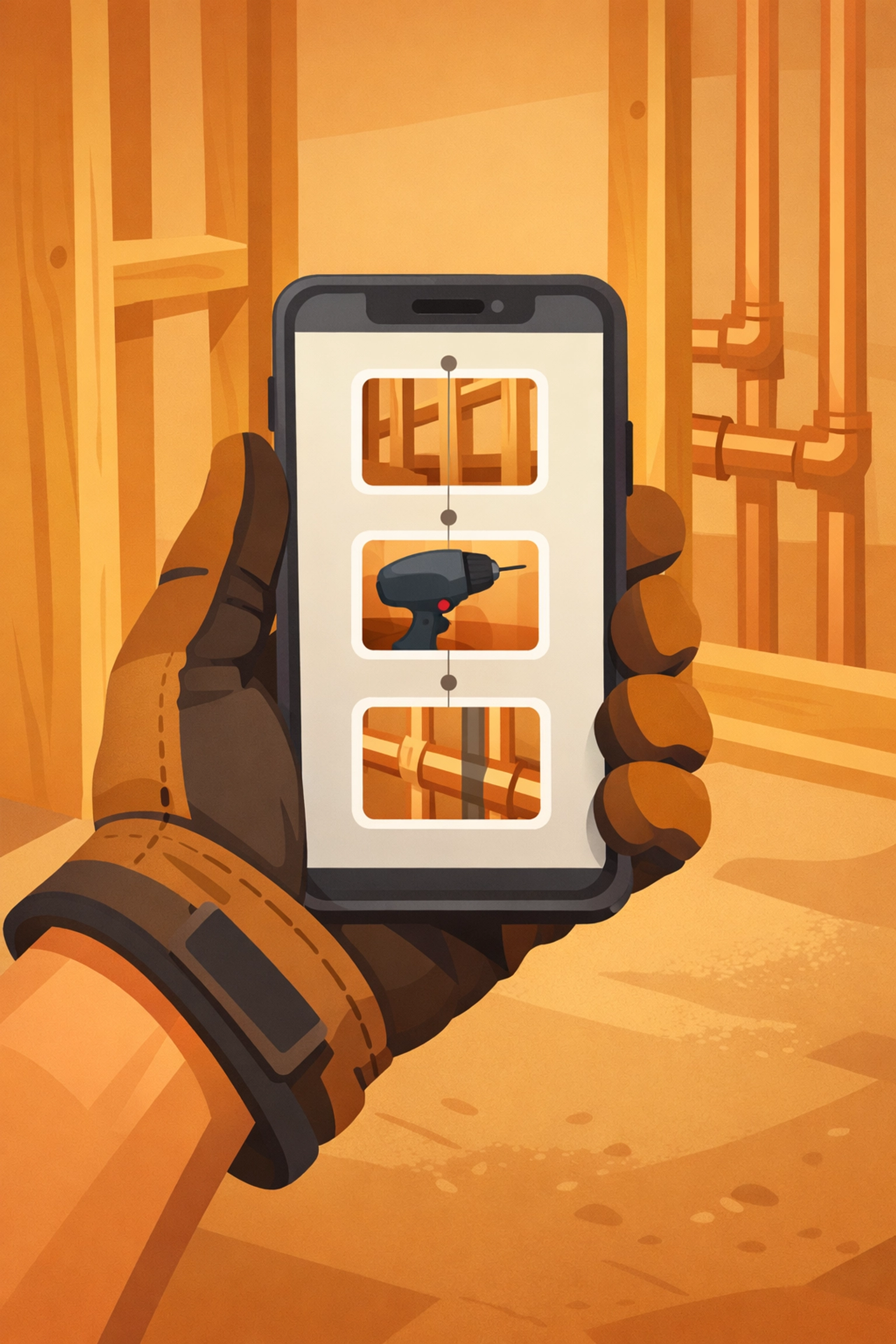
The difference with a dedicated contractor job app like JobLuma is that it’s built for the field. We know you’re usually using one hand to hold your phone and the other to hold a flashlight. Our interface is designed to be "thumb-friendly" and lightning-fast.
Why "No App Download" is a Game Changer
We live in the age of "app fatigue." Everyone wants you to download their app. Your grocery store, your gas station, even your toaster probably has an app.
When you use a "no app download" system:
- Onboarding is instant: Your crew can start using it on day one without waiting for downloads or updates.
- Client satisfaction is higher: Clients can view progress photos on their phone while they're at work with a single tap.
- Battery life is preserved: Real-time GPS apps are notorious for killing phone batteries by midday. Browser-based tools are much lighter.
For more details on how this works, you can check out our help section or see our pricing to see how affordable simplicity can be.
Pro-Tip: The "Referral Photo"
Here is a secret trick to get more business using your photo timeline: include a photo of your business card or a "Thank You" note at the end of the timeline.
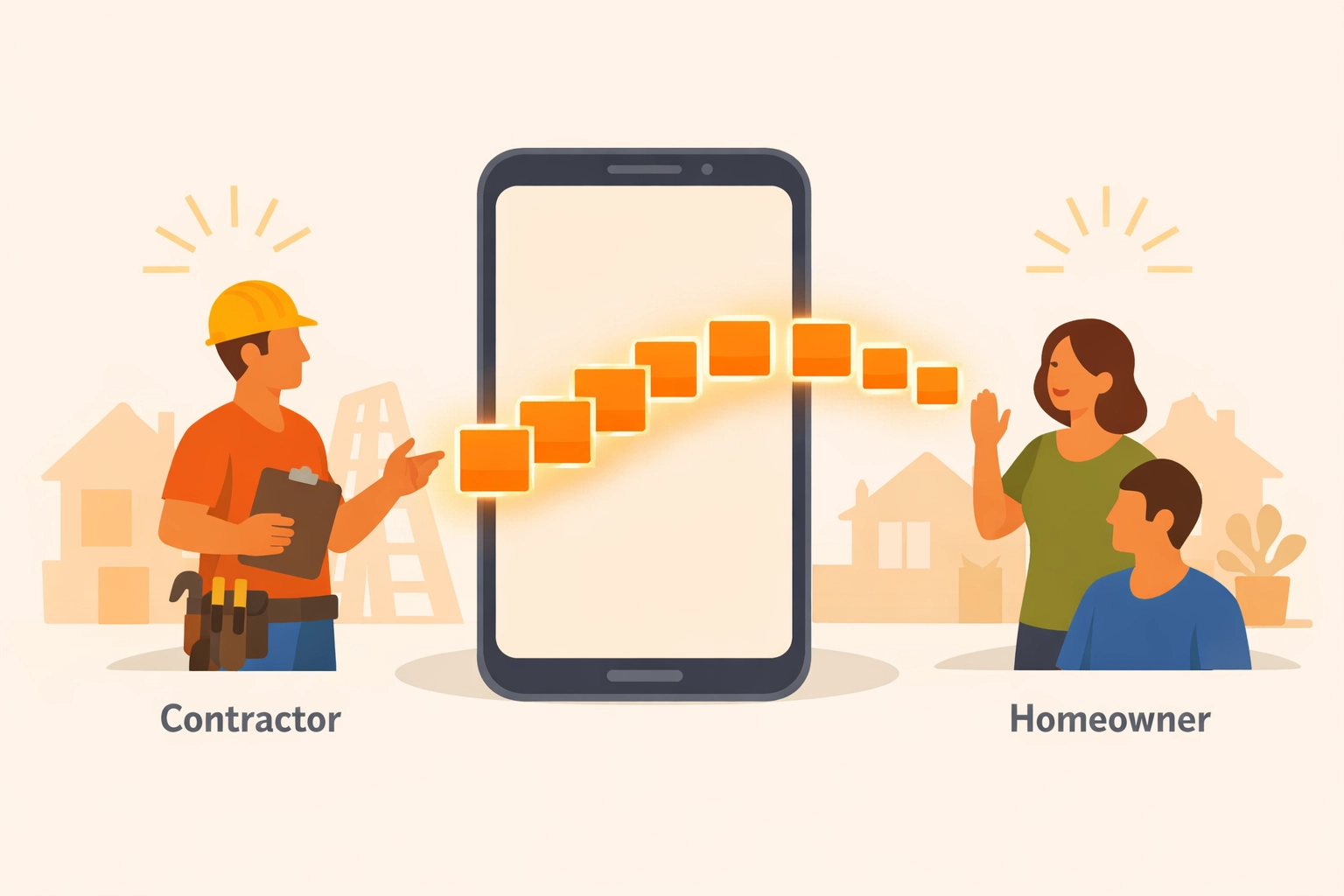
When you send that professional link to your customer, they aren't just going to look at it; they’re going to show their friends. "Look at the work these guys did on my kitchen!" When they share that link, they are sharing your brand. It’s a digital business card that actually shows your skill.
Real-World Examples: The Impact of Photo Logs
Let’s look at a few scenarios where a 5-minute photo timeline saved the day:
- The "Leaky" Roof: A roofer finished a job on Friday. It rained on Sunday, and the homeowner called screaming that the roof was leaking. The roofer pulled up the JobLuma timeline and showed the homeowner photos of the perfectly sealed flashing. It turned out the "leak" was actually a window the homeowner had left cracked open. Dispute settled in 30 seconds.
- The Electrical Rough-In: An electrician took photos of the wiring before the walls were closed. Six months later, the homeowner wanted to hang a heavy TV. The electrician sent them the link to the photo timeline, and the homeowner could see exactly where the studs and wires were located. That’s a customer for life.
- The HVAC Maintenance: A tech takes a photo of the dirty filter and the old, frayed belt before replacing them. The customer, who knows nothing about HVAC, can see the physical proof of why the parts needed replacing. They pay the bill happily.
Summary: Speed Wins
In the construction and field services world, the fastest person to provide proof usually wins the argument and gets the check. You don't need a degree in photography or a $500/month software suite to look like a pro.
All you need is a consistent habit of taking photos and a simple way to organize them.
If you're tired of the camera roll mess and want a simple, professional way to document your jobs, signup for JobLuma today. We’ve stripped away all the bloat to give you exactly what you need: a fast, reliable, and "no-app-needed" way to show off your hard work.
Stop hunting for photos and start building your legacy, one timeline at a time. If you have questions about how we can fit into your specific trade, feel free to contact us. We’re here to help you get back to the work that matters.
Leave a Reply