Let’s be honest: your phone’s camera roll is a disaster.
If you’re a plumber, electrician, or HVAC tech, you probably have thousands of photos buried between pictures of your kids and your last fishing trip. There are shots of leaky valves, rough-ins, finished panels, and that one weird wiring job you saw three weeks ago.
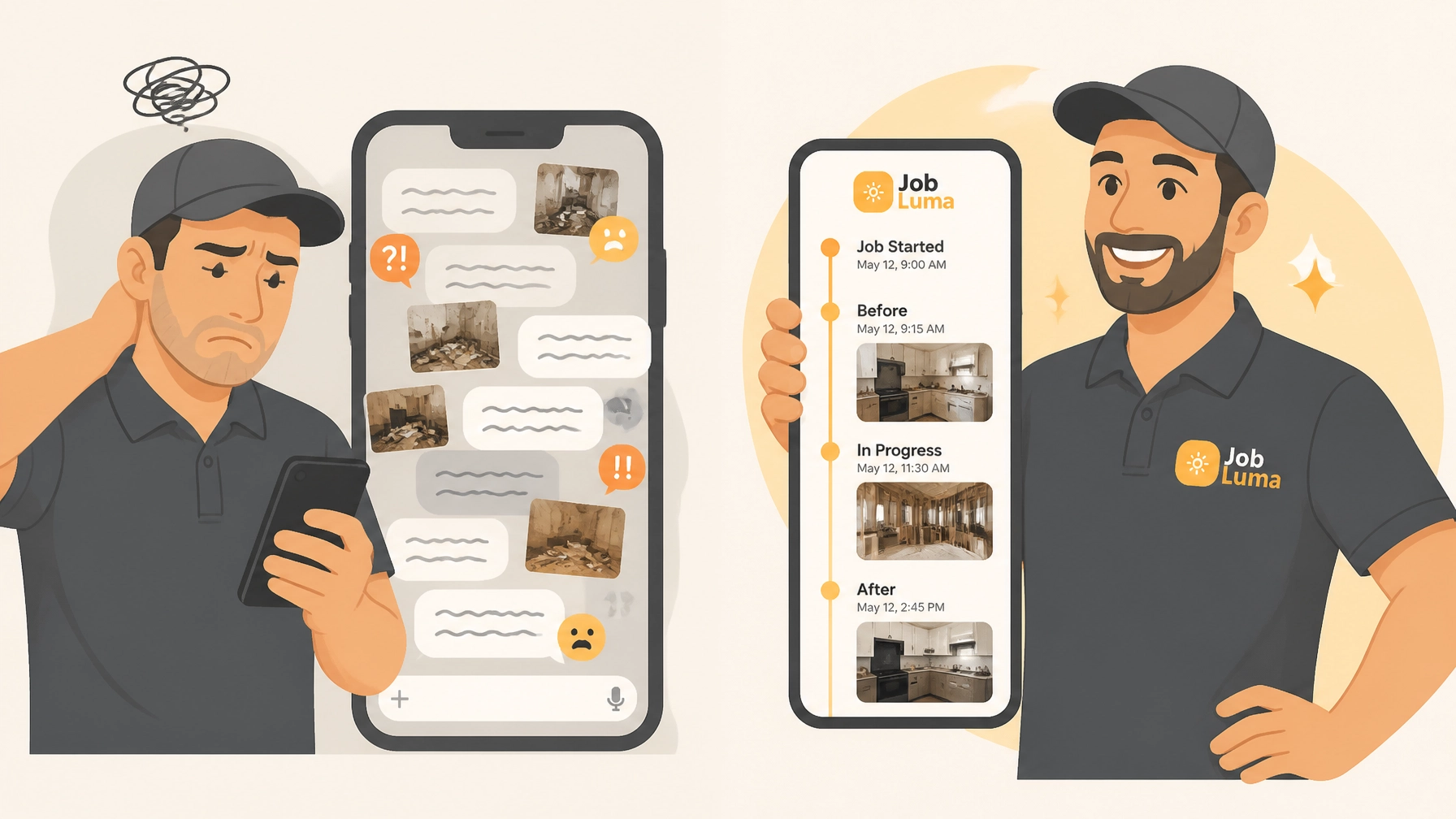
When a customer asks for a progress update, or worse, claims you "scratched the floor," you spend twenty minutes scrolling through your phone like a detective, trying to find that one specific "before" photo to prove your innocence.
It’s a headache. And while there’s plenty of contractor software out there that promises to help, most of it is so bloated and complicated that you’d need a PhD just to upload a single picture.
But what if you could create a professional, branded photo timeline for every job in less time than it takes to drink your morning coffee? At JobLuma, we built exactly that.
Why Photo Documentation is Your Secret Weapon
Before we talk about how to do it fast, let’s talk about why you should care. In the trades, a photo isn't just a picture: it’s an asset.
1. The "Trust" Factor
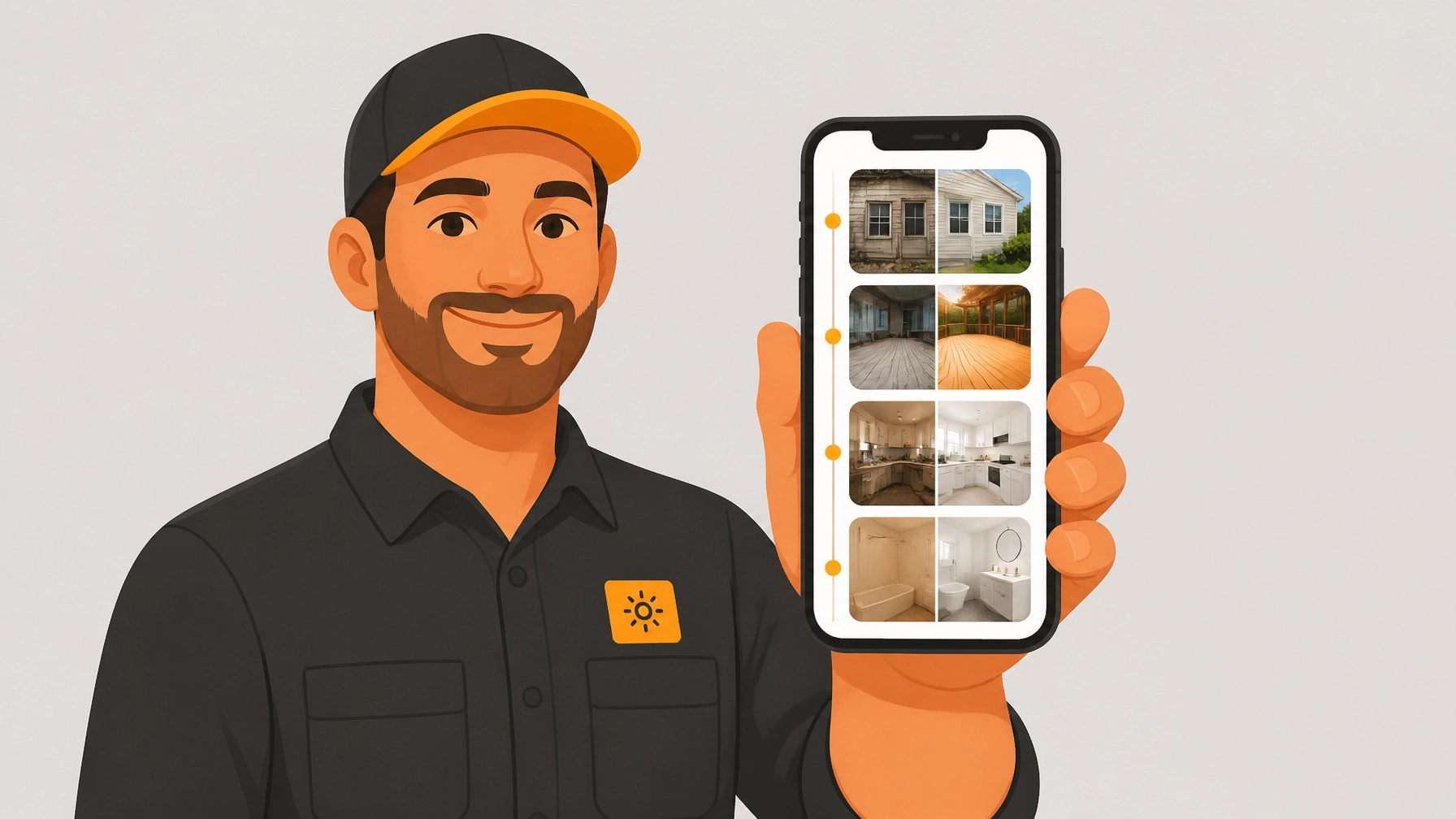
Homeowners are naturally skeptical. When you send them a professional photo timeline app link showing the progress of their remodel or repair, it proves you’re doing the work you said you’d do. It makes you look like a pro, not just another guy with a toolbox.
2. Liability Protection
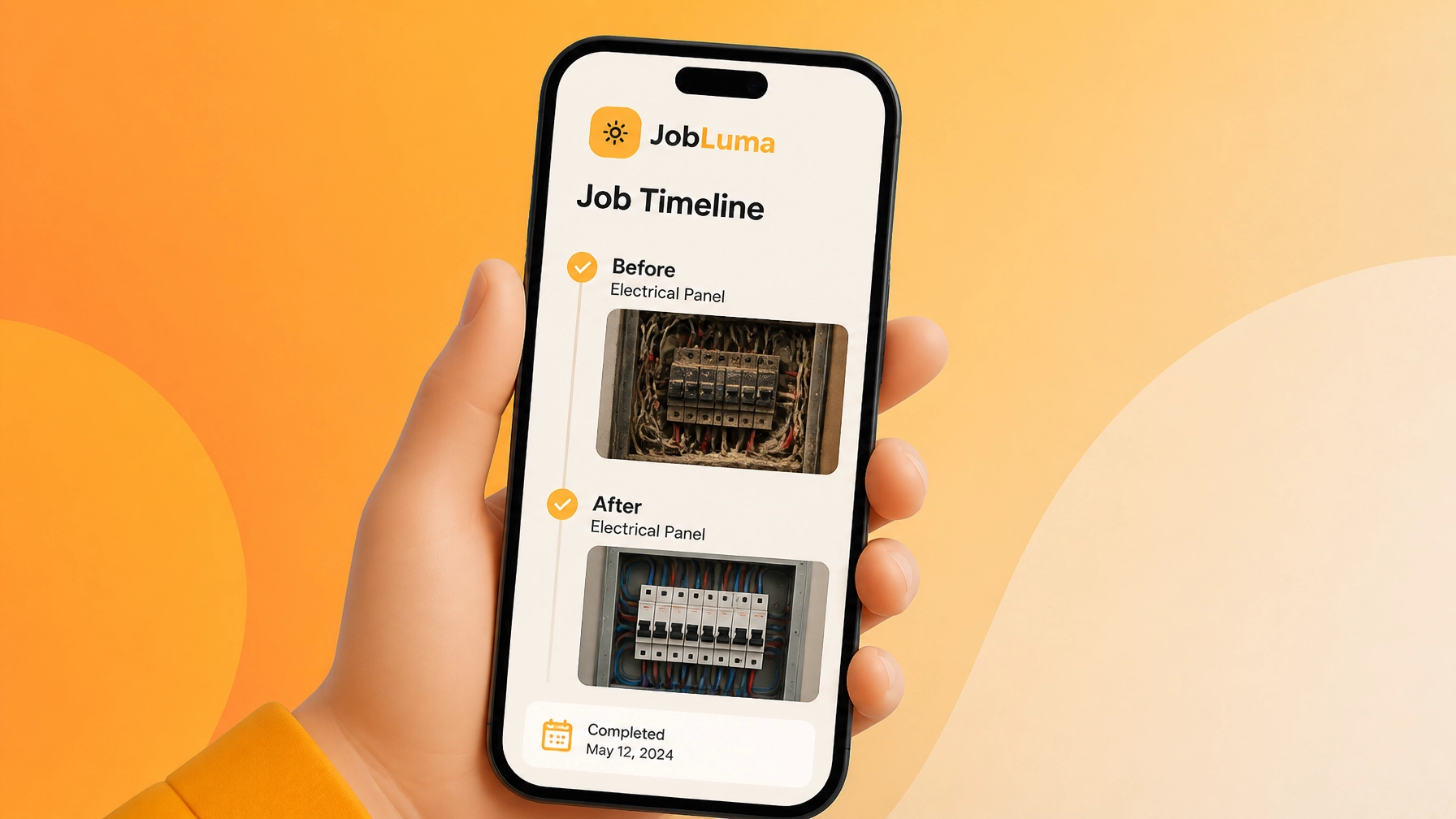
We’ve all been there. You finish a job, and two days later the client calls saying you dented the drywall. If you have a time-stamped "before" photo organized in a construction photo documentation log, you can shut down false claims instantly. It’s the ultimate "I told you so" (but delivered politely).
3. Marketing That Actually Works
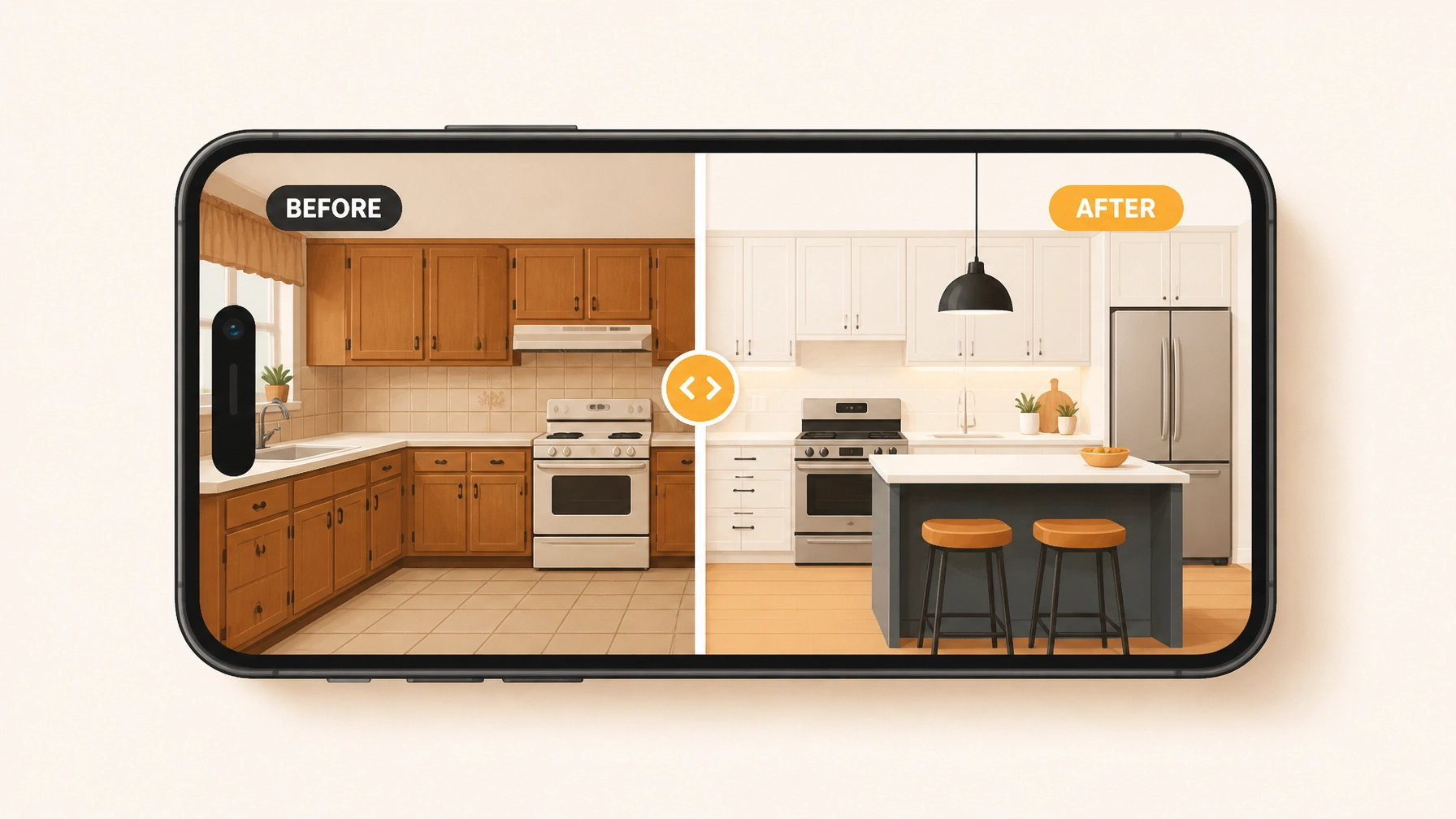
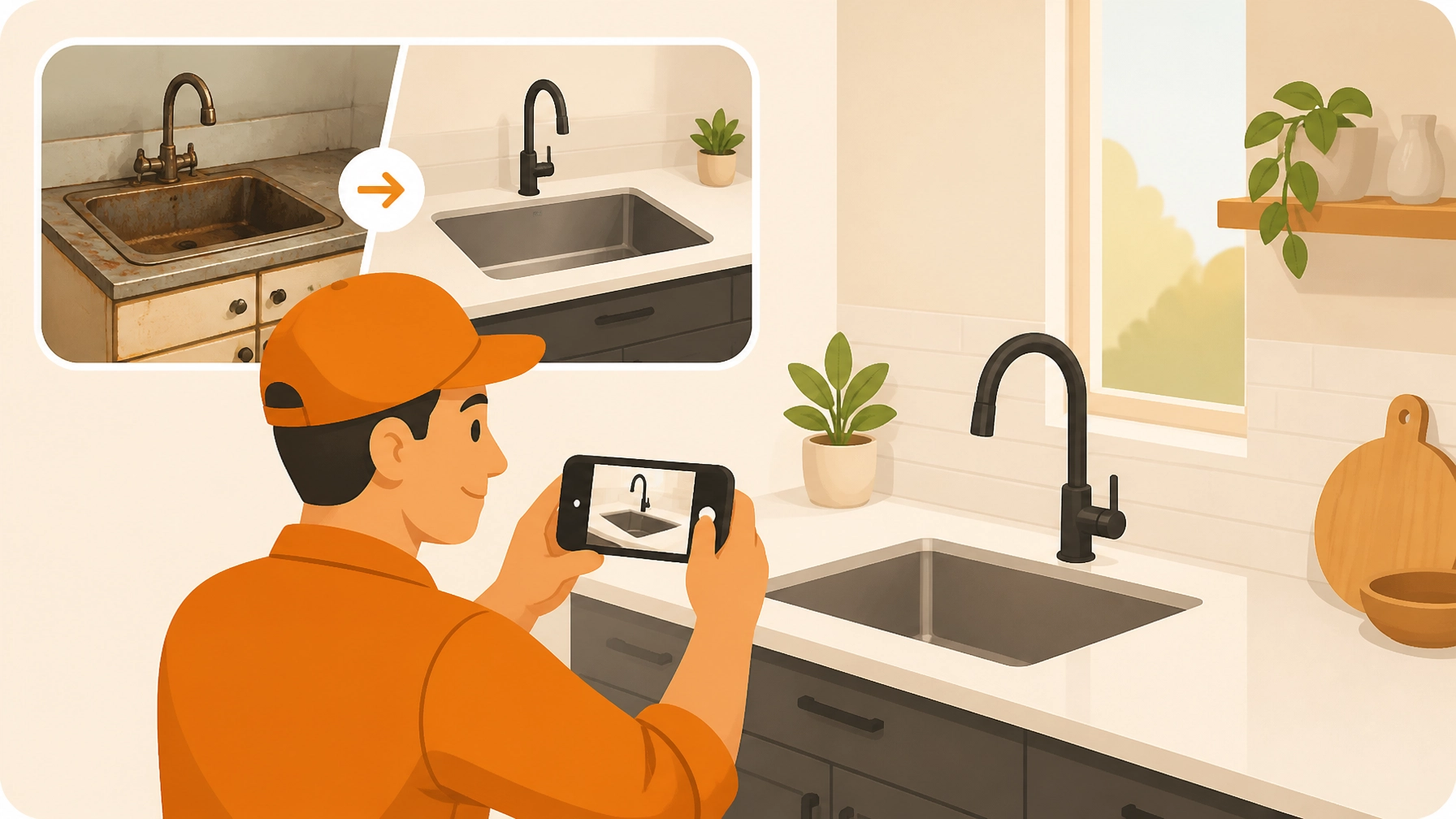
"Before and After" photos are the gold standard for winning new business. A high-quality before and after photo app allows you to show potential clients exactly what you’re capable of. These aren't just photos; they are your resume.

The Problem with "Big" Software
Most contractor job apps are built for giant construction firms with 500 employees. They want you to manage schedules, payroll, sub-contractors, and 3D blueprints all in one place.
If you’re a solo operator or run a small crew, you don't need a cockpit; you need a steering wheel. You don't have time to "onboard" for three weeks. You just want to take a photo, add a quick note, and get to the next job site.
That’s where the "Tech Headache" comes from: trying to force a simple workflow into a complex system. JobLuma is different because we focus on one thing: making your field documentation incredibly simple.
The 5-Minute Professional Timeline Workflow
Here is how you can transform your job site documentation from a chaotic camera roll into a professional customer experience in just 5 minutes.
Step 1: Create the Job (30 Seconds)
When you arrive at the site, open the JobLuma contractor photo app and create a new job. Give it a name (like "Smith Kitchen Re-wire") and add the customer's info. This creates a dedicated "bucket" for everything related to that project. No more mixing photos from three different jobs.
Step 2: Snap the "Before" (1 Minute)
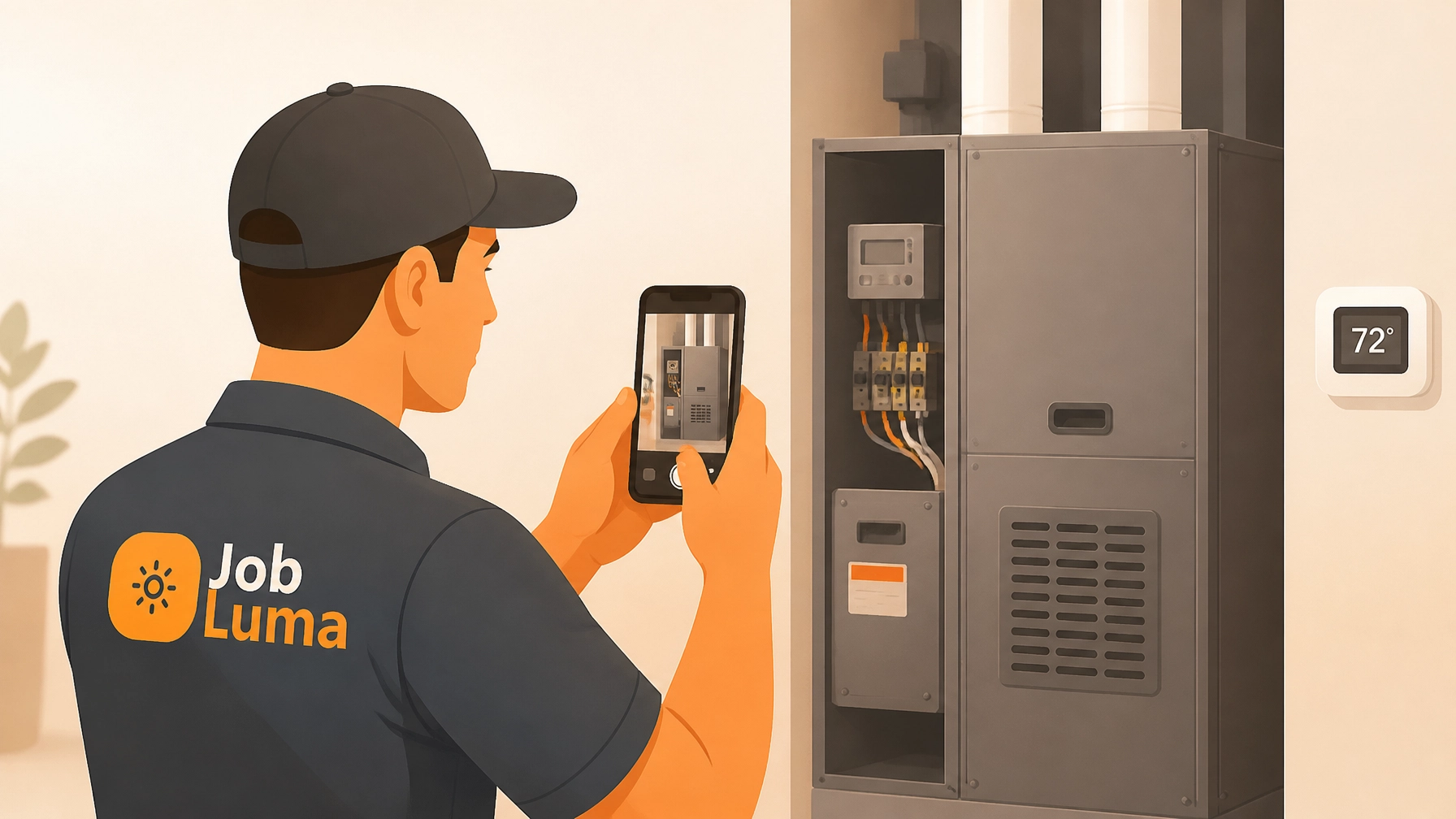
Before you touch a single tool, take 2-3 photos. Show the existing conditions and any pre-existing damage. With JobLuma's mobile-first design, you just tap the camera icon and shoot. The photos are automatically uploaded to the cloud and time-stamped.
Step 3: Log Progress as You Go (2 Minutes)
As you reach milestones: like finishing the rough-in or installing the new unit: snap another photo. You can add a quick voice-to-text note like "Rough-in complete, waiting on inspector." This builds a chronological timeline that tells the story of your hard work.
Step 4: Share the Branded Timeline (30 Seconds)
This is the "magic" moment. Instead of emailing a bunch of attachments that get stuck in a spam filter, you send the customer a single link.

The Customer Experience: No App Required
One of the biggest hurdles with other contractor software is that it requires the customer to download an app or create a login just to see their photos.
Let’s be real: your customers don't want another app on their phone. They don't want to remember another password.
With JobLuma’s features, your customers see a clean, professional web page that looks great on their phone or computer.
- No logins.
- No downloads.
- Just your branding and your great work.
It makes the "after-action" report feel like a premium service, which helps you justify higher rates and leads to more referrals.

Better Documentation, Better Business
Documentation shouldn't be a chore. If it takes too long, you won't do it. But if it only takes five minutes, it becomes a habit that protects your business and helps you grow.
By using a dedicated photo timeline app, you stop being "the guy who fixed the sink" and start being "the professional service provider who keeps me informed." That’s how you build a reputation that lasts.
Ready to ditch the camera roll chaos and start looking like the pro you are? Check out our pricing or sign up for free today. No credit card required, no tech headache guaranteed.
Takeaway Checklist for Your Next Job:
- The Walkthrough: Snap 3 "Before" photos from different angles.
- The Hidden Work: Take photos of things that will be covered by drywall or flooring later.
- The Detail Shot: Close-ups of labels, model numbers, or specific connections.
- The Money Shot: 3 "After" photos from the same angles as your "Before" shots.
- The Share: Send the timeline link to the customer before you even leave their driveway.
Stop scrolling through your phone and start logging your success with JobLuma.